Photo EXIF Editor 2.5.5: Edit IPTC Captions, Keywords and Credits on Android
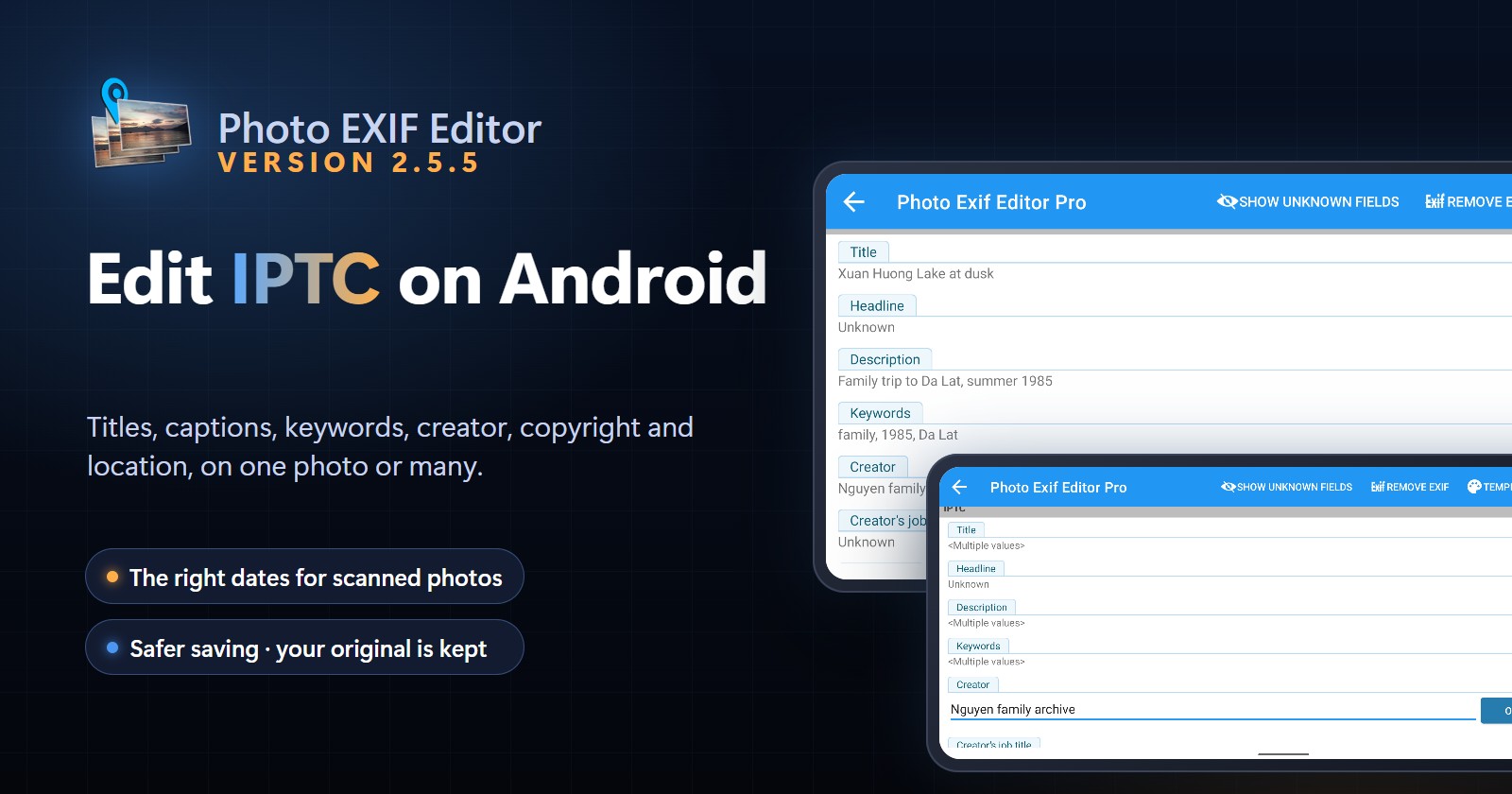
Photo EXIF Editor 2.5.5 adds IPTC editing for JPEG photos: titles, descriptions, keywords, creator, copyright and location, on one photo or a whole batch. Dates you set on scanned and old photos now show up correctly in your gallery, saving never leaves a broken photo behind, and the HEIC converter works again on Android 16.
On this page
Photo EXIF Editor 2.5.5 is now available on Google Play. The big news is IPTC: you can now read and edit the captions, keywords, credits and location that photographers, archives and photo agencies store in their pictures, right on your phone. This release also makes the dates you set on scanned and old photos show up correctly in your gallery, makes saving safer, and fixes two bugs.
What is IPTC, and why should you care?
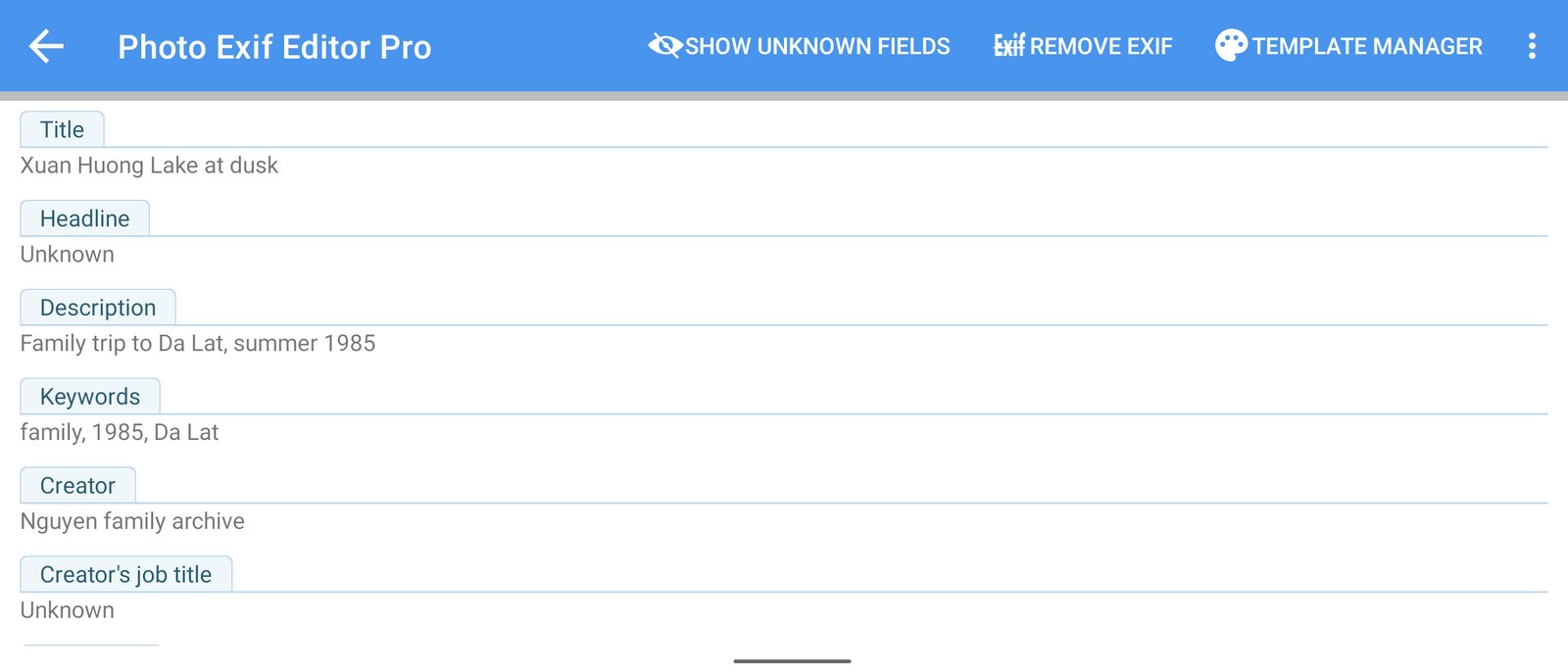
EXIF describes how a photo was taken: the camera, the lens, the exposure, the date and the GPS position. IPTC describes what the photo is about and who owns it: a title, a caption, keywords, the photographer, the copyright notice and where it was taken.
IPTC is the standard that photo agencies, newspapers, archives and photo-management apps such as Adobe Lightroom and Bridge read and write. If you:
- scan family photos and want to record who is in them and where they were taken,
- sell or share your work and want your name and copyright inside every file,
- or organise a large library with keywords you can search later,
then IPTC is where that information belongs, and it now travels with the photo wherever it goes.
Edit IPTC on one photo
Open a JPEG photo and scroll to the new IPTC section. These fields are supported:
- Title, Headline and Description (the caption)
- Keywords
- Creator, Creator's job title, Credit line, Source and Copyright notice
- Description writer, Instructions and Job identifier
- Date created, with a date and time picker
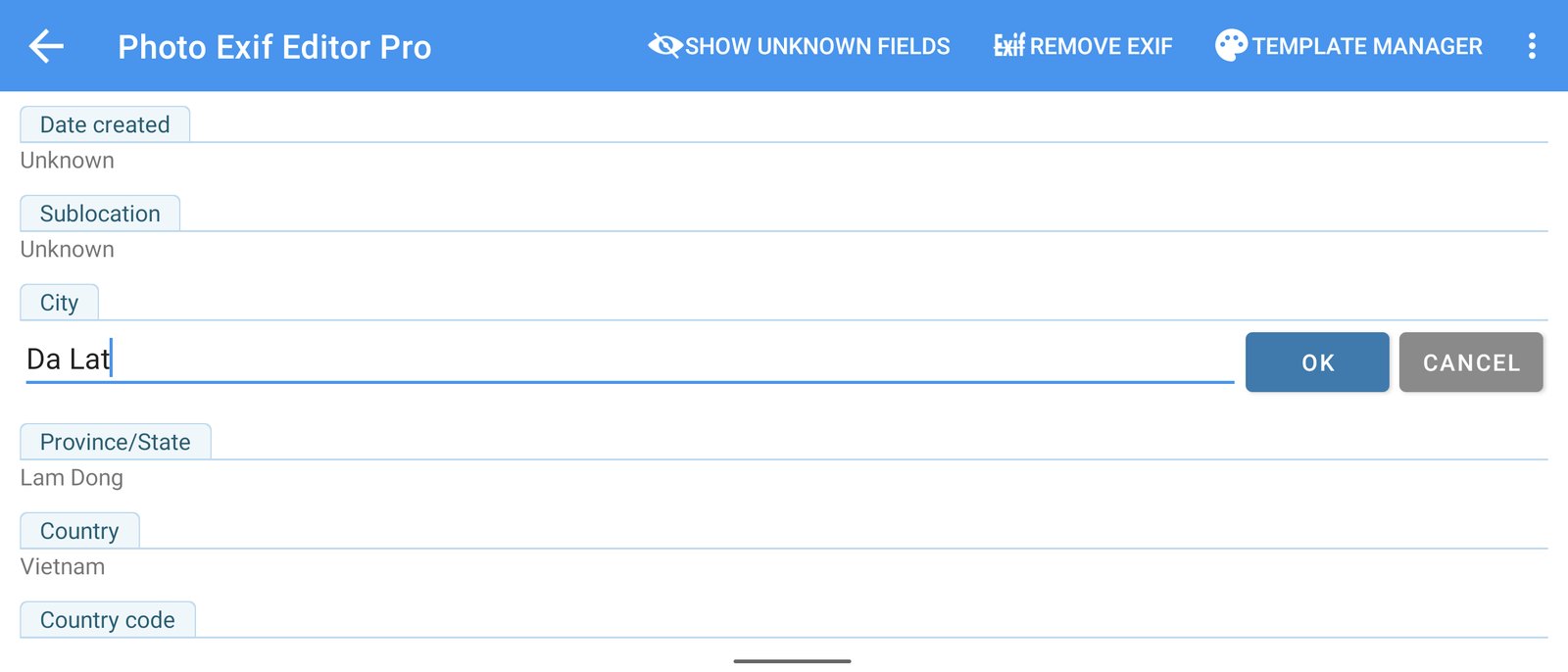
- Sublocation, City, Province/State, Country and Country code
Tap a field, type, tap OK, then tap Save. Text in any language is stored in UTF-8, so names and places with accents or non-Latin scripts are saved exactly as you typed them.
Edit IPTC on many photos at once
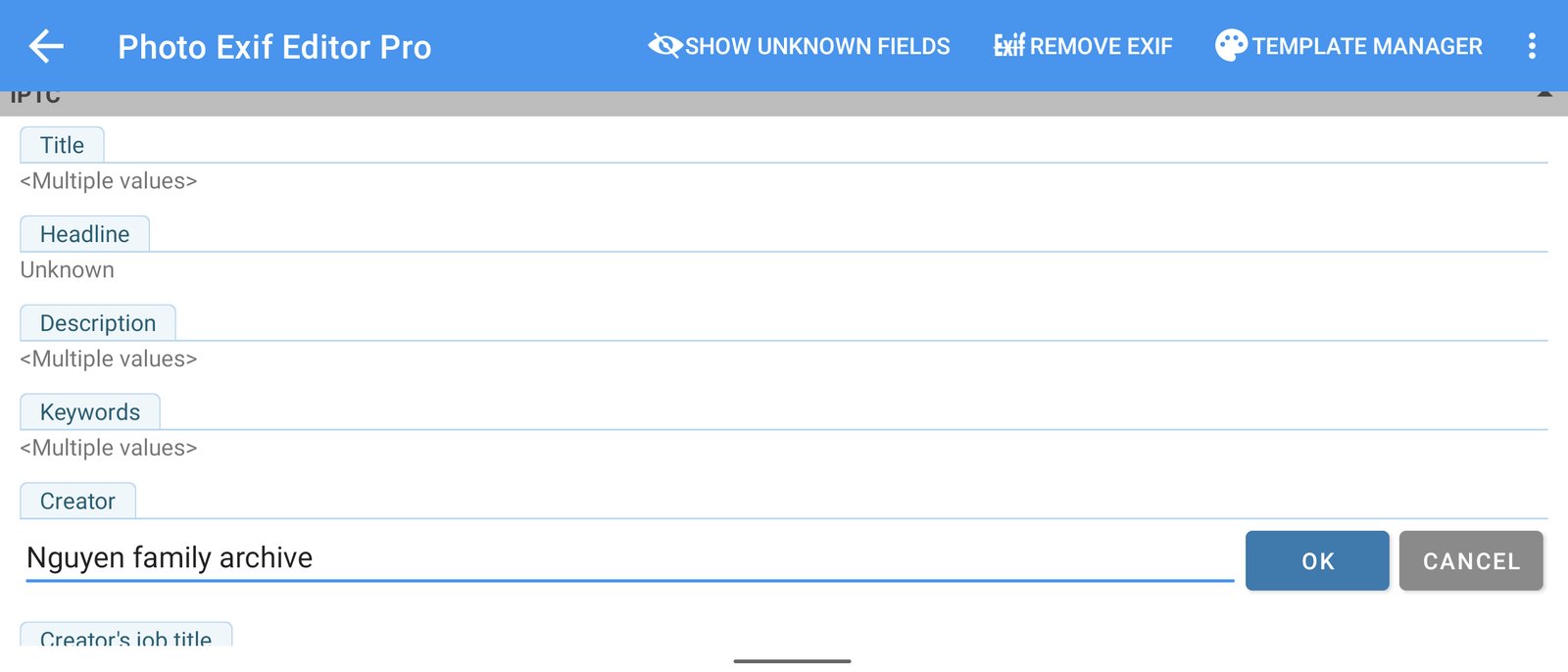
Select several photos to edit them together. Fields that are the same in every photo show their value. Fields that differ show .
Change only the fields you want: if you add keywords to twenty photos, each photo keeps its own caption. Only the fields you edit are written to every photo.
Copy IPTC from one photo to others
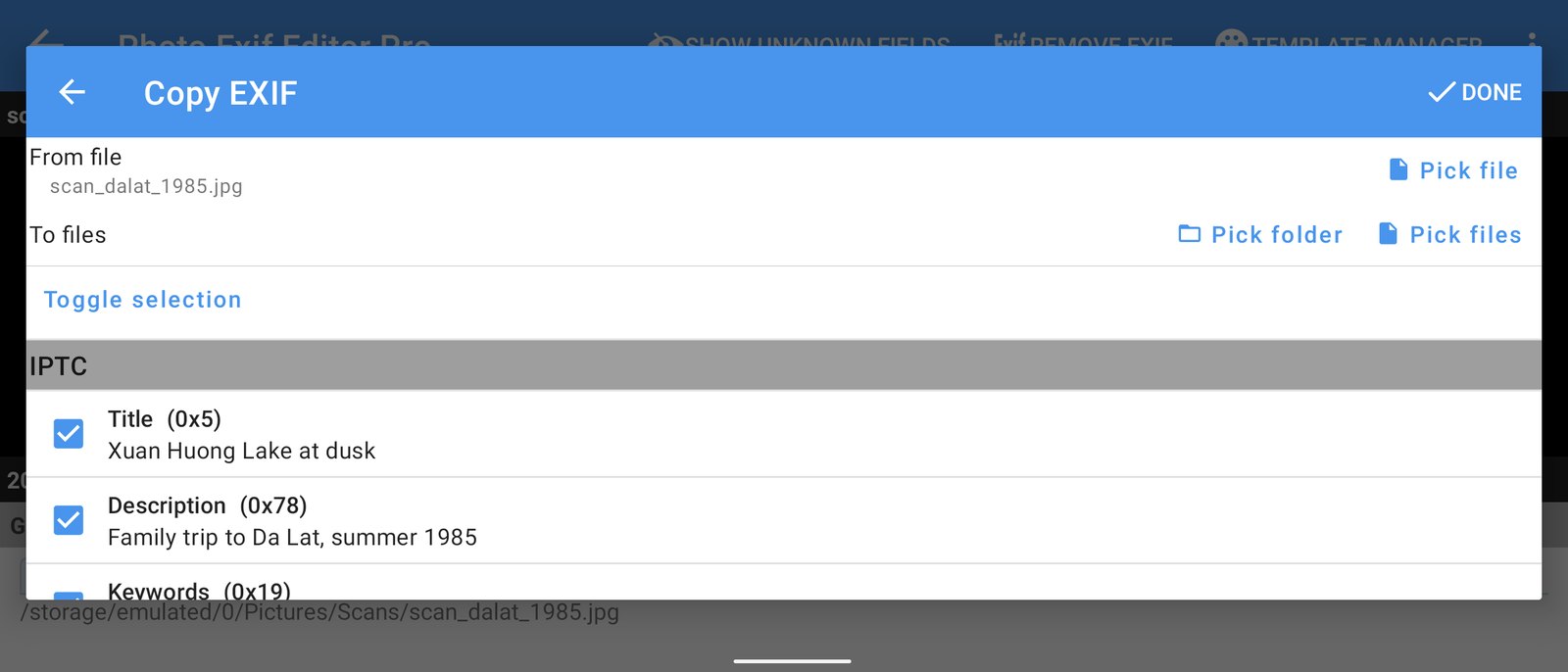
Copy EXIF now has an IPTC section too. Pick a source photo, pick the target photos, and tick the IPTC fields you want to copy, for example your creator name, copyright notice and city. It's the quickest way to stamp your credits on a whole set.
Remove IPTC before you share
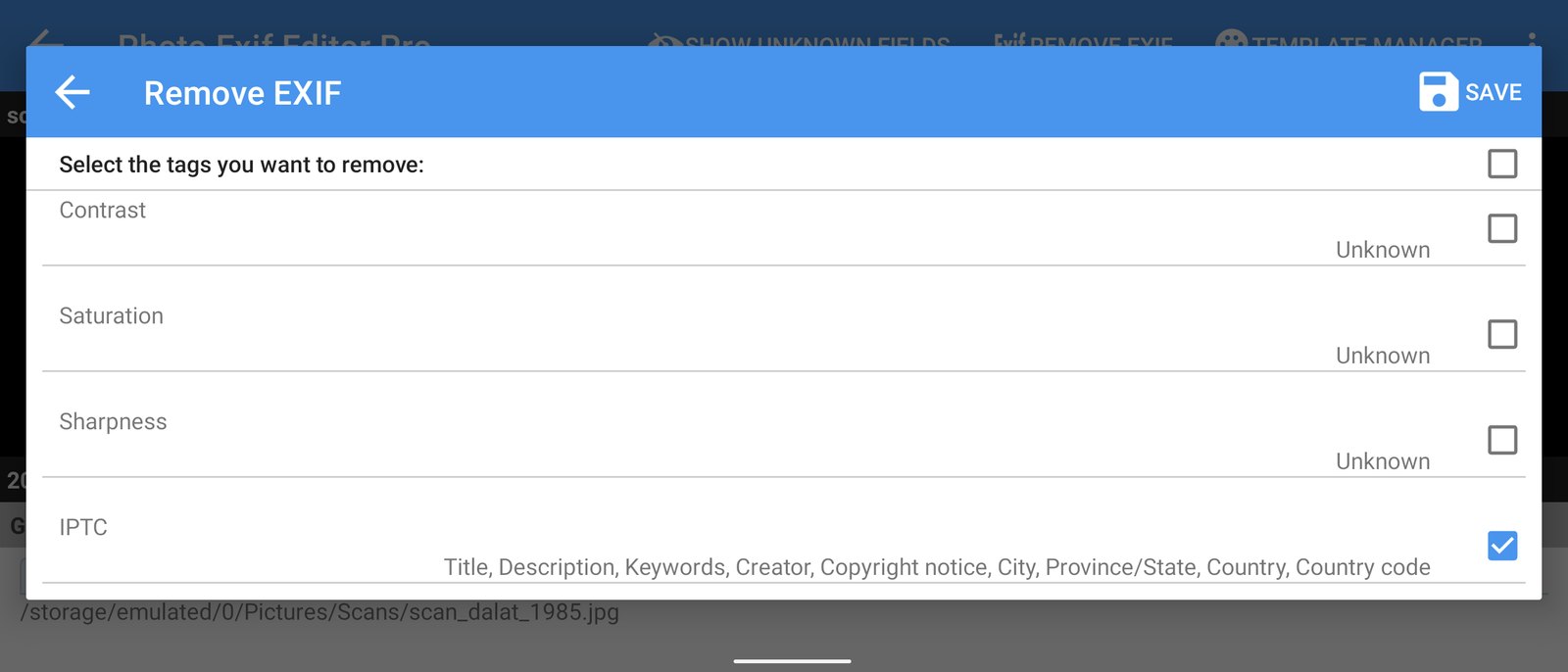
Want to share a photo without its captions and credits? In Remove EXIF, tick IPTC together with any EXIF tags you want to remove. The rest of the photo's metadata stays as it is.
IPTC editing works with JPEG photos.
Dates on scanned and old photos now show up in your gallery
Many of you scan old prints and set each photo's original date in Photo EXIF Editor. Some of you told us that the gallery kept showing the scan date instead.
Here is why. A photo's date in EXIF has no time zone. When Android indexes a photo, it trusts that date only if it is close to the date the file was last changed, which is never the case for a scan from 1985. So Android ignored the date you set, and gallery apps sorted the photo by the day you scanned it.
In 2.5.5, when you change the captured date, Photo EXIF Editor also saves the time zone offset for that date (from your phone's time zone). With the offset, Android knows exactly when the photo was taken, and gallery apps on your phone show it on the right day. This works for single photos and for batch edits.
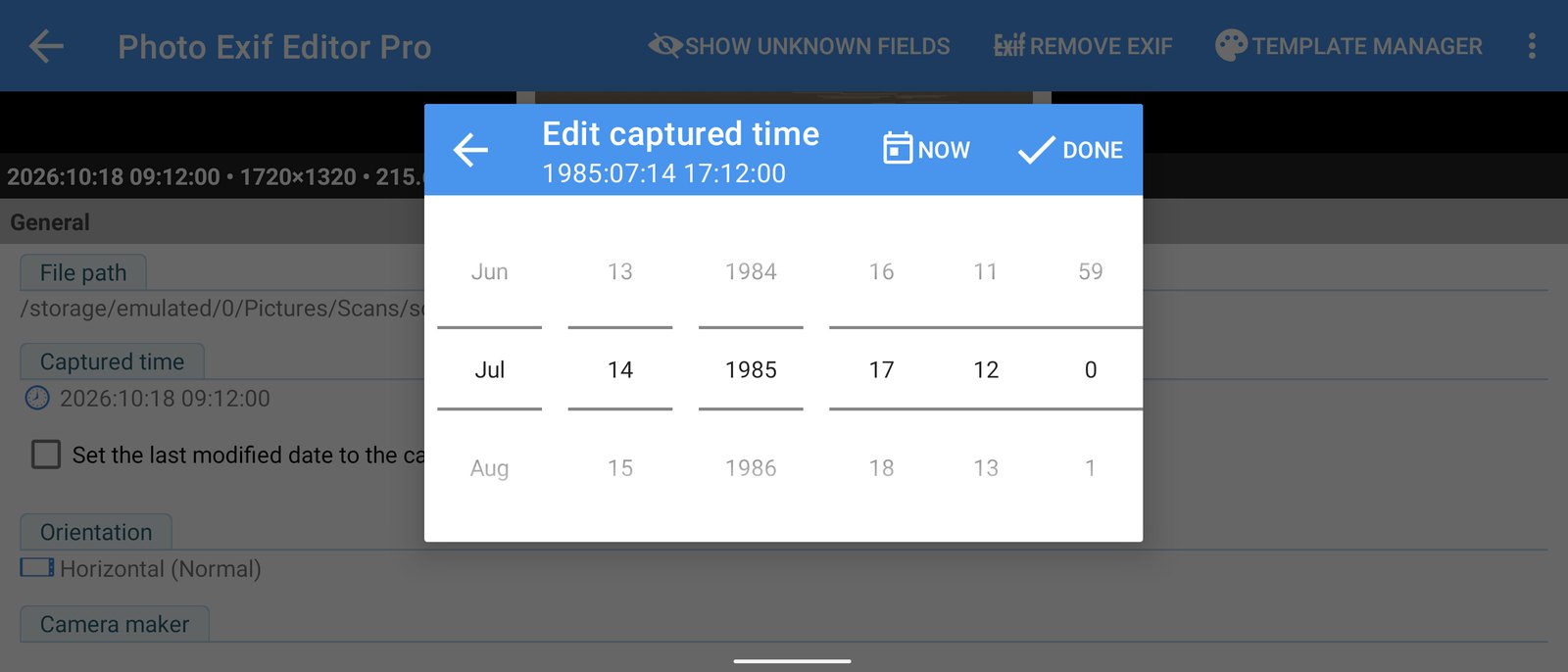
The offset is only added when you change the date. Editing other fields leaves the date tags exactly as they were.
Safer saving
Saving a photo means writing a new version over the old one. Until now, if something went wrong halfway (the phone ran out of storage, or the app was closed during a long batch), the photo could be left incomplete and wouldn't open any more.
Photo EXIF Editor 2.5.5 protects your originals:
- Before saving, it checks the edited photo and makes sure there's enough free space.
- It keeps a temporary backup of the original until the new version is completely written and checked.
- If anything fails, the original is put back and the save is reported as failed.
- If the app is closed in the middle of a save, the original is restored the next time you open the app.
This matters most when you edit thousands of photos in one go.
Also fixed
- HEIC/HEIF/AVIF converter on Android 16: picking files to convert didn't add them to the list. Picking single and multiple files works again.
- "Multiple values" for Orientation: when you edited several photos that had no orientation tag, Orientation showed even though all of them were the same. It now shows Horizontal (Normal). Photo EXIF Editor also no longer writes the invalid orientation value 0, and photos saved with it by earlier versions are corrected the next time you save them.
Get the update
Photo EXIF Editor 2.5.5 is rolling out on Google Play now. If you don't see it yet, it should arrive within a few days.
Have feedback or ideas? Tell us from the app. We read every message.
Videos
Related app
Photo EXIF Editor
View, edit and remove photo EXIF data and GPS location