Banana Studio Paid App Pre-Black Friday Sale: Up to 50% Off
Banana Studio is discounting paid Android apps. CamRelay, MidiConv, and iPerf for TV are 50% off; other paid apps are 30% off.

Step-by-step help for our apps.
Banana Studio is discounting paid Android apps. CamRelay, MidiConv, and iPerf for TV are 50% off; other paid apps are 30% off.

What battery wear means, how design capacity differs from estimated capacity, and why Android battery readings are sometimes unreliable.
The last episode of our video guide to Photo EXIF Editor: what a photo gives away, removing the location, the camera details or everything before it goes online, and converting HEIC, HEIF and AVIF photos to JPEG or PNG with their metadata kept.
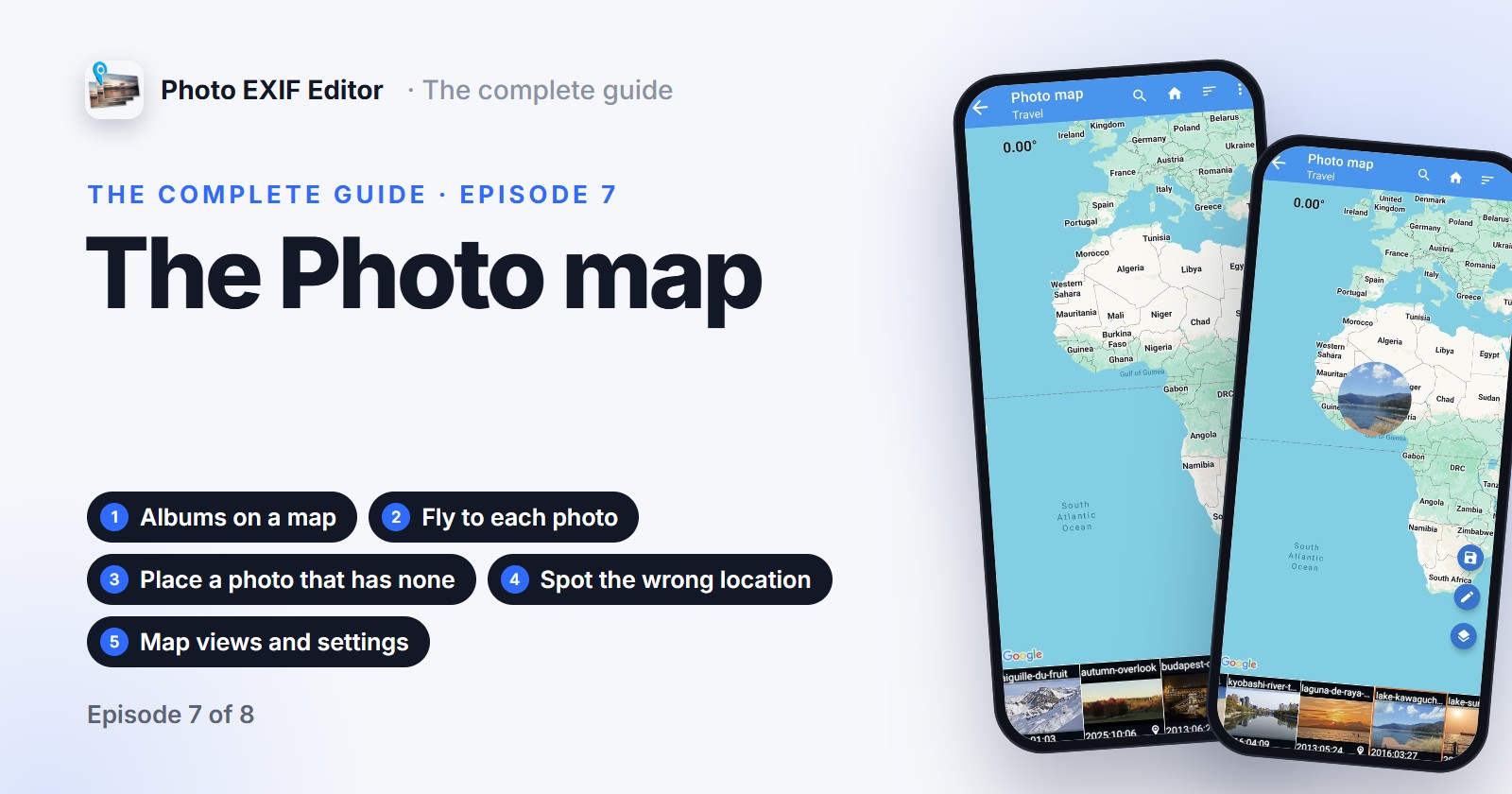
Episode 7 of our video guide to Photo EXIF Editor is about the Photo map: your albums on a map, flying from photo to photo, placing a photo that has no location, spotting the one that landed in the wrong place, and the map views and settings.
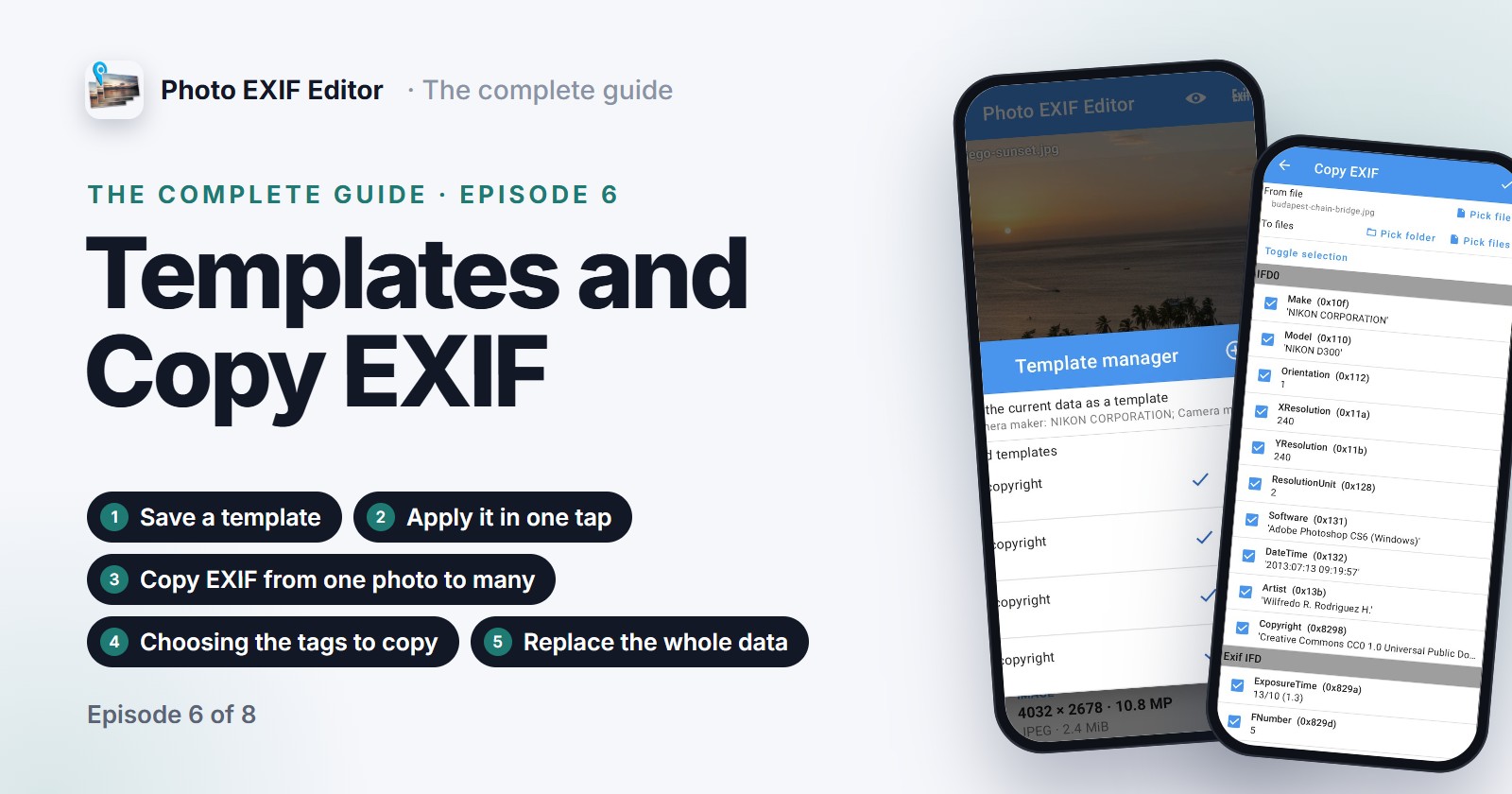
Episode 6 of our video guide to Photo EXIF Editor is about not typing the same things twice: save a template with your name, copyright and camera details and apply it in one tap, to one photo or a batch; then use Copy EXIF to take the information from one photo and write it into others.
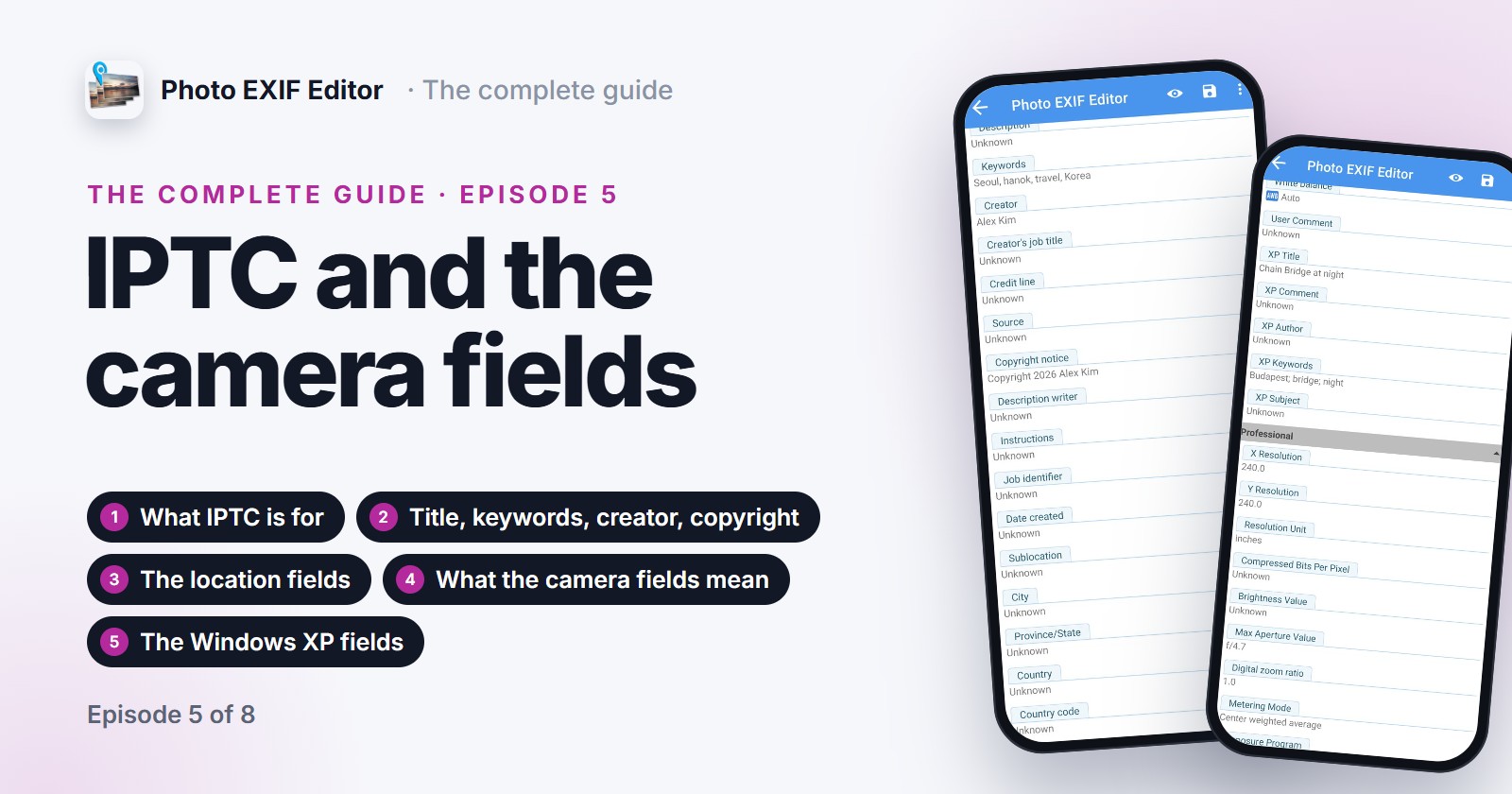
Episode 5 of our video guide to Photo EXIF Editor covers IPTC, the fields photo libraries, stock sites and newsrooms read: titles, keywords, creator, copyright and the location fields. Then it decodes the camera fields in the Advanced section, from aperture and exposure time to orientation and the Windows XP fields, in plain words.
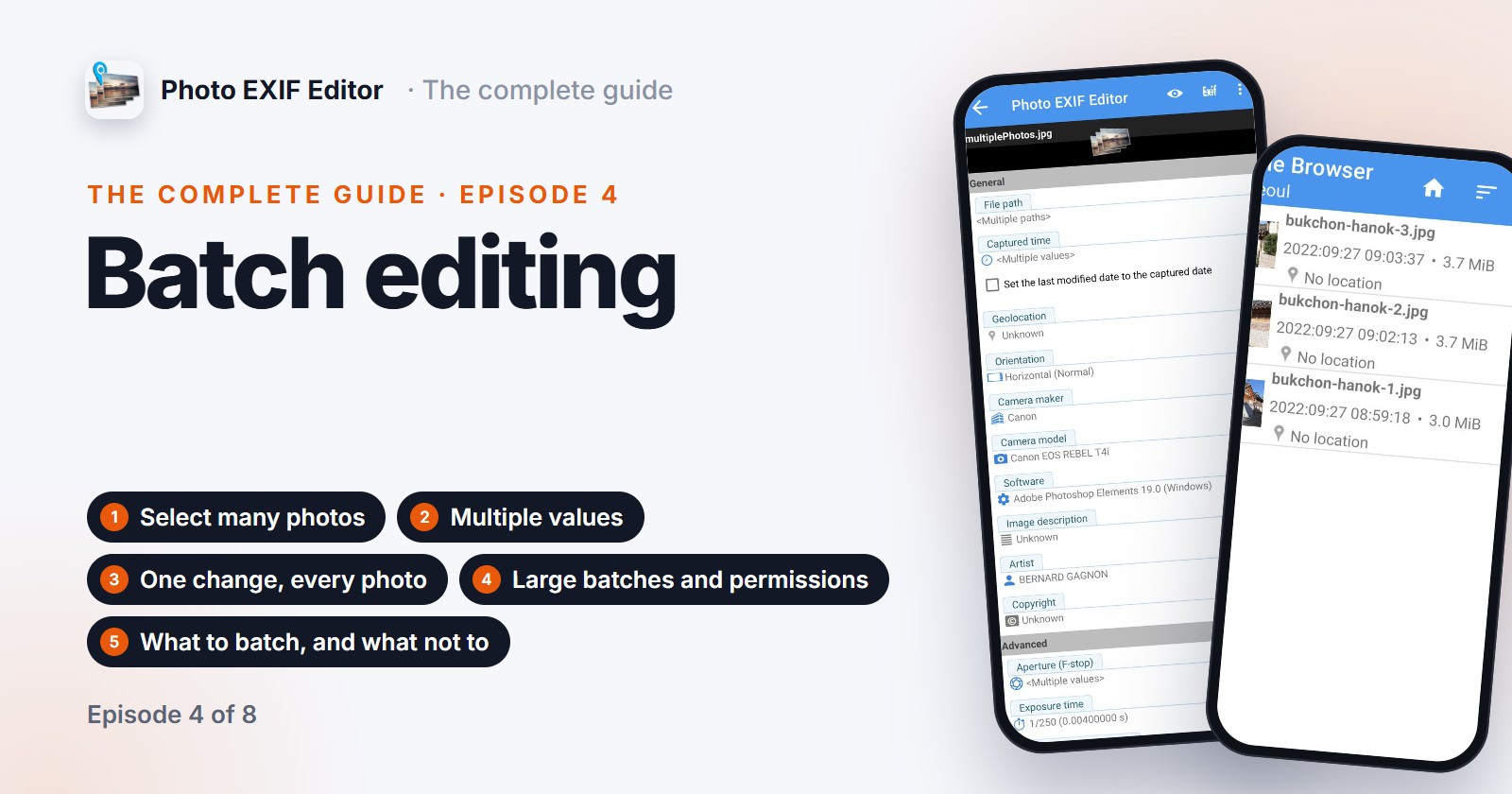
Episode 4 of our video guide to Photo EXIF Editor is about editing many photos at once: selecting a folder, what Multiple values means, one change written to every photo, shifting a whole trip, large batches of hundreds or thousands of photos, and the permissions Android asks for along the way.
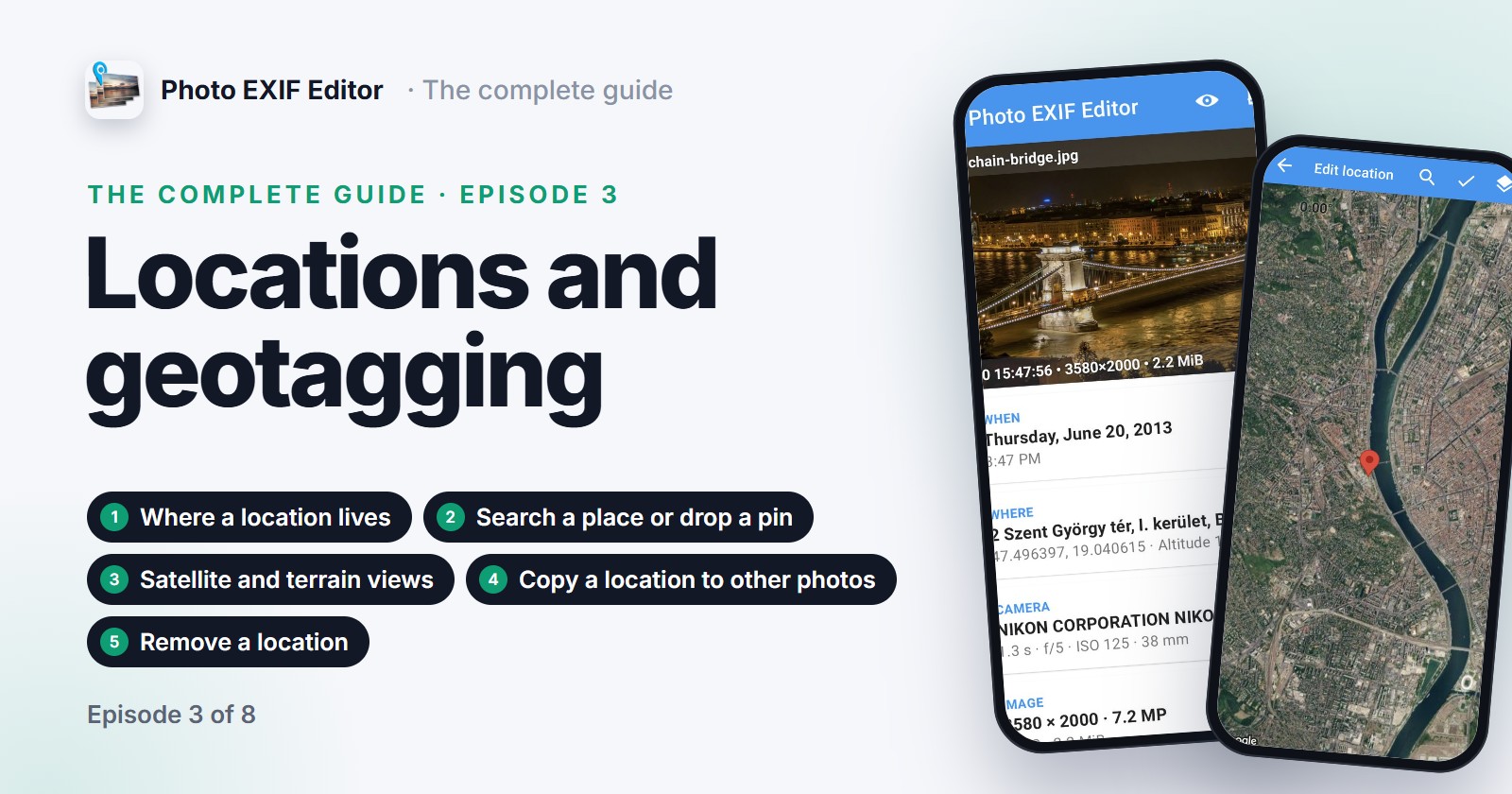
Episode 3 of our video guide to Photo EXIF Editor puts photos on the map: where a location lives inside a photo, adding one by searching a place or dropping a pin, placing a photo exactly on satellite view, copying a location from one photo to many, and removing a location before a photo goes online.
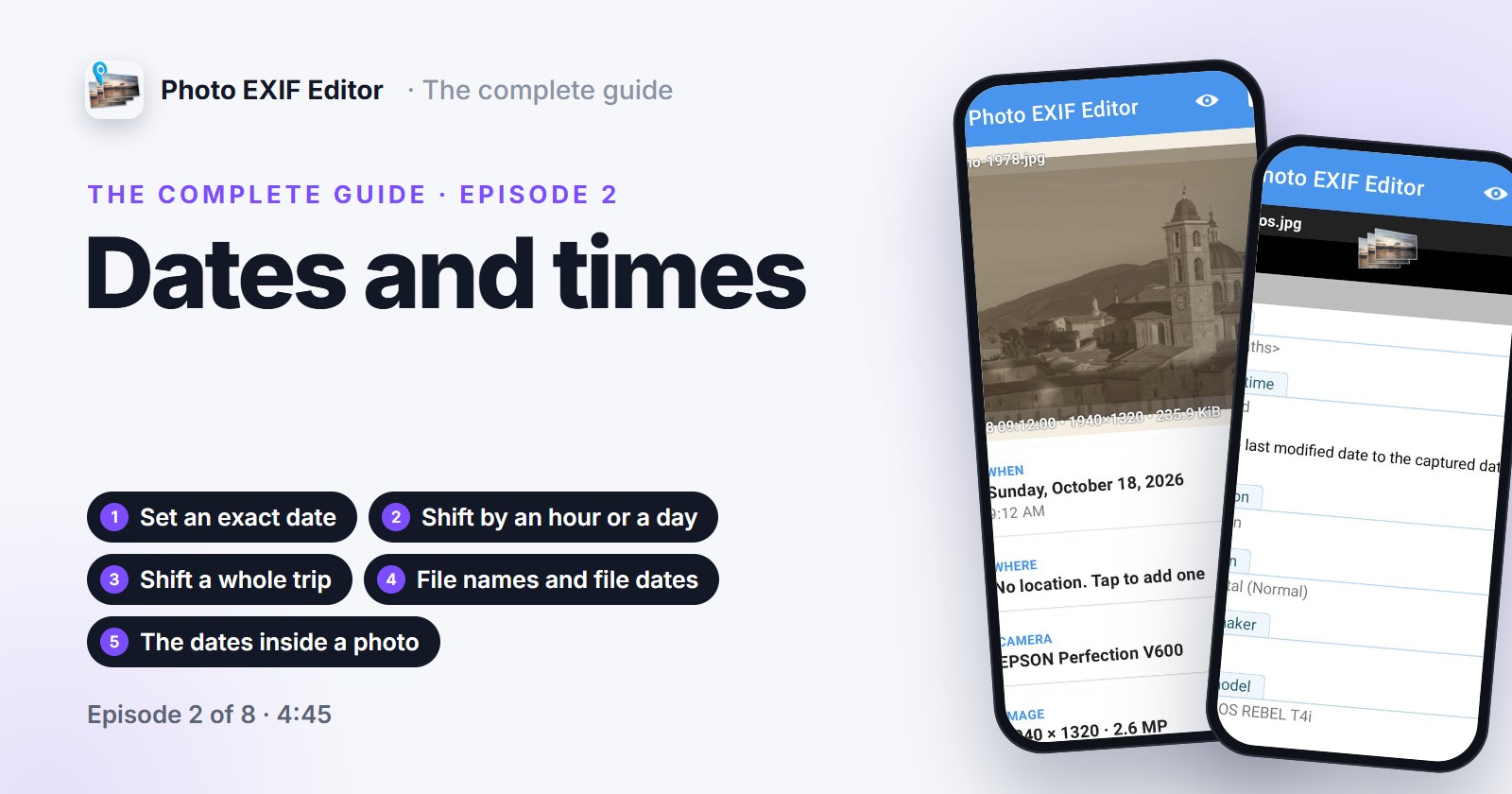
Episode 2 of our video guide to Photo EXIF Editor fixes the most edited field of all: set an exact date for a scan that has none, shift a photo by an hour when the camera forgot summer time, shift a whole trip by a day in one go, keep file names and the file's own date in step, and understand the three dates hiding inside every photo.