CamRelay 1.0.8: Talk to Your Phone Camera from the Browser
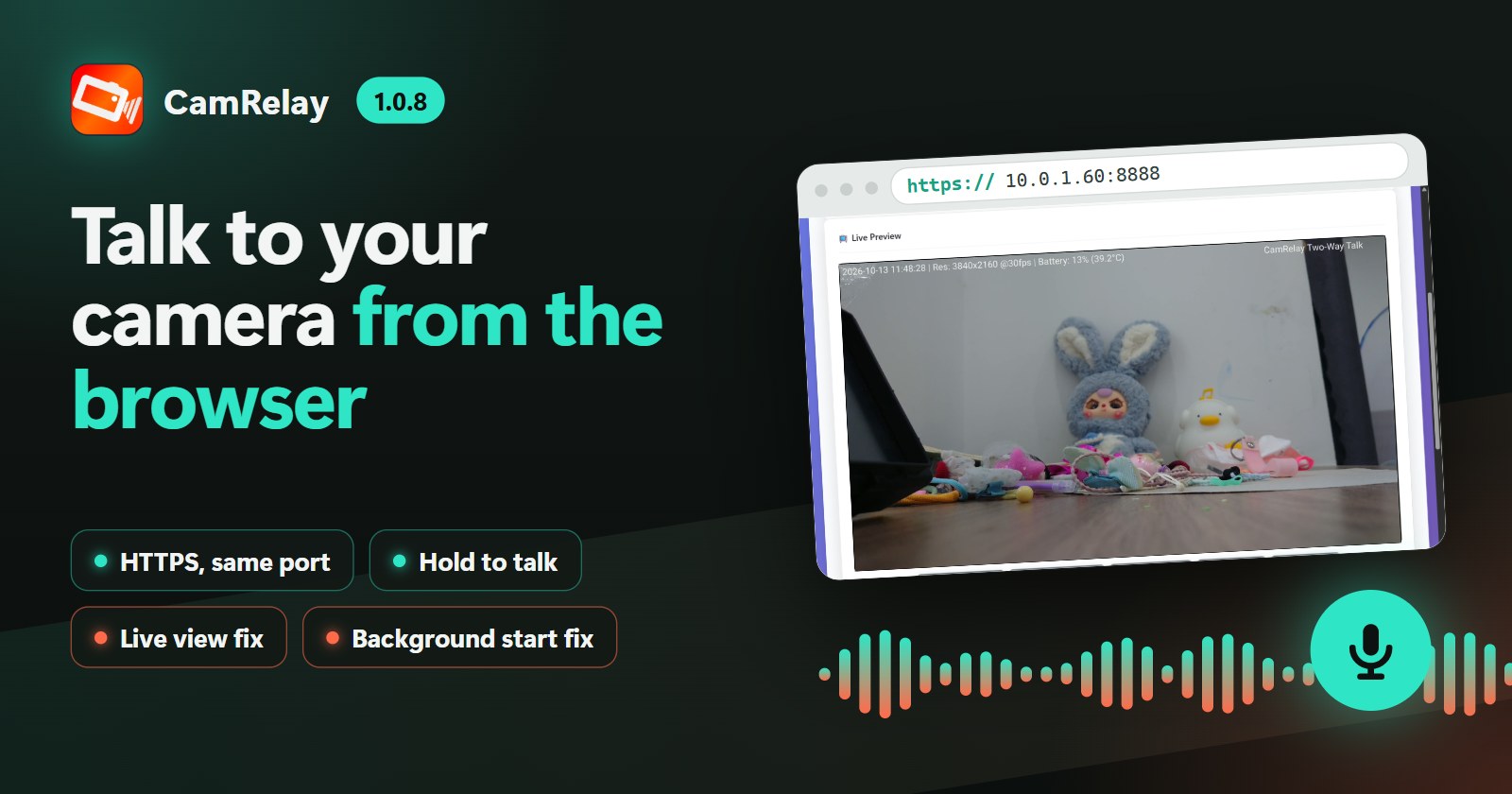
CamRelay 1.0.8 adds two-way talk straight from the browser: open the web interface over HTTPS, hold the Talk button and your voice plays on the phone. HTTPS now runs on the same port as before. Two fixes make the browser live view and web-started streaming more reliable.
On this page
CamRelay 1.0.8 is now available on Google Play. Until now, two-way talk needed an NVR or a player that supports the RTSP backchannel, such as Frigate or go2rtc. From this release, any browser can do it: open CamRelay's web interface over HTTPS, hold the Talk button, and your voice plays on the phone's speaker while you keep watching the live view.
HTTPS, on the same port
Browsers only give a web page access to the microphone on a secure (HTTPS) page. So CamRelay's web interface now also answers over HTTPS, on the same port you already use: if you open http://192.168.1.50:8888, the secure version is simply https://192.168.1.50:8888. Plain HTTP keeps working as before, and so do your NVR, Frigate, Home Assistant and bookmarks.
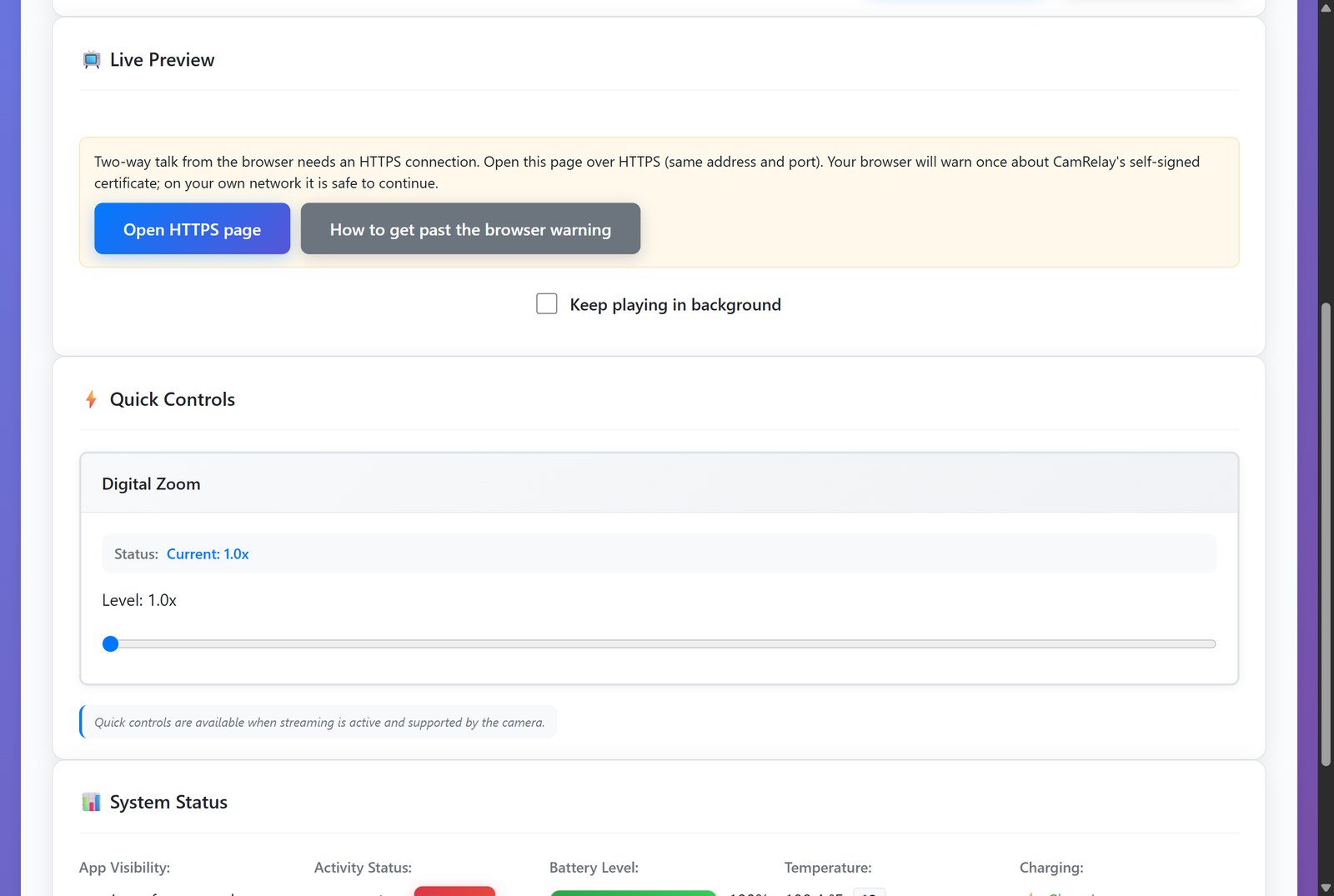
CamRelay creates its own certificate on the phone the first time it starts, so there is nothing to set up. Because that certificate is self-signed, your browser warns once when you open the HTTPS page. On your own network it is safe to continue:
- Chrome, Edge: click Advanced, then Proceed to … (unsafe).
- Firefox: click Advanced…, then Accept the Risk and Continue.
- Safari: click Show Details, then visit this website.
The browser remembers your choice, so you see the warning only the first time. The same guide is built into the web interface, together with the certificate's fingerprint so you can compare it with what the browser shows, and a download link if you want to trust the certificate permanently on a device.
Two-way talk from the browser
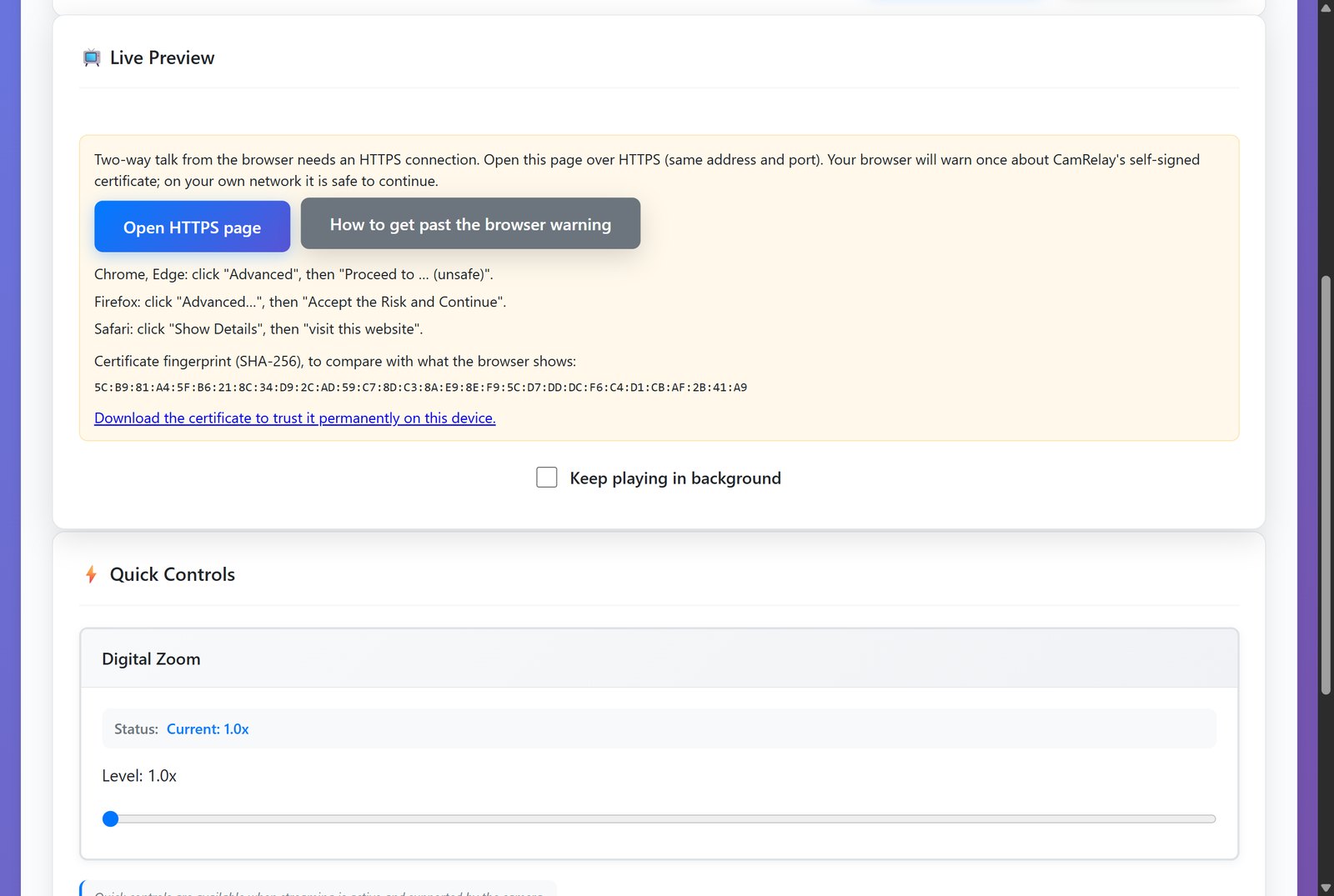
On the HTTPS page, a Talk bar appears under the live view as soon as the stream is running. It offers both ways of talking:
- Hold to talk: press and hold the button, speak, let go. Works with a mouse, a finger or the keyboard.
- Start talking / Stop talking: switch talking on, have a conversation, switch it off.
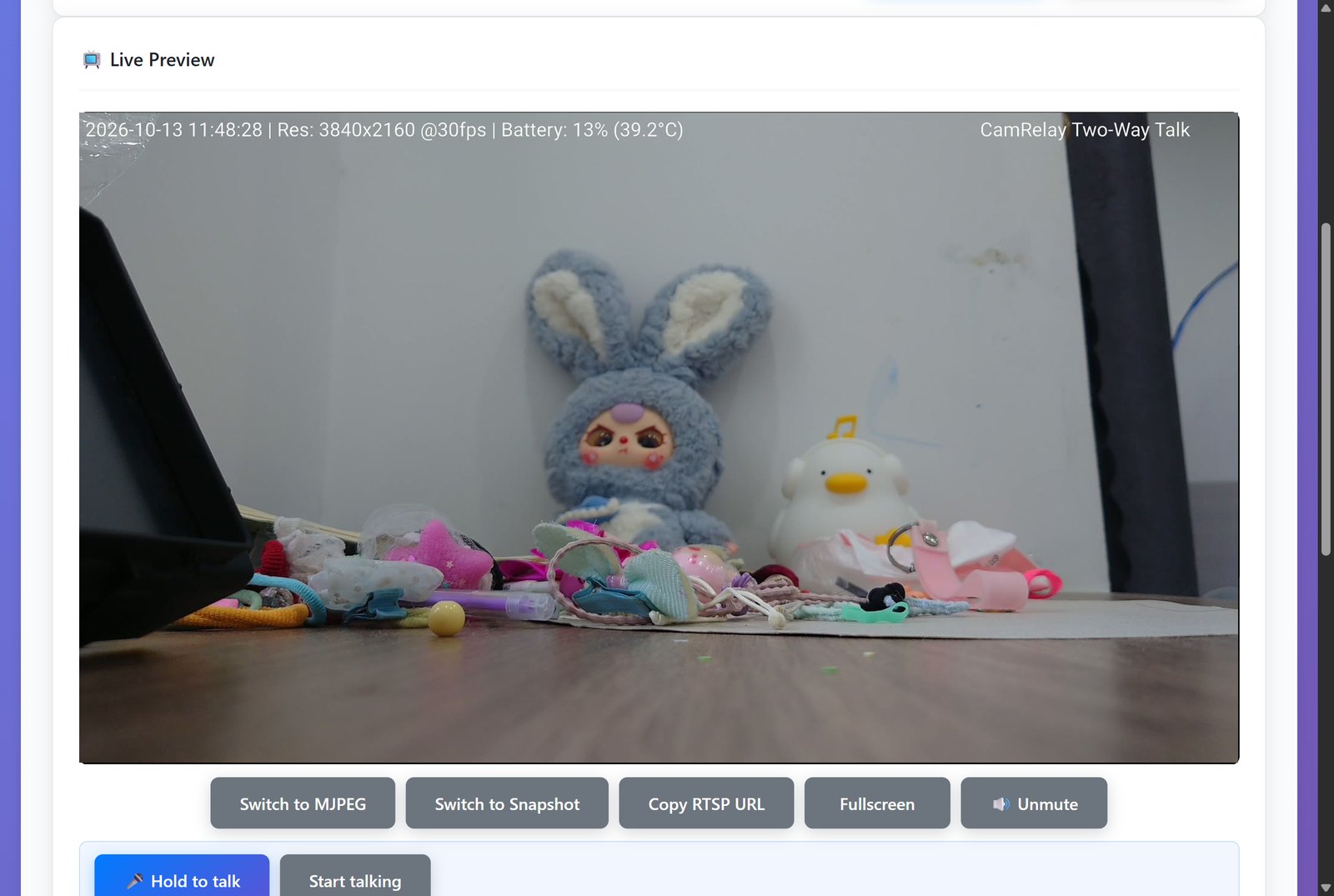
The first time, the browser asks for permission to use your microphone. Your voice then plays on the phone's loudspeaker, in the phone's call mode, with the browser's echo cancellation and noise suppression applied. The live view keeps playing while you talk, and your NVR keeps recording: nothing is interrupted. One person can talk at a time; a second browser gets a short "someone else is talking" message.
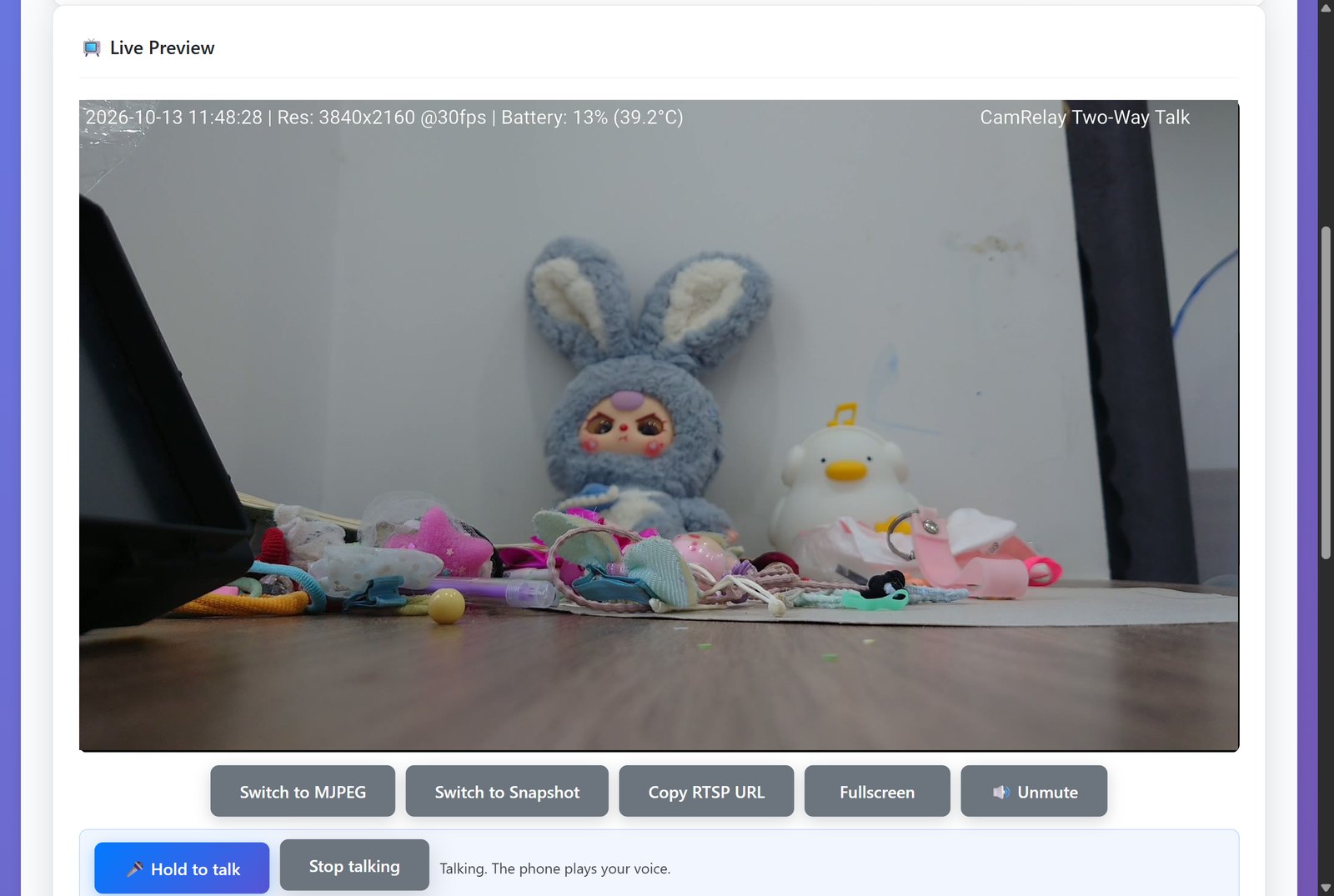
Tip: the Talk bar uses the Playback Volume from the app's Two-Way Talk settings, the same setting that applies to an NVR's talk-back.
Also fixed in 1.0.8
The browser live view showed no video on some phones
On phones that had been running for a long time, the live view in the web interface connected but never showed a picture and fell back to the slower MJPEG mode. The cause was a mismatch between two clocks inside the phone, which grew with every hour the phone spent asleep. The live view now plays on every phone we tested, including ones that had not been restarted for weeks.
Starting the stream from the web while the app was in the background
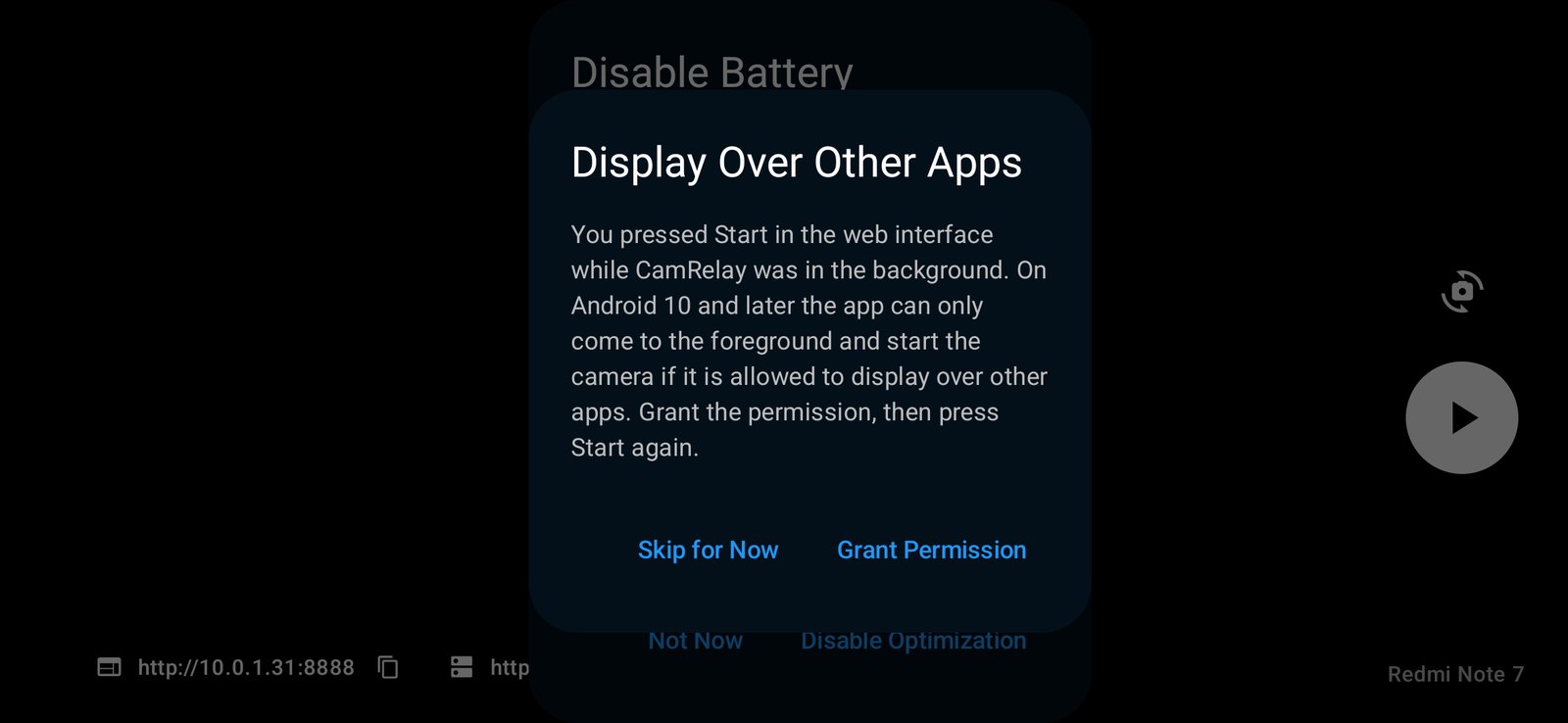
If CamRelay's screen was not in front, for example because you had switched to another app, starting or stopping the stream from the web interface could crash the app, and the web interface with it. Now the app comes to the front first, waits for the camera, and starts the stream.
On Android 10 and later, an app may only bring itself to the front if it is allowed to display over other apps. If CamRelay does not have that permission yet, the web start is ignored, and the next time you open the app it explains what happened and offers to grant the permission. If you already allowed it for auto-start on boot, nothing changes.
Get the update
CamRelay 1.0.8 is rolling out on Google Play now. If you don't see it yet, it should arrive within a few days. After updating, open the web interface, follow the Open HTTPS page button under the live view, and say hello.
Have feedback or ideas? Tap Feedback in the app's About screen. We read every message.
Videos
Related app
CamRelay - RTSP Live IP Camera
Turn your Android phone into a powerful RTSP network camera.
Related posts
CamRelay 1.0.7: Protect Your Phone Camera with a Username and Password
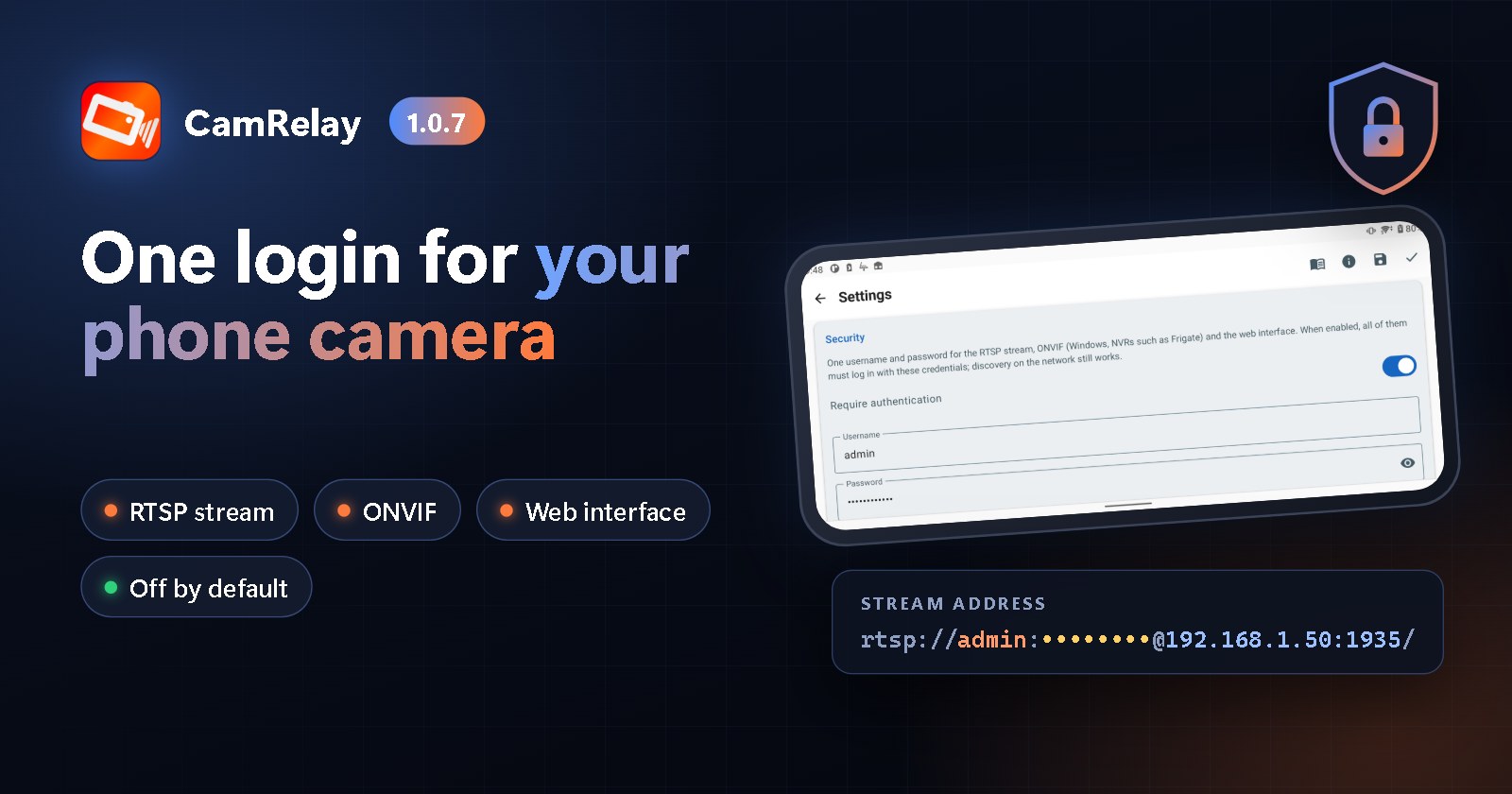
CamRelay 1.0.7 adds a Security setting: one username and password now protect the RTSP stream, ONVIF and the web interface. It is off by default, so nothing changes until you turn it on. The web interface signs you in once without a storm of login pop-ups, and two small fixes make setup smoother.
CamRelay 1.0.6: Deeper ONVIF Support for Your NVR, and a Smoother Web Live View
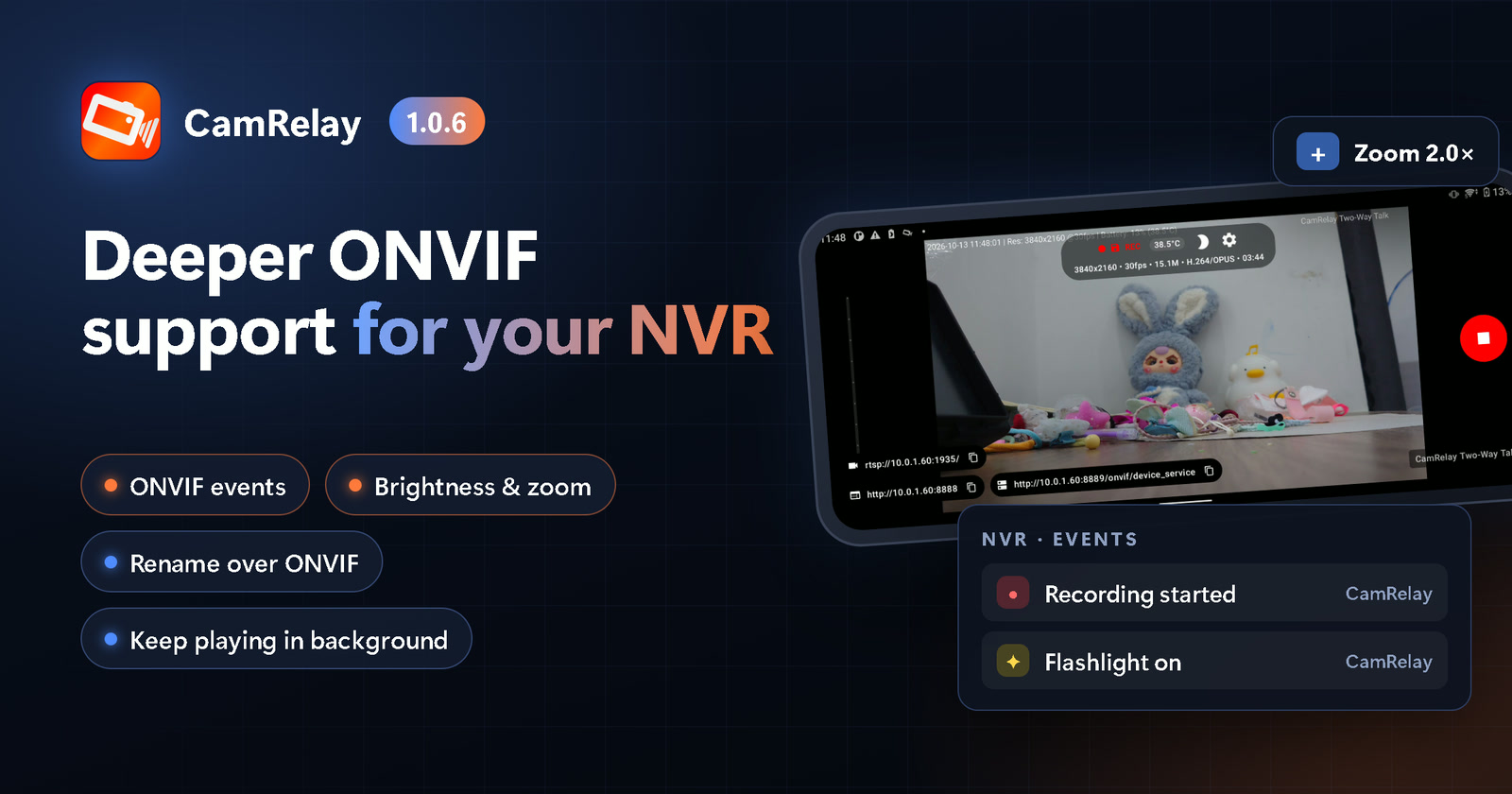
CamRelay 1.0.6 lets your NVR and ONVIF apps do much more with your phone camera: receive recording and flashlight events, adjust brightness and zoom, and rename the camera. Windows and NVRs now pick up a new camera name right away. The web live view can keep playing in a background tab, and several web interface fixes make everyday use smoother.
CamRelay 1.0.5: Ready for Android 17, and Now in Vietnamese
Android 17 adds a new permission that apps need before they can talk to devices on your Wi-Fi. CamRelay 1.0.5 asks for it, explains why, and makes it easy to turn on later, so your NVR, VLC and browser can keep reaching your camera. The app is also now available in Vietnamese, more of it is translated in every language, and the web File Manager works again in French and Italian.