CamRelay 1.0.6: Deeper ONVIF Support for Your NVR, and a Smoother Web Live View
CamRelay 1.0.6 lets your NVR and ONVIF apps do much more with your phone camera: receive recording and flashlight events, adjust brightness and zoom, and rename the camera. Windows and NVRs now pick up a new camera name right away. The web live view can keep playing in a background tab, and several web interface fixes make everyday use smoother.
On this page
CamRelay 1.0.6 is now available on Google Play. This release is all about the devices that watch your camera. Your NVR, your video management software and your ONVIF apps can now do much more with the phone: receive events, adjust brightness and zoom, and even rename the camera. On the web side, the live view can keep playing in a background tab, and a handful of fixes make the web interface more reliable.
Nothing changes in how you set up CamRelay. If you already use it with an NVR, the new features are simply there the next time your NVR talks to the phone.
Events: your NVR knows what the camera is doing
ONVIF events let an NVR react to what happens on a camera instead of asking it over and over. CamRelay 1.0.6 now sends two kinds of events:
- Recording: when local recording on the phone starts or stops.
- Flashlight: when the flashlight is turned on or off, whether from the app, the web interface or the NVR itself.
As soon as an NVR subscribes, it receives the current state of both, and from then on every change arrives within about a second. CamRelay supports both ways NVRs use to receive events: pull points, where the NVR asks for new events, and push notifications, where the phone sends them to the NVR as they happen. Push notifications over plain HTTP, which is what nearly every NVR uses, work on real phones too.
You can use these events in your NVR's rules, for example to show an alert when the camera's local recording stops, or to log when the flashlight was used.
What about motion detection? CamRelay does not send motion events. Motion detection on a phone would use extra battery and heat, and your NVR is better placed to do it. NVRs such as Frigate, Blue Iris or Synology Surveillance Station analyse the RTSP stream themselves, and that keeps working exactly as before.
Brightness and zoom, from your NVR
Until now, exposure and digital zoom could only be changed in the app or in CamRelay's web interface. In 1.0.6, your NVR and ONVIF apps can change them too.
Brightness and exposure
CamRelay now offers the ONVIF Imaging service. In your NVR's or ONVIF app's image settings you will find:
- Exposure mode: Auto lets the camera handle exposure, Manual lets you set it yourself.
- Brightness: a slider from 0 to 100 that maps to the phone camera's exposure compensation range.
It is the same setting you see in the app, so a change made from the NVR shows up in the app and in the web interface, and the other way round. Focus is not available over ONVIF.
Zoom
CamRelay also answers the ONVIF PTZ commands for zoom. Use the zoom buttons or the zoom slider in your NVR to zoom in and out:
- Continuous zoom while you hold the button, and absolute or relative zoom for NVRs that jump to a position.
- The zoom level is remembered, just like when you change it in the app.
- Pan and tilt are not available: a phone camera cannot turn. Presets and a home position are not available either; NVRs get a clear answer instead of an error.
Brightness and zoom only work while the camera is streaming. If it is not, the NVR gets a clear "camera is not active" answer.
Rename the camera from your ONVIF app
Many ONVIF apps and Windows show the camera's host name. In 1.0.6 you can change it from there, too, and CamRelay updates the camera name everywhere: in the app's settings, in the web interface and in the name shown on the video. The stream is not interrupted, and recording continues.
Only valid network names are accepted: letters, digits and hyphens, without spaces, up to 63 characters. That keeps an ONVIF client from putting arbitrary text onto your video. If a name is not allowed, nothing changes.
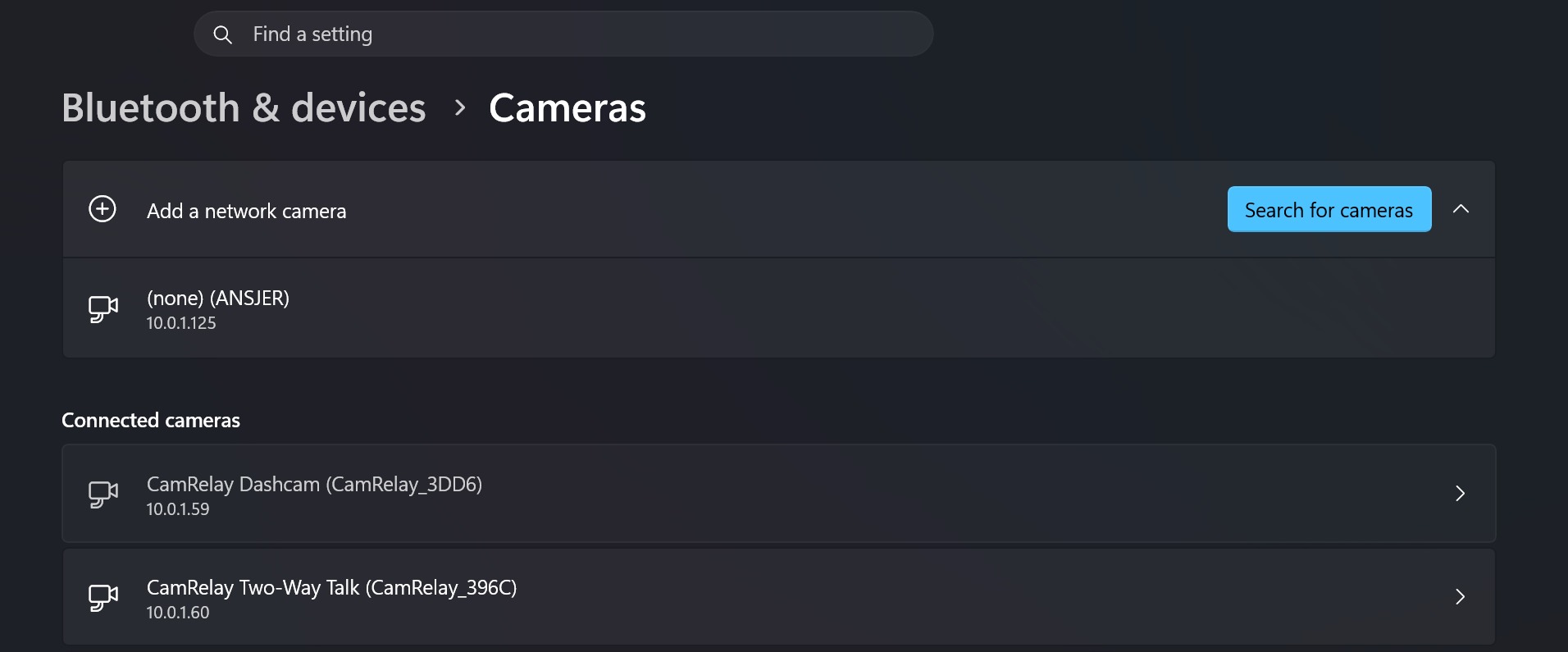
Windows and NVRs see the new name right away
Whether you rename the camera in the app, in the web interface or from an ONVIF app, CamRelay now announces the change on the network immediately. Windows and NVRs that use discovery pick up the new name without restarting the camera or the app.

We also fixed a case where Windows kept showing old information after CamRelay was reinstalled or its data was cleared. Windows remembers a version number for each camera it knows, and a fresh install started counting from the beginning again, so Windows ignored the update. CamRelay now always announces a version that is newer than anything Windows has seen.
Works better with more ONVIF software
Video management software often checks a long list of ONVIF features when it adds a camera. Some of those used to get an "action not supported" answer from CamRelay, which made some programs give up or show errors. In 1.0.6:
- ONVIF Device Manager opens the camera's Profiles page again. It used to stop with an "Object reference not set" error.
- Software that manages media profiles gets the answers the ONVIF standard defines. CamRelay has one fixed profile that holds all settings, and it now says so properly instead of refusing the request.
- The PTZ service now answers questions about its capabilities, presets and configuration that it used to reject.
- Extra Media2 requests about OSD, masks, metadata and analytics get proper empty answers instead of errors.
We test CamRelay against the ONVIF specification and with real software, including Windows, ONVIF Device Manager and Frigate.
Less background work on Wi-Fi
Wi-Fi reports small changes, such as signal strength, about once a second. CamRelay used to refresh its network discovery each time. Now these changes are grouped, so the phone does less work in the background while discovery keeps answering exactly as before.
Web live view: keep playing in the background
The live view in the web interface pauses a few seconds after you switch to another tab. That saves the phone's battery and network. Some of you want the opposite: listening in with two-way talk, or keeping the view running on a wall screen.
Under the player there is now a Keep playing in background checkbox:
- It is off by default, so nothing changes unless you turn it on.
- It is remembered in your browser, and only there. It is never sent to the phone, so one viewer's choice does not affect anyone else watching.
- Keeping the view running uses more of the phone's battery and network, as the hint next to the checkbox reminds you.
We also fixed Picture-in-Picture: the small floating video used to freeze after a few seconds, because the page thought it was hidden. It now keeps playing for as long as it is open.
File Manager: more accurate seeking
When you play a recording from the web File Manager, jumping to a point in the video now lands exactly where you asked. Some phones could serve the video from a slightly wrong position, and some players that ask for the end of a file first received the whole file instead.
The file that is still being recorded cannot be played or downloaded until it is finished, because it does not have its index yet. CamRelay now refuses it clearly instead of sending a file that will not play. Your finished recordings are not affected.
Fixed: "UNKNOWN" status after restarting the app from the web
If you used the Restart button (📱) in the web interface while streaming, the stream came back and VLC could connect again, but the web interface showed the streaming status as UNKNOWN. The Stop button in the phone's notification also did nothing. Both are fixed: after a restart, the web interface shows the correct status and the notification works as before.
Get the update
CamRelay 1.0.6 is rolling out on Google Play now. If you do not see it yet, it should arrive within a few days. There is nothing to set up: your NVR and ONVIF apps will find the new features the next time they connect.
Have feedback or ideas? Tap Feedback in the app's About screen. We read every message.
Related app
CamRelay - RTSP Live IP Camera
Turn your Android phone into a powerful RTSP network camera.
Related posts
CamRelay 1.0.5: Ready for Android 17, and Now in Vietnamese
Android 17 adds a new permission that apps need before they can talk to devices on your Wi-Fi. CamRelay 1.0.5 asks for it, explains why, and makes it easy to turn on later, so your NVR, VLC and browser can keep reaching your camera. The app is also now available in Vietnamese, more of it is translated in every language, and the web File Manager works again in French and Italian.
CamRelay 1.0.4: Hear Your Camera in the Browser, and Recordings That Survive Anything
CamRelay 1.0.4 adds sound to the live view in your browser, keeps your recordings safe when the phone crashes or loses power, finally lets you clean up recordings left over from an older install, and makes the main screen easier on your battery.
CamRelay 1.0.3: Use Your Phone as a Windows Webcam and Watch Live in Your Browser
CamRelay 1.0.3 turns your phone into a wireless webcam for Windows, ready for Zoom, Teams and Google Meet. You can also watch your camera live in any web browser and keep streaming with the screen off.