SSH Server 0.13.0: Your SSH Shell Now Stays in Its Folders
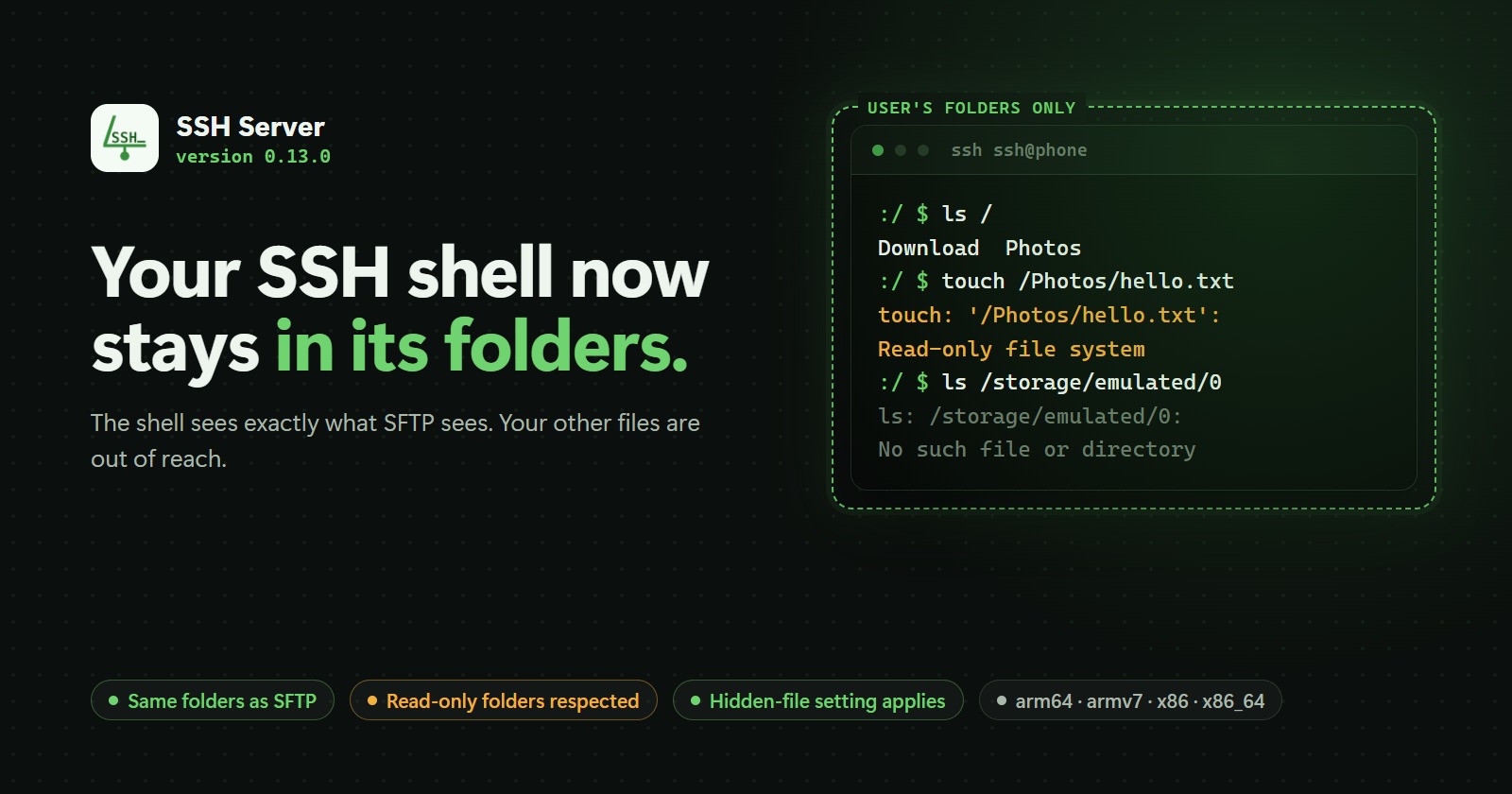
SSH Server 0.13.0 makes the SSH shell follow the same rules as SFTP: each user's shell sees only the folders you set for them, read-only folders stay read-only, and hidden files stay hidden. It also fixes SFTP sessions that ended on a wrong path and two screens that slid under the status bar on Android 15 and later.
On this page
SSH Server 0.13.0: Your SSH Shell Now Stays in Its Folders
SSH Server 0.13.0 is now available on Google Play for phones, tablets and Android TV. This release closes a gap that some of you ran into: the SSH shell now follows the same rules as SFTP. Each user's shell sees only the folders you set up for them, and nothing else.
Why this matters
In SSH Server you give every user a list of folders. SFTP has always respected that list: a user who was given only Download saw Download and nothing more.
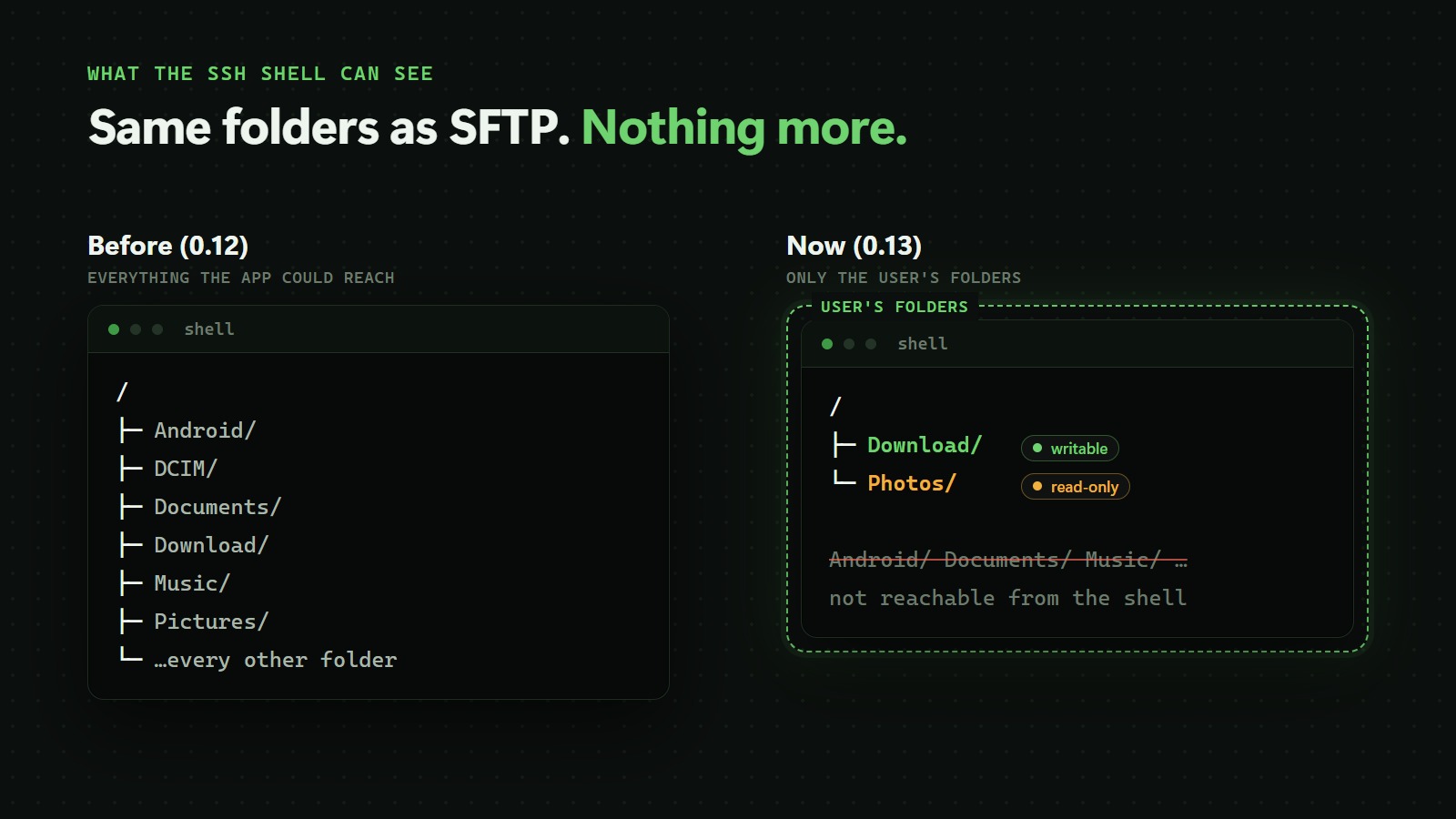
The SSH shell did not. When the same user opened a terminal with ssh, the shell started in the app's own private folder and could look around everything the app itself could reach. That was confusing ("Why can't I find my Downloads folder in the shell?"), and it meant that the folder list was not really a limit for anyone who used the shell.
From 0.13.0, the folder list is the limit everywhere.
What the shell sees now
The shell sees exactly the folders SFTP shows for that user:
- One folder: it appears as
/. If you give a user/storage/emulated/0, then/in their shell is your internal storage. - Several folders:
/lists them by their alias. A user withDownloadandDCIM(shown asPhotos) sees exactly two folders in/:DownloadandPhotos. - Everything else is gone. The rest of your storage, the app's own data and other apps' data are simply not there. Paths that would lead outside, including
..and Linux tricks through/proc, stay inside the user's folders.
Your usual shell tools keep working: ls, cd, cp, mv, find, cat, pipes, scripts and background jobs. Android's own system files stay readable so those commands can run, just as they are on any Android shell.
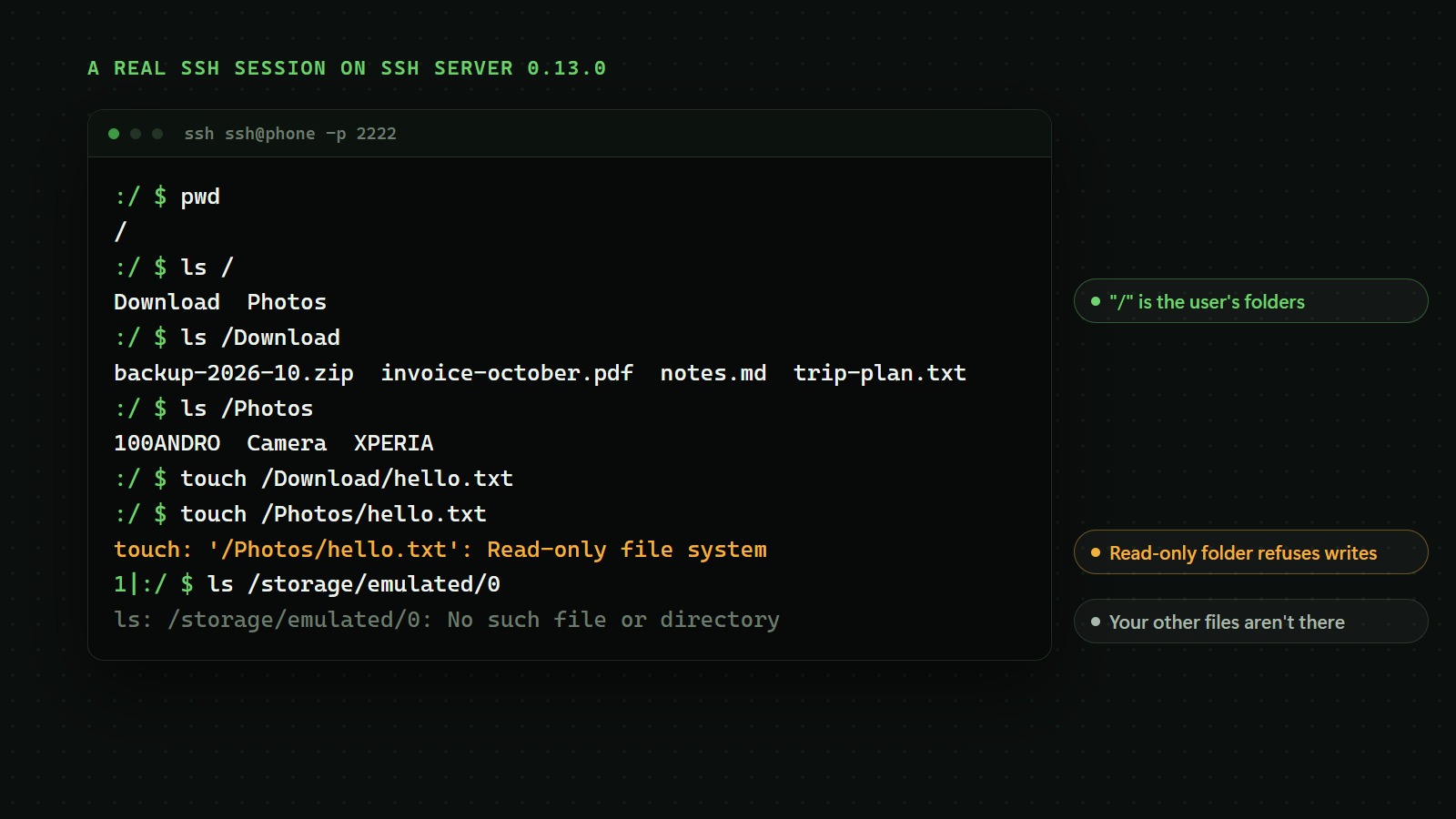
Here is a real session on SSH Server 0.13.0:
Read-only folders and hidden files apply too
Two settings you already know from SFTP now work in the shell as well:
- Writable: if a folder's Writable box is unticked, the shell can open and read it, and copy files out of it, but it can't create, change, rename or delete anything inside. You'll see
Read-only file system, as on a read-only disk. - Show hidden files: if this is off for a user, files and folders whose names start with a dot (
.ssh,.cache, …) are left out of listings in the shell too:ls -a,find, tab completion. As in SFTP, a hidden file can still be opened by its exact name.
How to set it up
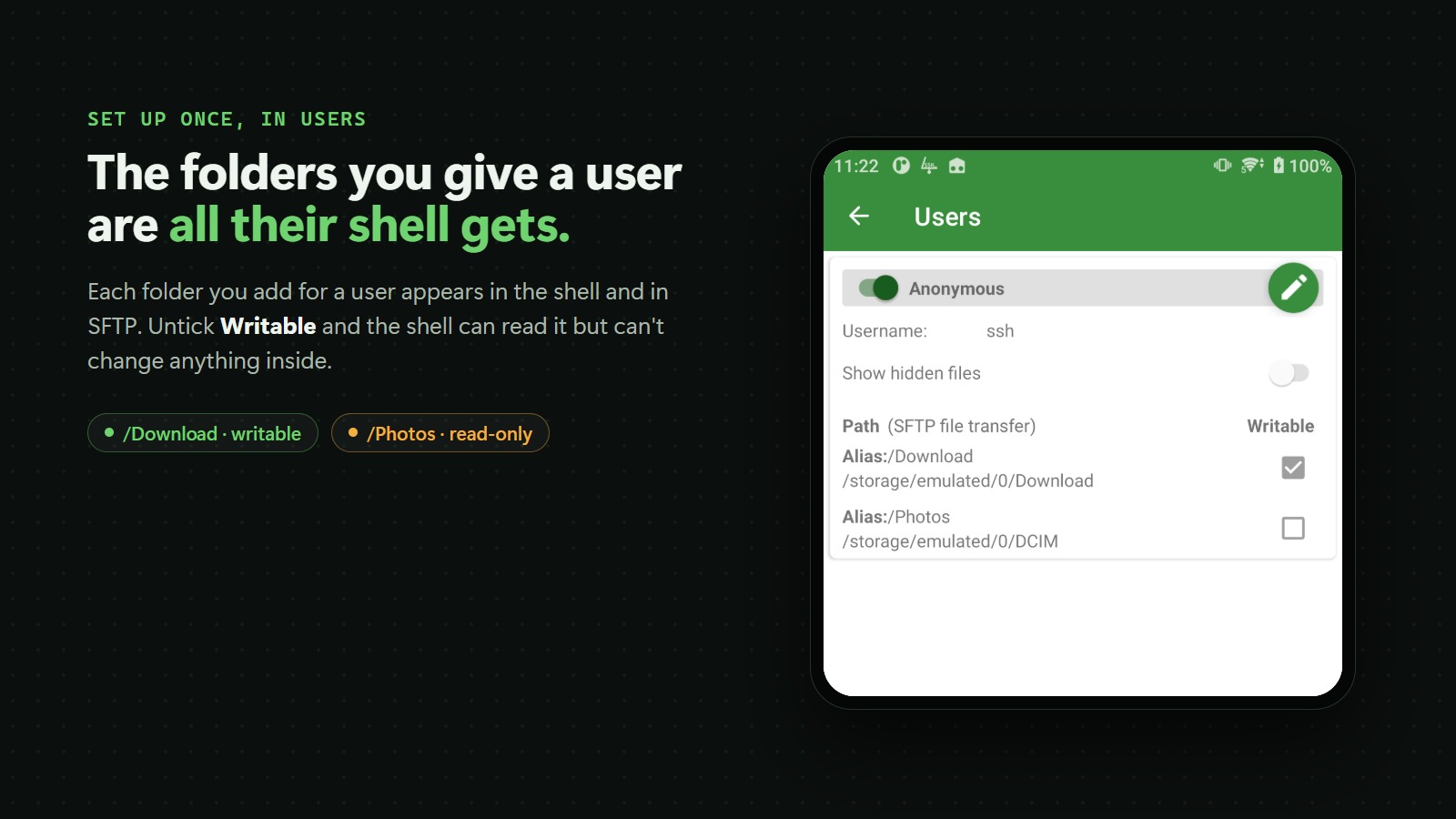
There's nothing new to switch on. The shell uses the folders you already set for each user:
- Open SSH Server and tap Users.
- Tap the pencil next to a user.
- Under Access path, tap Add new and pick a folder. Repeat for each folder the user should get.
- Untick Writable for any folder that should be read-only.
- Tap ✓ to save. The next time that user logs in, their shell shows exactly these folders.
Don't want a user to have a shell at all? The Disable shell switch in the same screen still turns it off.
Works everywhere, no root needed
The new shell works without root on every device SSH Server supports: phones, tablets and Android TV, with 64-bit and 32-bit ARM and x86 processors. We tested it on Android 6 through Android 16.
On a few very old devices, mostly Android 6 and 7 with an outdated system kernel, the system lacks a feature the shell needs. There, SSH Server won't fall back to an unrestricted shell: the session shows a short message that the shell can't start, then closes. SFTP keeps working normally on those devices.
Two fixes
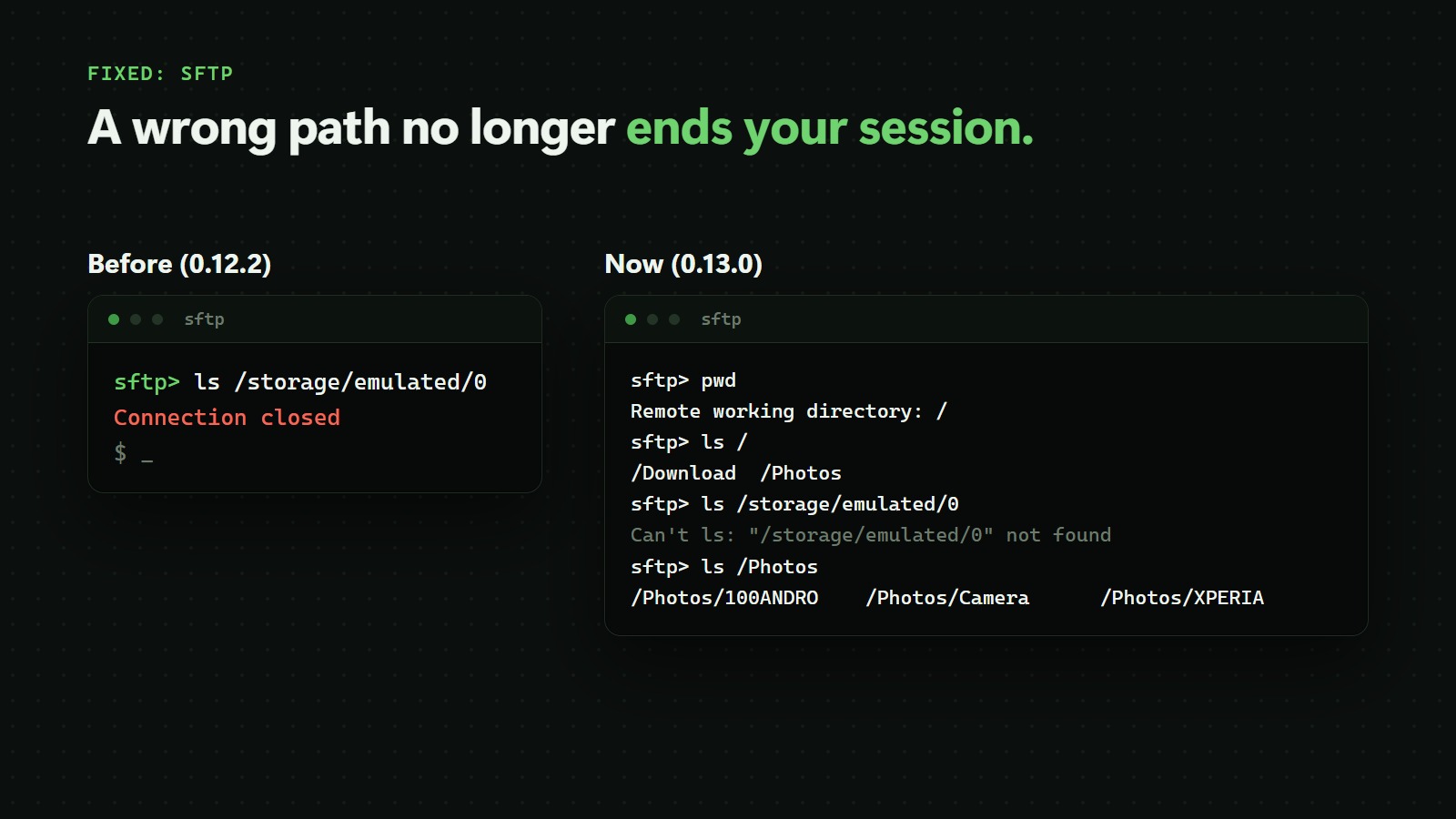
SFTP no longer drops your session on a wrong path. If you opened a path outside your folders, for example ls /storage/emulated/0, the connection could close with Connection closed. Now you get a normal "not found" message and keep working.
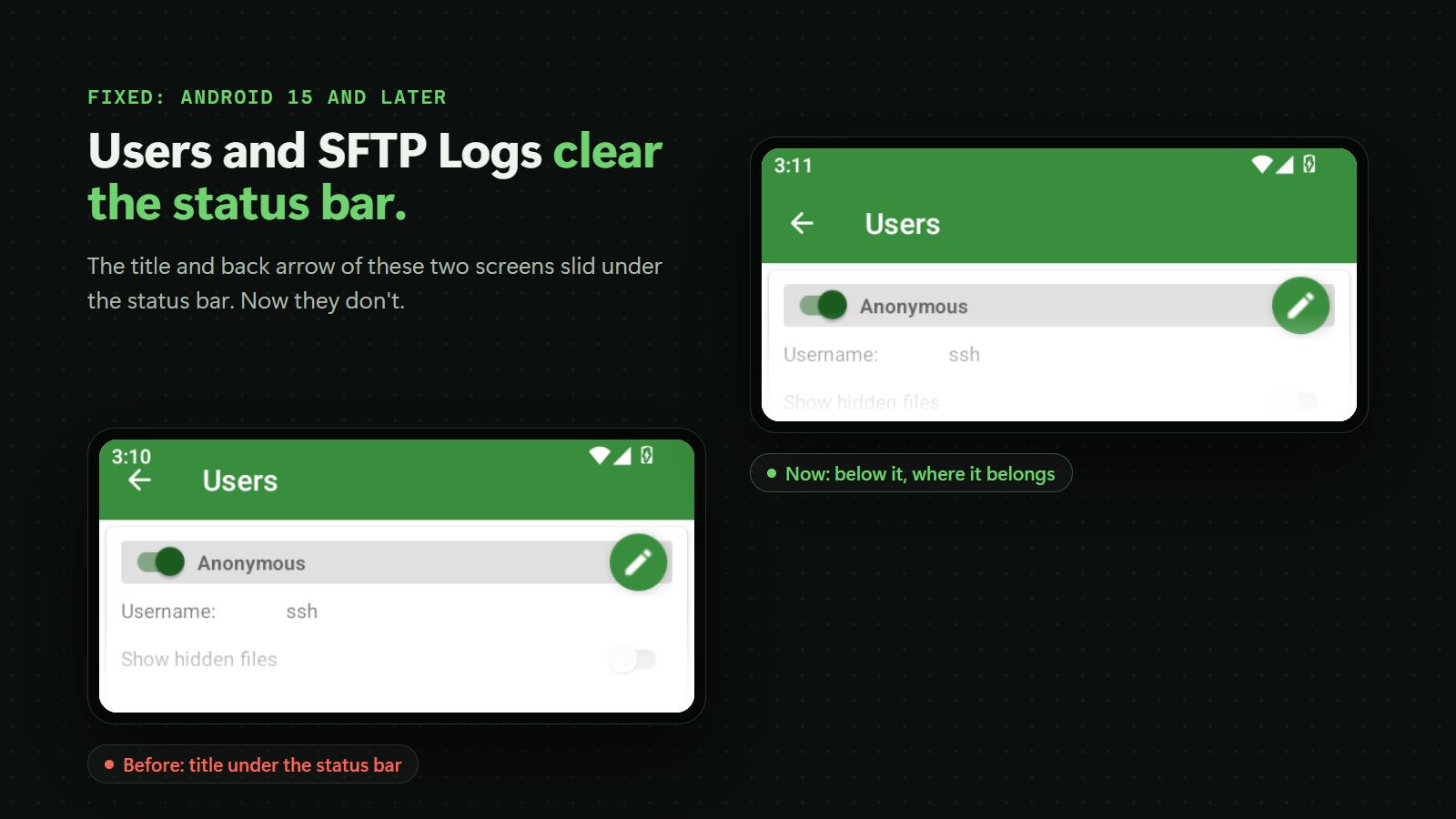
Users and SFTP Logs fit the screen on Android 15 and later. On newer Android versions, the title and back arrow of these two screens slid under the status bar. They now sit below it.
Questions
My files used to be at /storage/emulated/0. Where are they now?
In your user's folders. Run ls / to see them. If you gave the user your whole internal storage, it is / itself.
The shell says it is unavailable or can't start. What can I do? Check that the user has at least one folder under Access path, and that SSH Server has permission to access your files. If both are fine, your device is one of the few without the kernel feature the shell needs; SFTP still works.
Does this change SFTP? No. SFTP already worked this way. Only the shell changed, plus the SFTP fix above.
Get it
SSH Server 0.13.0 is rolling out on Google Play now:
- Phones and tablets: SSH Server on Google Play
- Android TV: SSH Server for Android TV
Thanks to everyone who wrote in about the shell and SFTP. Keep the feedback coming!
Videos
Related posts
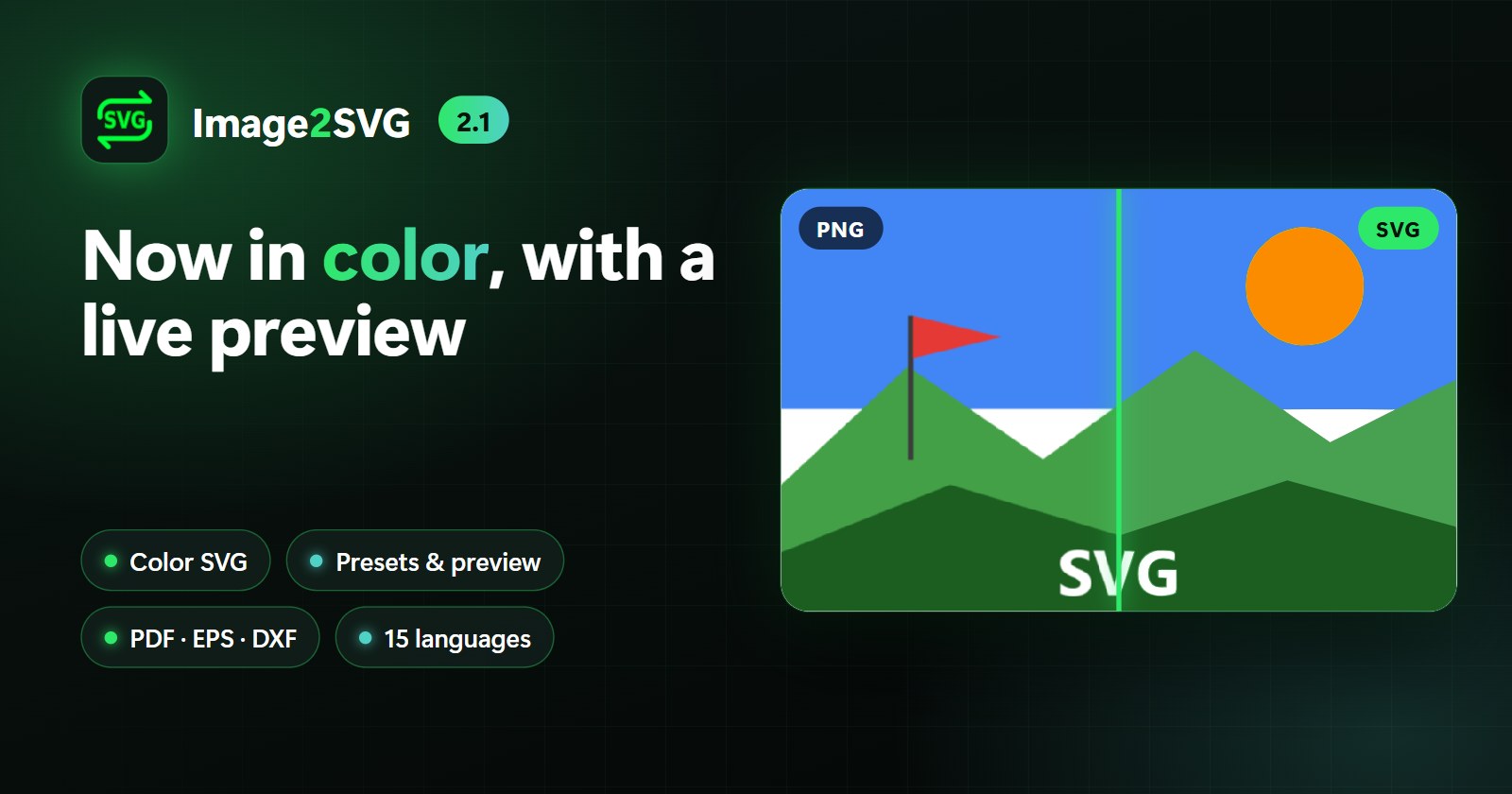
Image2SVG 2.1: Color SVG, Live Preview and Much More
Image2SVG 2.1 is our biggest update yet: color SVGs with up to 8 colors, tracing presets with a live preview, colors and size for your SVG, PDF/EPS/DXF output, PNG export, a compare-and-zoom viewer, cropping, sharing from other apps, ZIP export and 14 new languages. It is also ready for Android 17.
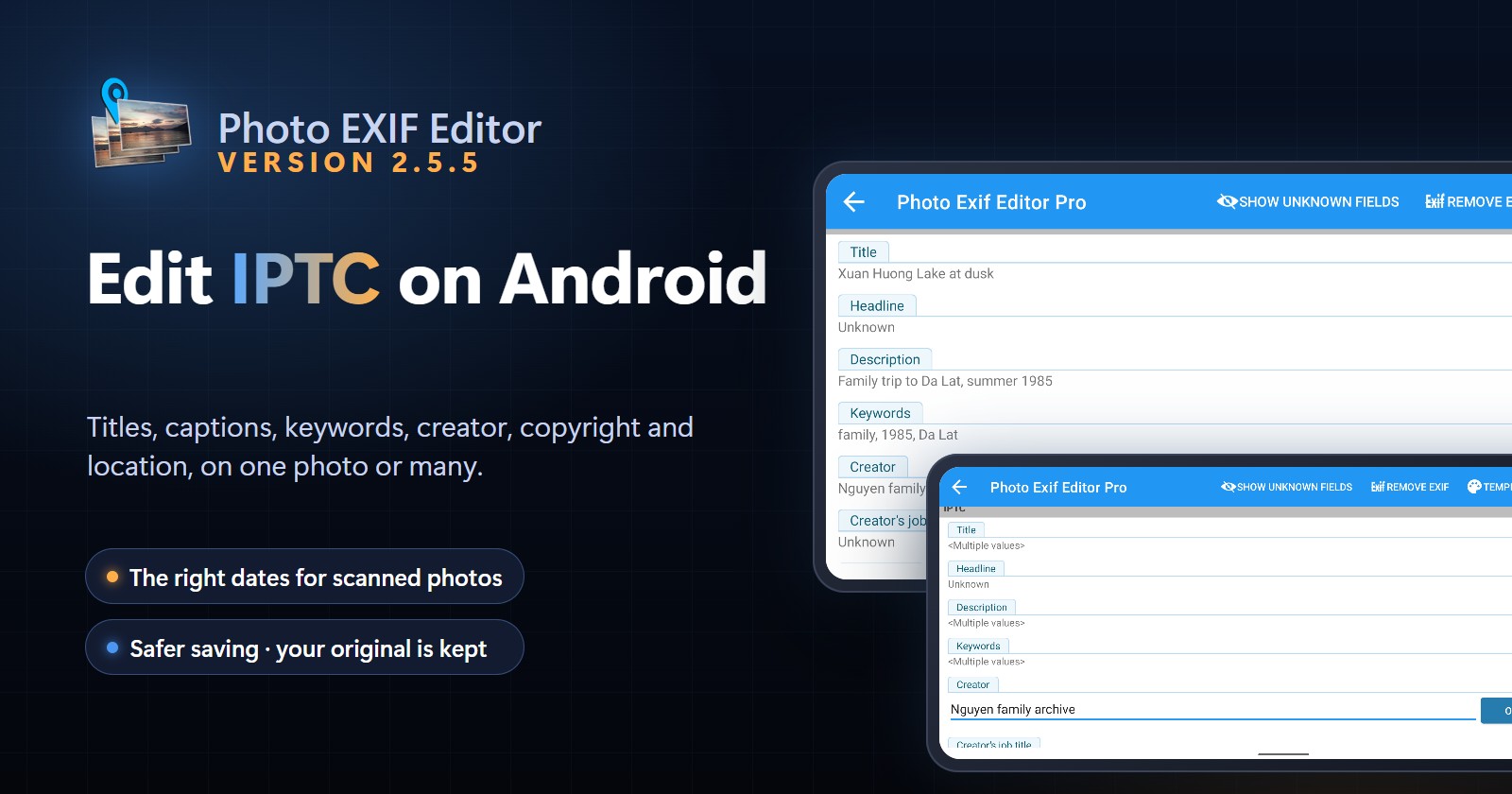
Photo EXIF Editor 2.5.5: Edit IPTC Captions, Keywords and Credits on Android
Photo EXIF Editor 2.5.5 adds IPTC editing for JPEG photos: titles, descriptions, keywords, creator, copyright and location, on one photo or a whole batch. Dates you set on scanned and old photos now show up correctly in your gallery, saving never leaves a broken photo behind, and the HEIC converter works again on Android 16.
Daily Wallpapers 0.3.21: No More Zoomed-In Wallpapers, Plus Wi-Fi Only and a One-Tap Widget
Daily Wallpapers 0.3.21 fixes wallpapers that looked zoomed in or blurry after a nightly change, stops over-cropping portrait photos, adds a "Download on Wi-Fi only" option and a home screen widget that changes the wallpaper with one tap. It is also ready for Android 16 and 17.