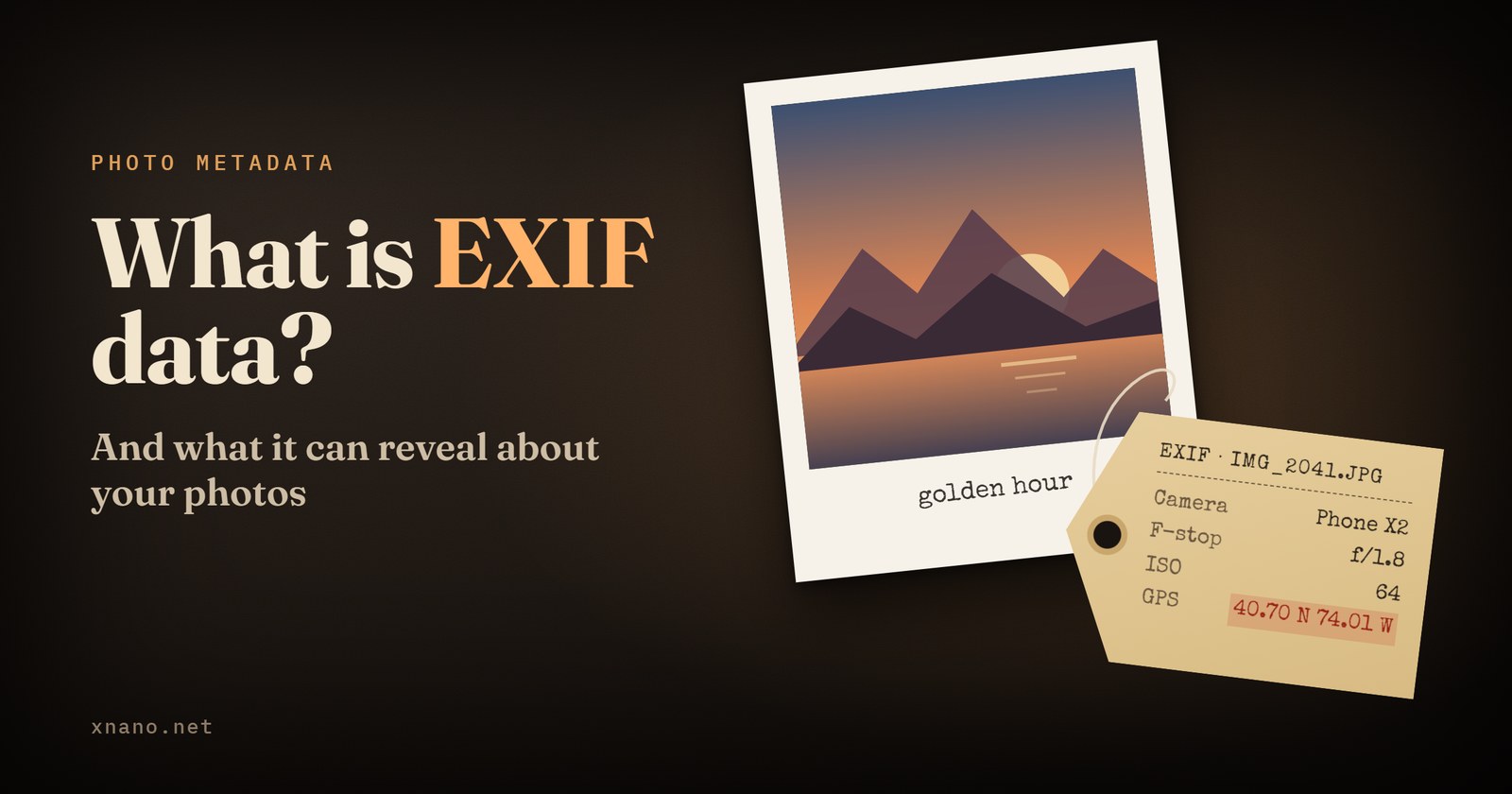
EXIF Pro brings the power of ExifTool to Android, giving you a powerful and flexible way to view, edit, and remove metadata from your files.
Whether you need to correct photo information, manage GPS data, edit metadata in multiple files, or inspect detailed information embedded in your media, EXIF Pro puts advanced metadata tools right on your Android device.
Explore detailed metadata stored in your files and make changes when needed.
EXIF Pro supports a wide range of metadata formats, including:
- EXIF
- GPS
- IPTC
- XMP
- JFIF
- MakerNotes
- GeoTIFF
- ICC Profile
- Photoshop IRB
- FlashPix
- AFCP
- ID3
- And many more
You can also read and write structured XMP information and work with MakerNotes from many digital cameras.
Edit Multiple Files at Once
Need to update a large collection of photos or other files? EXIF Pro supports batch editing, allowing you to work with multiple files at the same time.
Make changes faster without having to process every file individually.
Remove metadata from individual files, selected groups, or all available metadata at once.
This gives you control over what information remains embedded in your files before you share or archive them.
View and edit location information stored in your media.
For supported files, you can add or modify GPS metadata, including:
- GPS location in JPEG images
- GPS coordinates in MP4 videos
A map view is also available to help you work with location information.
EXIF Pro works with a wide range of image, audio, video, and other file formats, including:
JPG, GIF, PNG, RAW, DNG, PSD, OGG, MP3, FLAC, MP4 and more.
The integrated gallery and file browser make it easy to browse your storage and work with your files in one place.
More Than Just EXIF
EXIF Pro recognizes thousands of different metadata tags, including timed metadata such as GPS tracks in supported video formats.
It can also set file modification dates from EXIF information, helping you keep file dates aligned with the metadata recorded by your camera.
EXIF Pro extends the capabilities of ExifTool by Phil Harvey to Android, combining its extensive metadata support with an interface designed for mobile devices.
Whether you're a photographer, content creator, archivist, or simply want more control over the metadata in your files, EXIF Pro gives you the tools to inspect and manage it directly on Android.