EXIF Pro 0.4.14: The Stability Update
EXIF Pro 0.4.14 fixes a blank screen with gesture navigation, crashes when you return to the app and freezes on large albums, and keeps your Add tags values.
On this page
Version 0.4.14 has no new buttons. It is about everything you already use working every time. We went through the crash reports of the last months, fixed the causes one by one, and tested every screen of the app again on several phones. If EXIF Pro ever closed on you, showed an empty screen or lost something you typed, this update is for you.
Opens on every phone
On some phones that use gesture navigation with the navigation bar hidden, EXIF Pro 0.4.13 could start on a blank screen. The space kept free for the navigation bar took the whole screen when there was no bar. The app now opens normally, with or without a navigation bar.
Fewer crashes when you come back
Android closes apps in the background to save memory. When you came back to EXIF Pro after a while, the app could crash while restoring its screens, in particular with the editor open. The app now restores the Gallery and the Browser as you left them. An editing session can't survive Android closing the app: the app tells you, and takes you back to the Gallery without asking about changes it no longer has.
We also fixed the crashes that could happen when you left a screen while it was still loading: the editor, Add the new tags, the saving screen and the first-run setup.
Add tags keeps your value
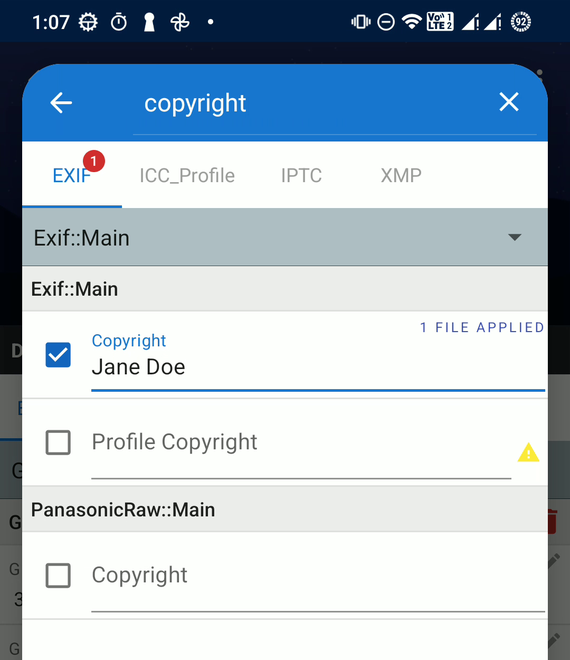
In Add the new tags, typing a value and then ticking the tag could empty the value. Now the value you type stays, whichever order you do it in, and appears in the editor when you confirm.
Saving, without surprises
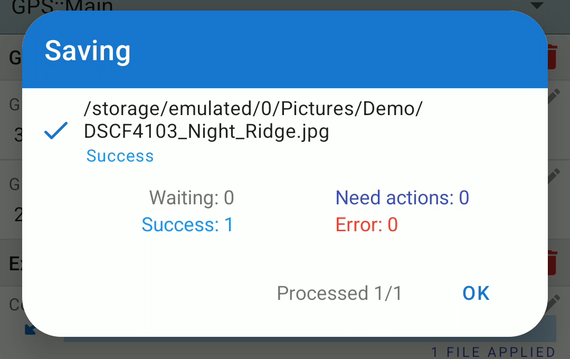
If a photo was deleted, or became unreadable, between opening it and saving it, the app could close. Now that file simply shows an error in the saving screen, and the other files are saved as usual.
A steady map
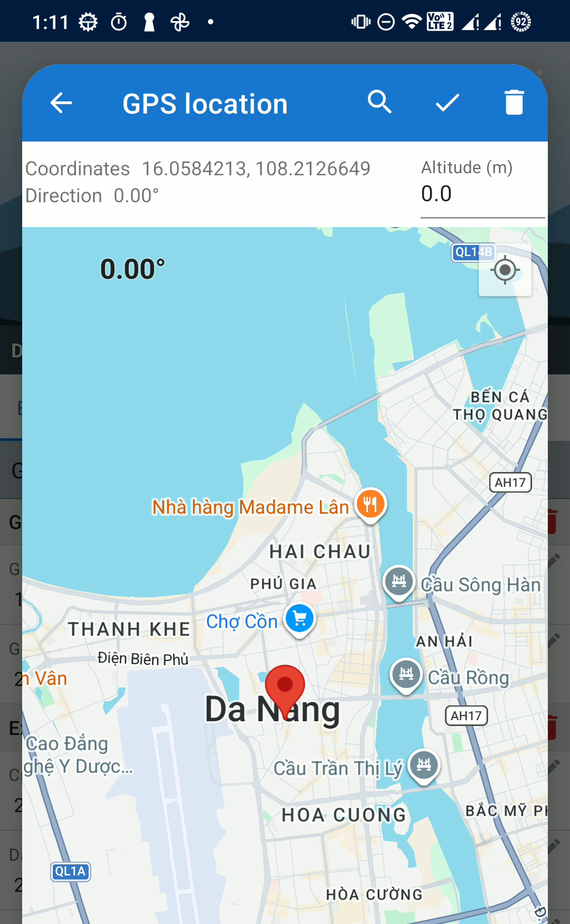
The map used to choose a GPS location could crash when you typed an altitude, tapped Done or left it before the map had finished loading. You can now use it right away; the direction and bearing are kept as they were until the map is ready.
Fewer freezes
- Large albums open without the Gallery stalling, even with thousands of photos.
- Large folders in the Browser read each file's details once, instead of over and over while sorting them.
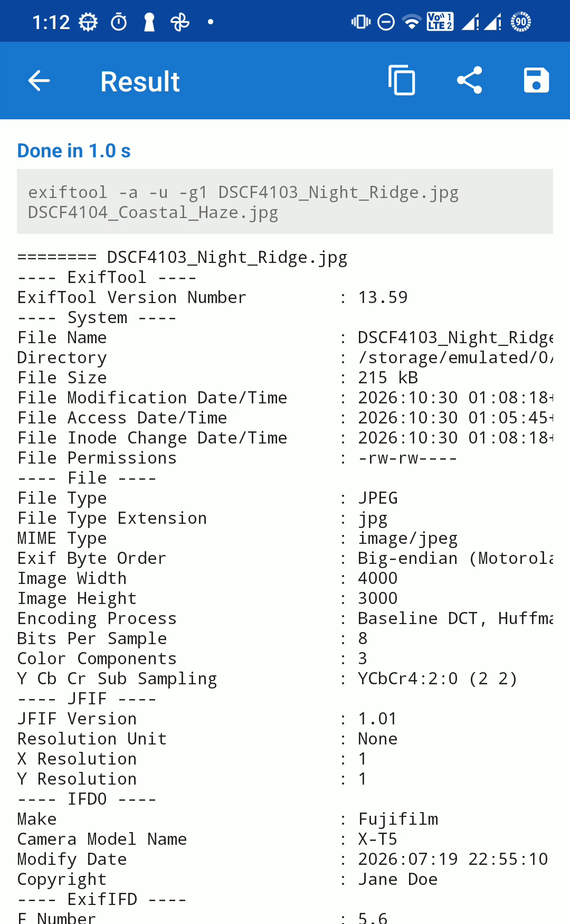
- Long command results in the Custom command tab are prepared in the background, so a result of thousands of lines no longer freezes the screen.
Up to date
The libraries behind the maps, the video player, the image loading and the app's screens are updated to their latest versions for Android 6 and up. EXIF Pro keeps supporting every phone it supported before.
Get it
EXIF Pro 0.4.14 is rolling out on Google Play. Thank you to everyone who sends crash reports and feedback: they are what this release is made of. If something still doesn't work for you, tell us from the app's menu.
Related posts
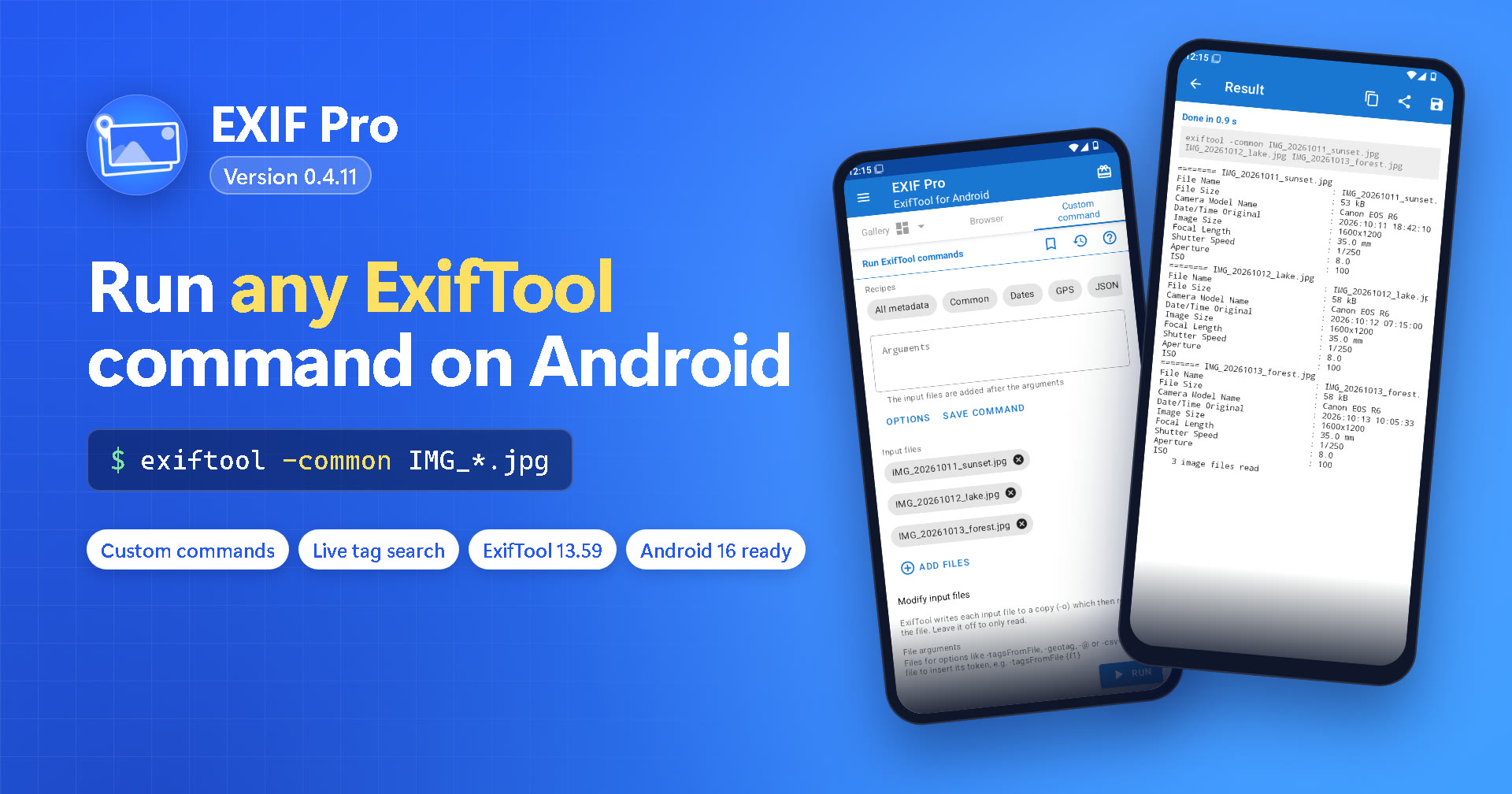
EXIF Pro 0.4.11: Run Your Own ExifTool Commands on Android
EXIF Pro 0.4.11 adds a Custom command tab to run any ExifTool command on your photos and videos, live tag search, ExifTool 13.59 and support for Android 16.
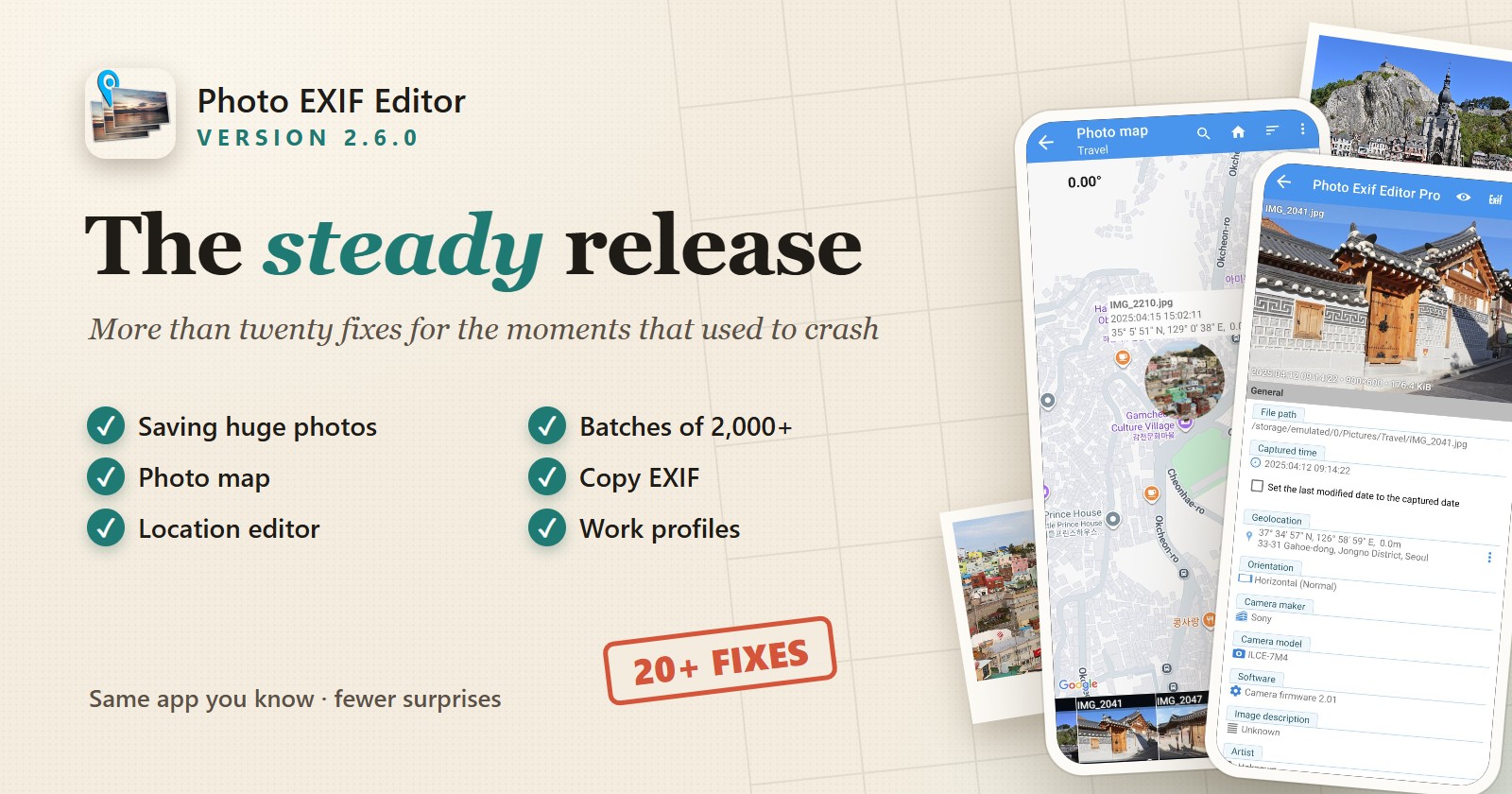
Photo EXIF Editor 2.6.0: The Steady Release, and the Complete Guide to the App
Photo EXIF Editor 2.6.0 is a stability release with more than twenty fixes: saving very large photos and huge batches, the Photo map, Copy EXIF, the location editor, the saved GPS list, the file browser and starting the app in a work profile. This article explains every fix in plain words and then walks you through the whole app, from your first edit to batch date shifts, geotagging, IPTC, templates, Copy EXIF and the HEIC/AVIF converter.
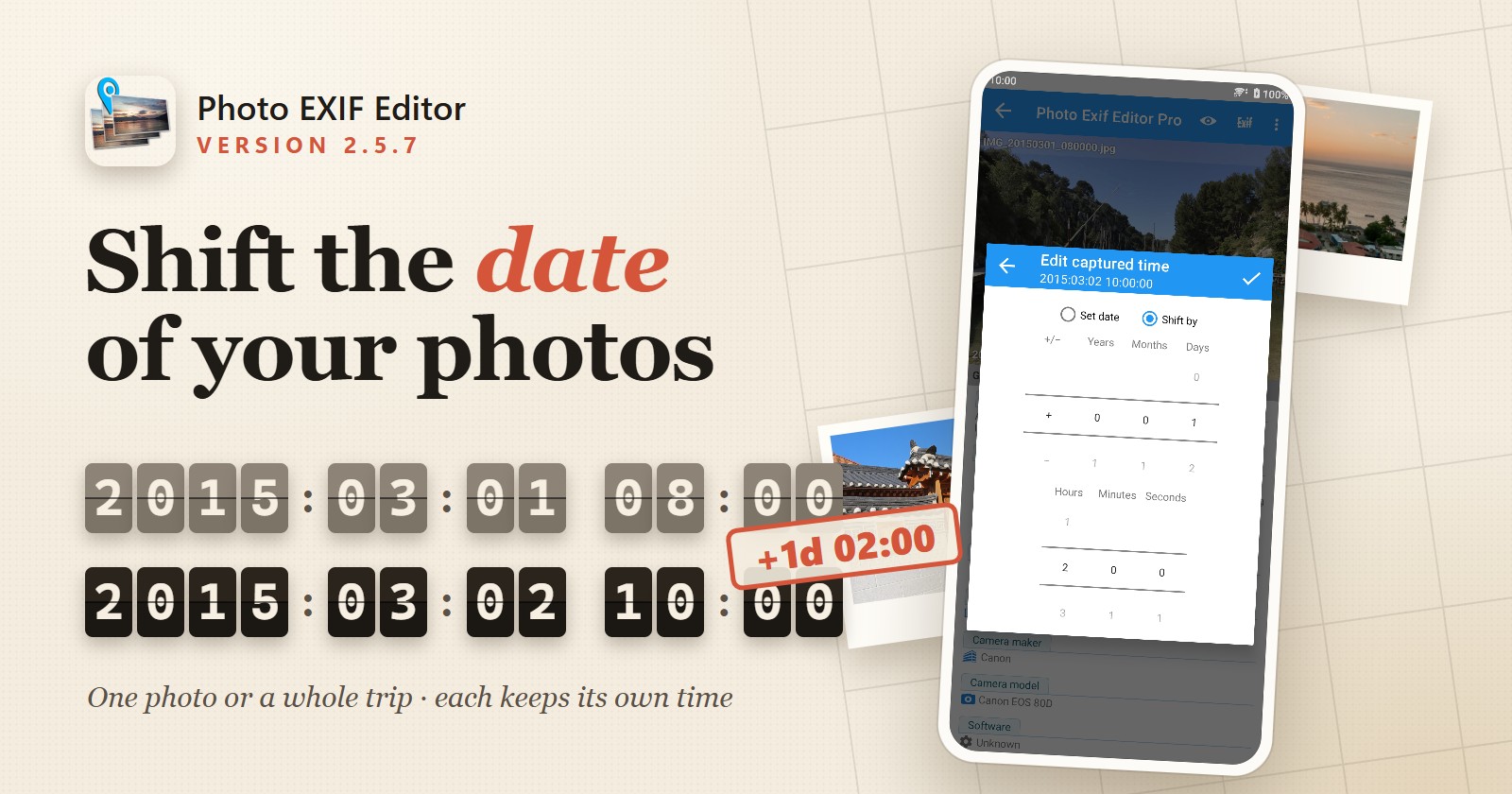
Photo EXIF Editor 2.5.7: Shift the Date and Time of Your Photos
Photo EXIF Editor 2.5.7 lets you shift the captured date and time of one photo or a whole batch by years, months, days, hours, minutes or seconds. Fix a camera clock that was wrong, forgot daylight saving time or stayed on your home time zone, and keep every photo in the right order. The app also works with "Select photos" access on Android 14 and later.