CamRelay 1.0.9: Virtual PTZ, Pan, Tilt and Zoom Any Phone Camera
CamRelay 1.0.9 turns any Android phone into a PTZ camera, with no motor: pan, tilt and zoom the picture from the web interface or from ONVIF apps such as Frigate, Home Assistant and Blue Iris. Save up to 32 presets per camera. Plus a fix for a crash on Android 13.
On this page
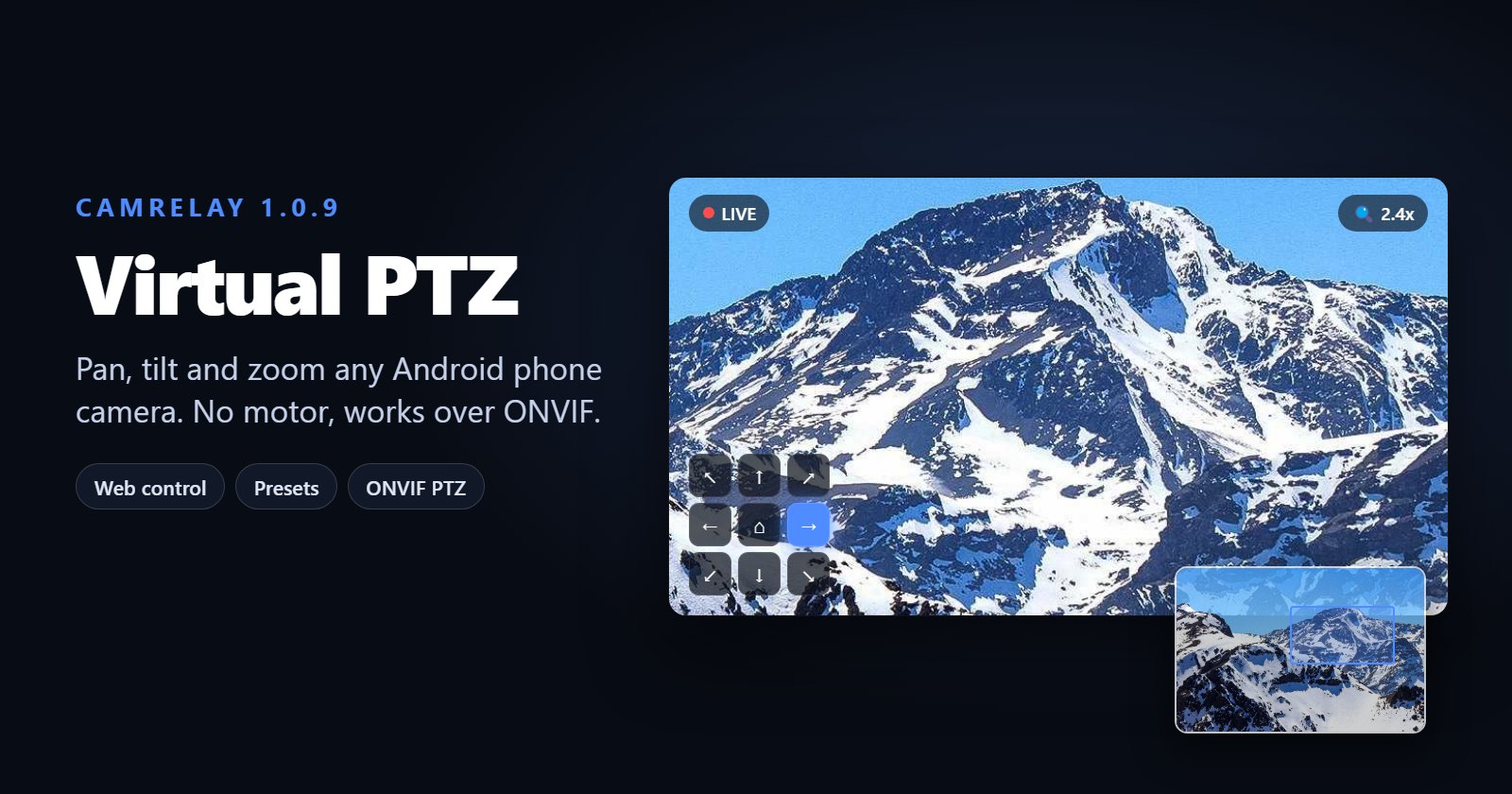
CamRelay 1.0.9 is now available on Google Play. Its headline feature is virtual PTZ: you can pan, tilt and zoom the picture of any Android phone camera, from the browser or from your NVR, without a motorized mount. Aim the phone at the whole driveway, then look at the gate, the car or the door when you need to, and jump back with a preset.
How it works
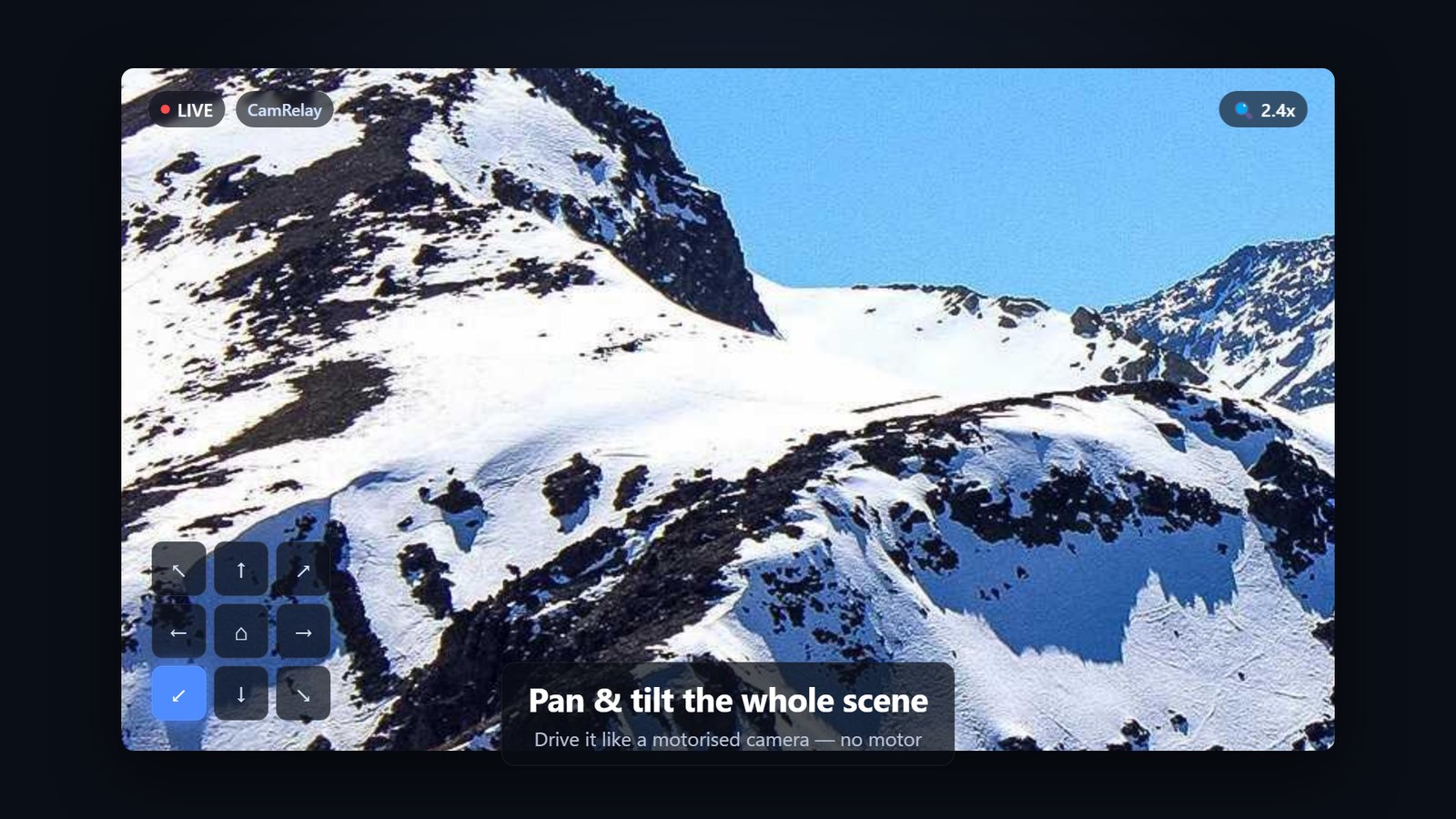
A phone camera sees far more than a typical stream shows: the sensor usually has 12 megapixels or more, while the stream is 1080p or 720p. Virtual PTZ uses that extra picture. Zooming in streams a smaller part of the sensor, and panning or tilting moves that part across the scene. The phone never moves; the picture does.
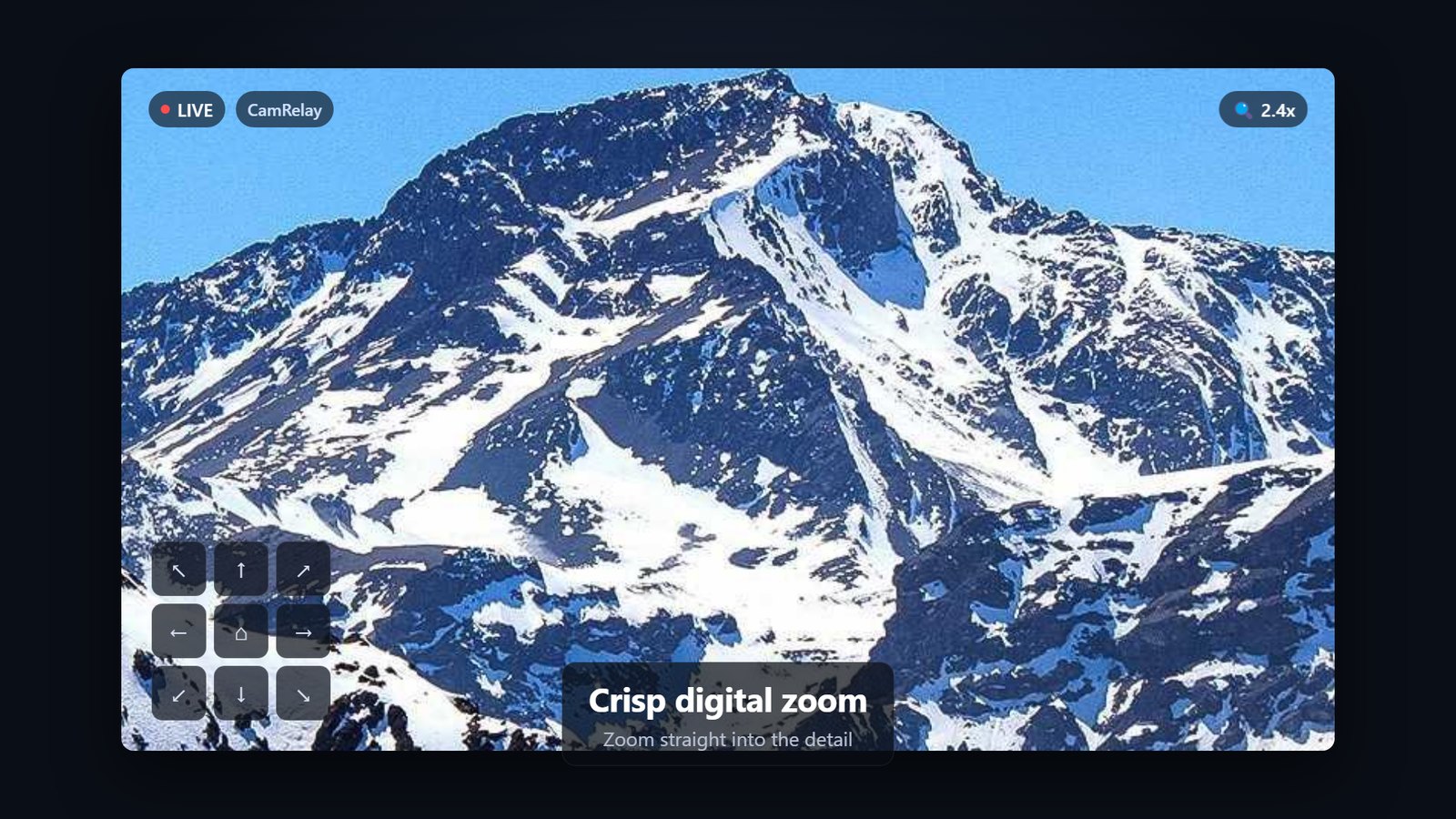
CamRelay picks the best way to do this on each phone:
- In the camera itself, on phones whose camera can crop anywhere on the sensor. The crop is taken from the full-resolution sensor image, so the zoomed picture stays as sharp as possible, and exposure and focus follow what you are looking at.
- With the camera's zoom and the graphics chip, on every other phone. A view at the centre uses the camera's own zoom, so it stays sharp and switches to the telephoto lens on phones that have one; the graphics chip frames views away from the centre, which look a little softer when zoomed far in.
There is nothing to set up: as soon as the stream runs, PTZ is available. Because it is digital, zooming in trades detail for reach. It works best when the stream resolution is well below the sensor's, for example a 1080p stream from a 12 MP camera.
Control it from the web interface
Open CamRelay's web interface: a Pan / Tilt / Zoom panel now sits right under the live view.
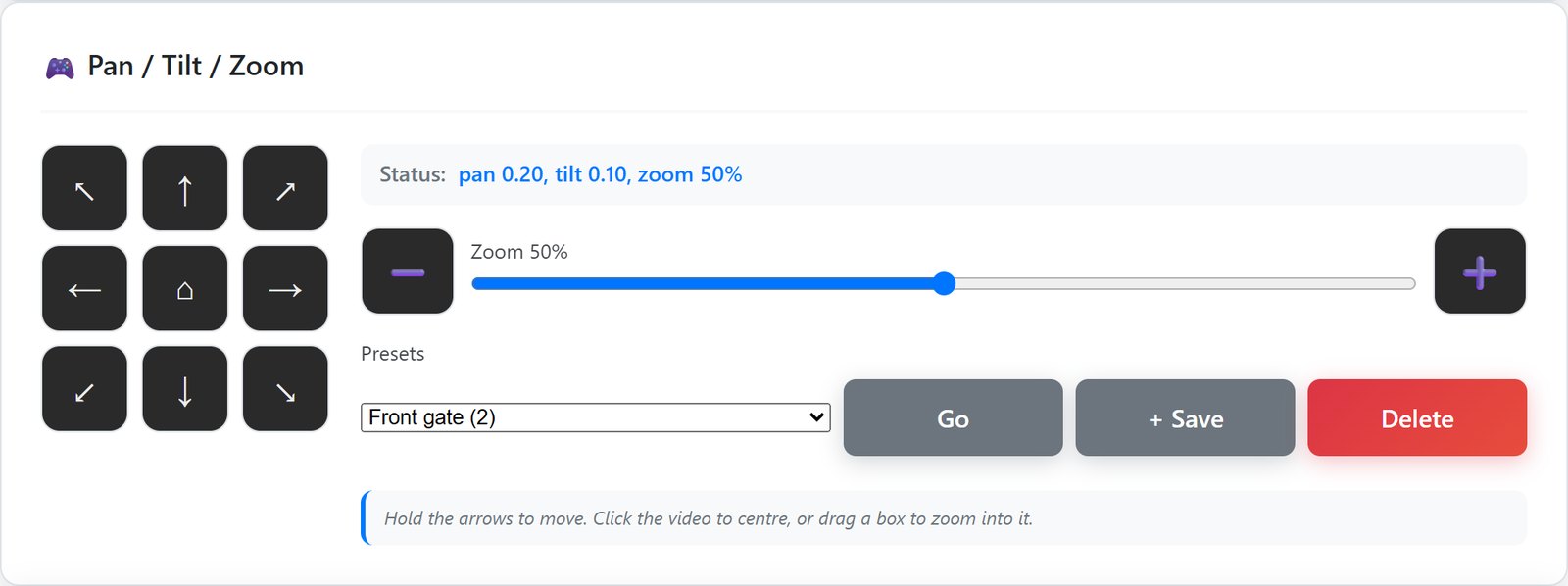
- Direction pad: hold an arrow to move, let go to stop. The middle button returns to the home position (centered, fully zoomed out). Moves keep the same speed on screen at every zoom.
- Zoom: drag the slider, or hold − and +.
- Click to center: click any point in the live view and the camera recenters on it.
- Drag a box to zoom: draw a rectangle over the live view and CamRelay frames exactly that area.
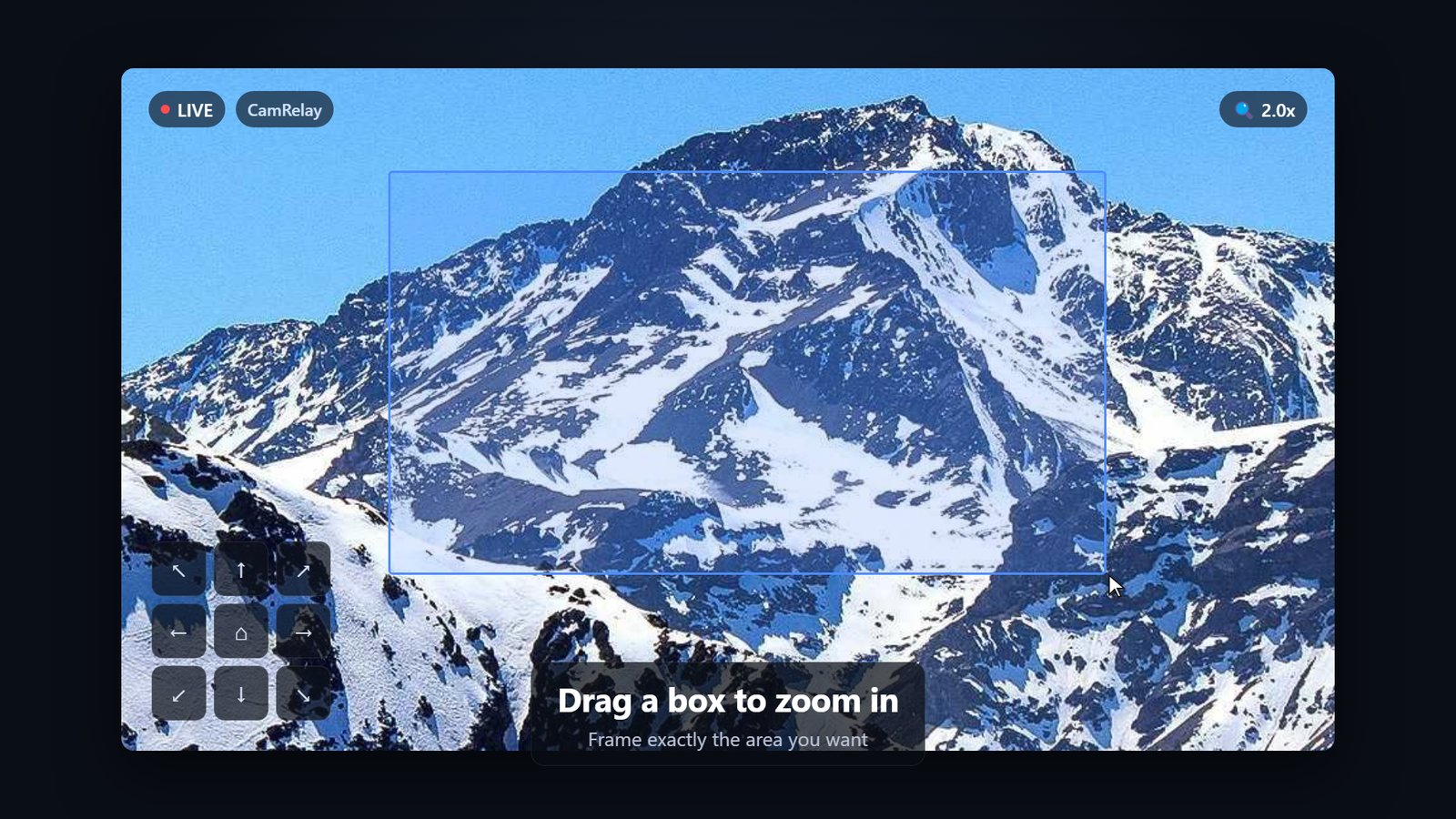
The zoom slider in the app itself drives the same PTZ zoom, so the app, the web interface and your NVR always agree on what the camera shows.
Presets and home
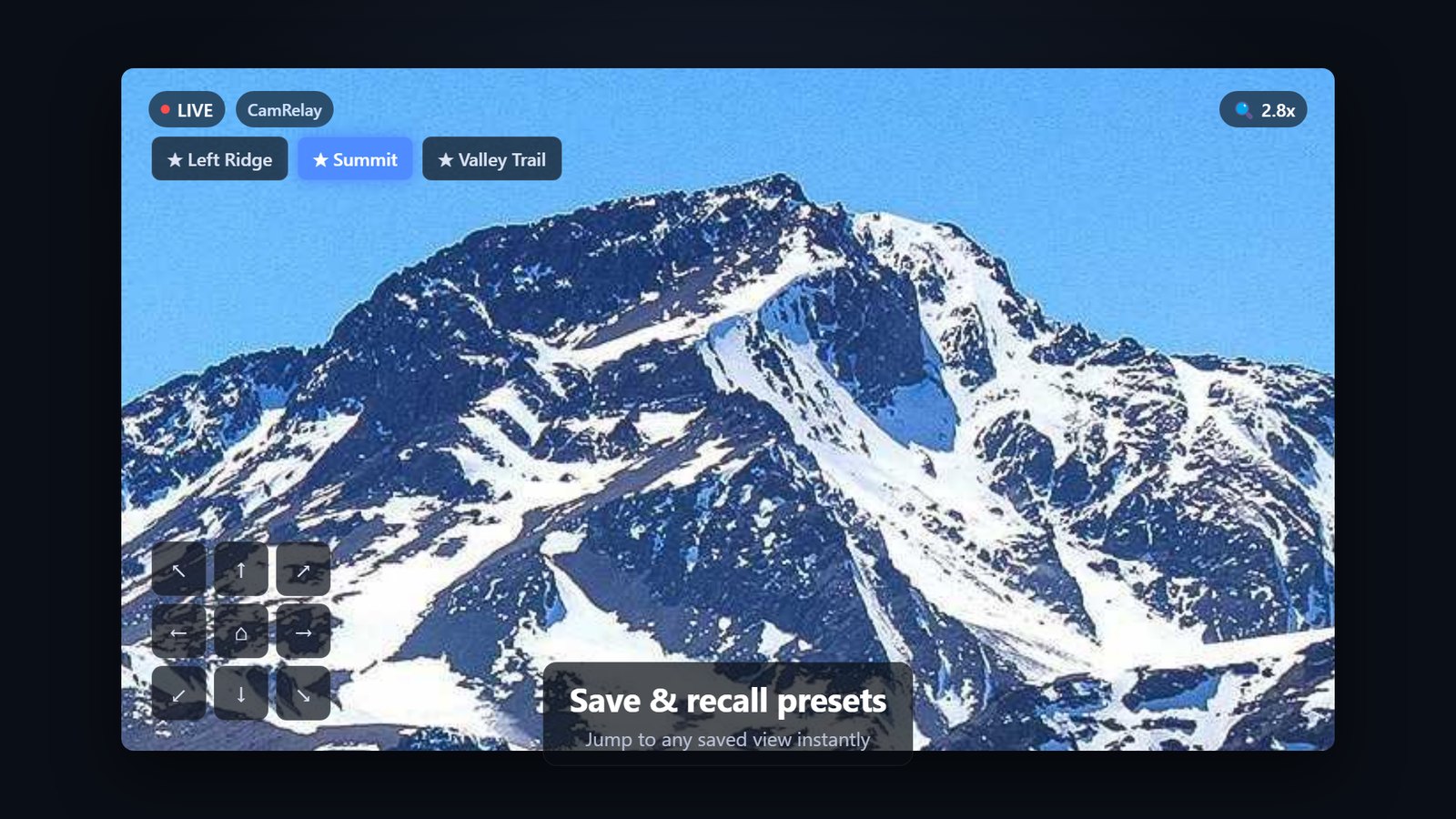
Found a view you want again? Save it as a preset. Each camera (front and back, or each lens) keeps up to 32 presets, and CamRelay remembers them, together with the last view, across stream restarts, camera switches and app restarts. Pick a preset and click Go to jump straight to it.
Standard ONVIF PTZ
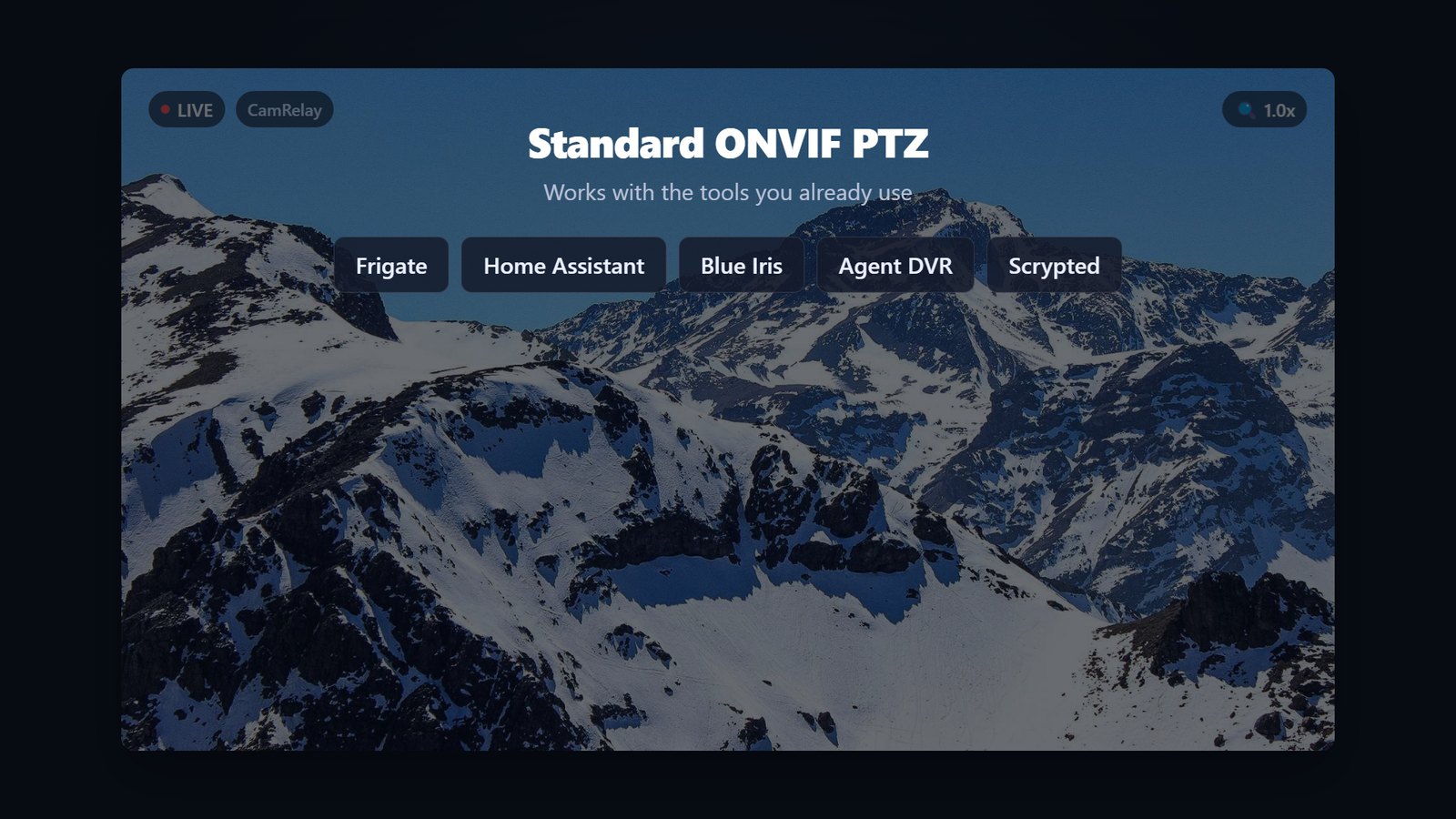
CamRelay already spoke ONVIF for discovery, streaming and zoom. In 1.0.9 its ONVIF PTZ service also offers pan and tilt, presets and a home position, using the standard moves NVRs send: continuous move (hold a button), absolute and relative moves, stop, go to preset and go to home. So the PTZ controls of tools such as Frigate, Home Assistant, Blue Iris, Agent DVR and ONVIF Device Manager can drive the phone like any PTZ camera.
The ONVIF address is shown at the bottom of CamRelay's main screen while it streams: http://<phone-ip>:8889/onvif/device_service. In Frigate, for example, add an onvif section to the camera:
cameras:
  phone:
    onvif:
      host: 192.168.1.50   # the phone's IP address
      port: 8889
      user: admin          # only if you turned on login in CamRelay
      password: secret
Frigate reads the PTZ capabilities over ONVIF and offers its PTZ controls and CamRelay's presets in the camera's live view. In Home Assistant, the ONVIF integration adds the phone as a camera with PTZ services you can call from dashboards and automations, for example "go to preset Front gate" when the doorbell rings.
Tip: if you set up an NVR with CamRelay before, nothing changes for it: the stream and zoom keep working. Pan, tilt and presets simply appear as extra controls.
Also fixed in 1.0.9
The app closed when a stream started on some Android 13 phones
On Android 13, a bug in the system could make the Play Store version of CamRelay close as soon as a stream started. Android 14 and later, and Android 12 and earlier, were not affected. CamRelay 1.0.9 avoids the faulty system call, so streaming starts normally on Android 13 again. If you saw this, sorry, and thank you for your patience.
Mirroring no longer flips the overlays
When the camera was mirrored, the date and time, camera name and other overlays were mirrored too, so the text read backwards. Now only the camera picture is mirrored, and the overlays stay readable.
Get the update
CamRelay 1.0.9 is rolling out on Google Play now. If you don't see it yet, it should arrive within a few days. After updating, start the stream, open the web interface and try the new Pan / Tilt / Zoom panel under the live view.
Have feedback or ideas? Tap Feedback in the app's About screen. We read every message.
Videos
Related app
CamRelay - RTSP Live IP Camera
Turn your Android phone into a powerful RTSP network camera.
Related posts
CamRelay 1.0.8: Talk to Your Phone Camera from the Browser
CamRelay 1.0.8 adds two-way talk straight from the browser: open the web interface over HTTPS, hold the Talk button and your voice plays on the phone. HTTPS now runs on the same port as before. Two fixes make the browser live view and web-started streaming more reliable.
CamRelay 1.0.7: Protect Your Phone Camera with a Username and Password
CamRelay 1.0.7 adds a Security setting: one username and password now protect the RTSP stream, ONVIF and the web interface. It is off by default, so nothing changes until you turn it on. The web interface signs you in once without a storm of login pop-ups, and two small fixes make setup smoother.
CamRelay 1.0.6: Deeper ONVIF Support for Your NVR, and a Smoother Web Live View
CamRelay 1.0.6 lets your NVR and ONVIF apps do much more with your phone camera: receive recording and flashlight events, adjust brightness and zoom, and rename the camera. Windows and NVRs now pick up a new camera name right away. The web live view can keep playing in a background tab, and several web interface fixes make everyday use smoother.