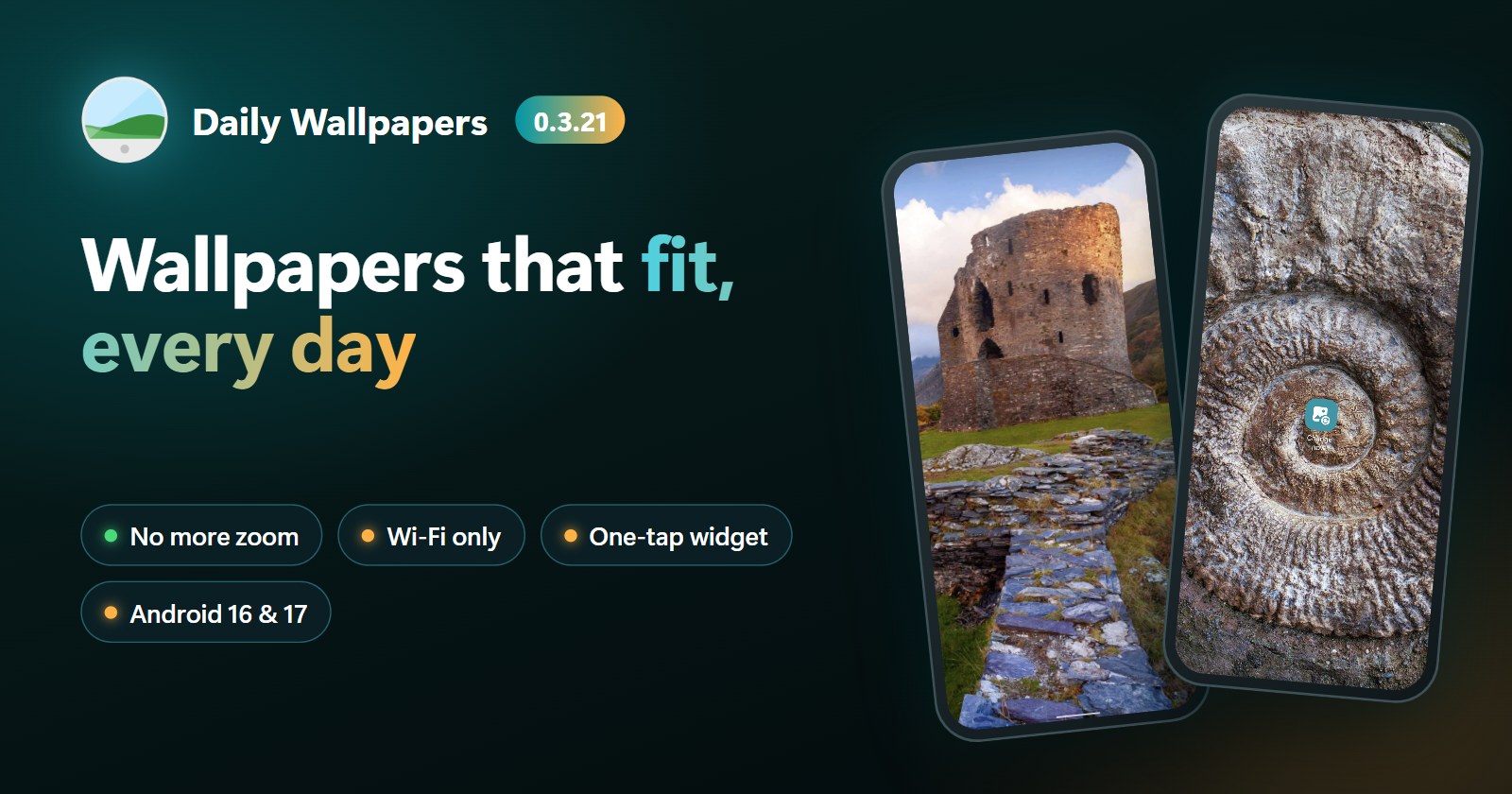
A Fresh Wallpaper for Every Day
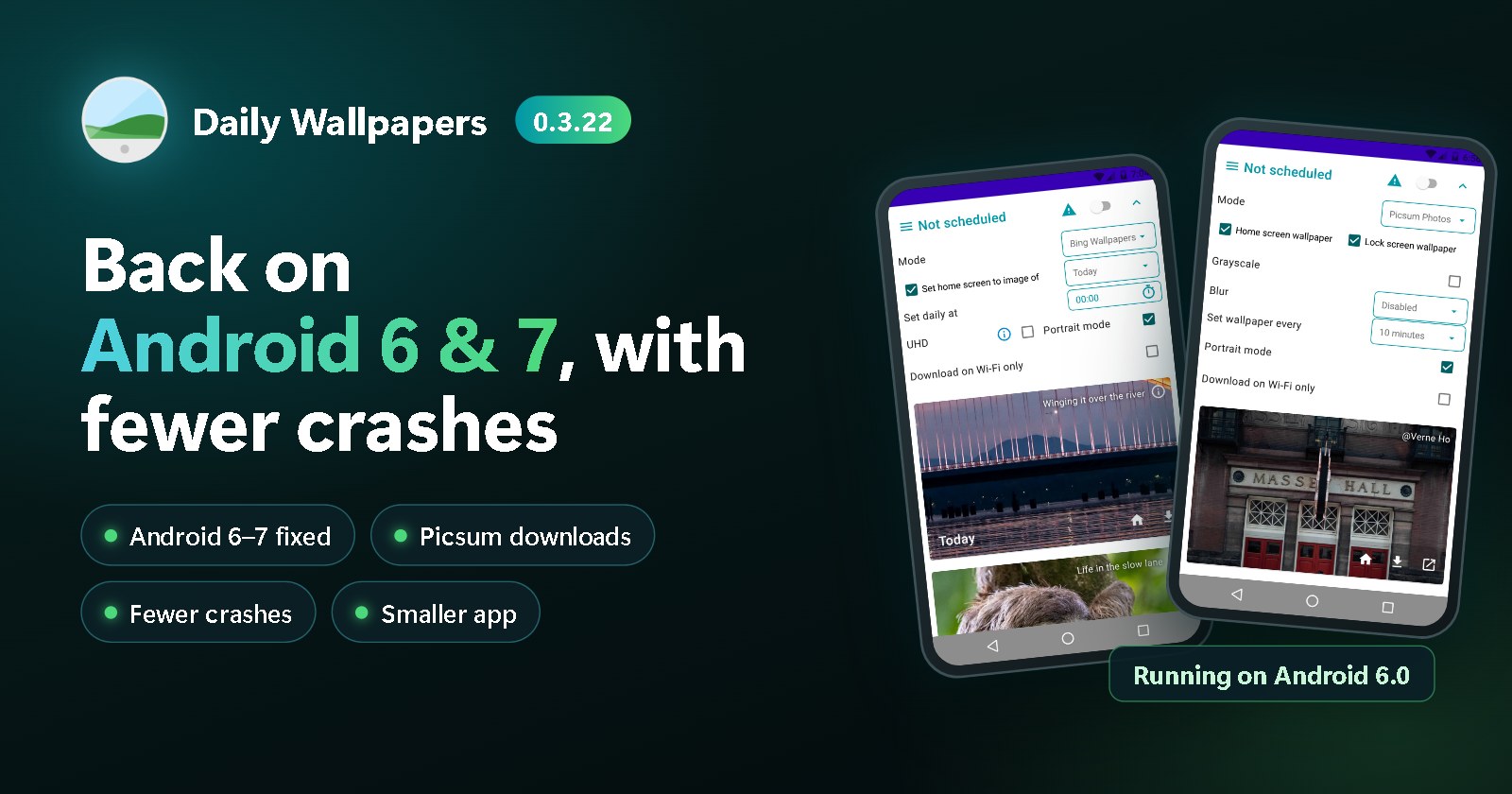
Give your Android device a fresh look every day with Daily Wallpapers. Automatically change your Home screen and Lock screen with beautiful images from Bing, Picsum Photos, or your own photos.
Choose the images you want, decide where they should appear, and let Daily Wallpapers keep your screen looking fresh.
Beautiful Wallpapers, Automatically
Discover a new wallpaper every day without having to change it yourself. Daily Wallpapers can automatically update your Home screen, Lock screen, or both with images from your favorite sources.
Choose Your Wallpaper Source
Use the images that best match your style:
- Bing — Discover Bing's daily image and explore images from the past week.
- Picsum Photos — Enjoy a constantly changing selection of beautiful images.
- Your own images — Use photos and images stored on your Android device.
Customize Your Home and Lock Screens
Choose different wallpaper sources or images for your Home screen and Lock screen. You can also apply any available image manually whenever you want.
Save Your Favorite Wallpapers
Found an image you love? Save it to your device so you can keep it and use it again later.
Designed for Android
Daily Wallpapers supports Android's system theme and automatically adapts its appearance to your preferred light or dark mode.
Make every day feel a little different with a fresh wallpaper on your Android device.
Important Notes
- Lock screen wallpaper support depends on your Android version and device manufacturer.
- Bing images are provided for use as device wallpapers only. Please follow the applicable usage restrictions for Bing images.
- Daily Wallpapers is not affiliated with, sponsored by, or endorsed by Microsoft, Bing, or any related party.