
Avico - HEIF/HEIC/AVIF Convert
Convert HEIF/HEIC/AVIF images, audio, and video files offline
Convert HEIF/HEIC/AVIF images, audio, and video files offline
Features
Audio converter
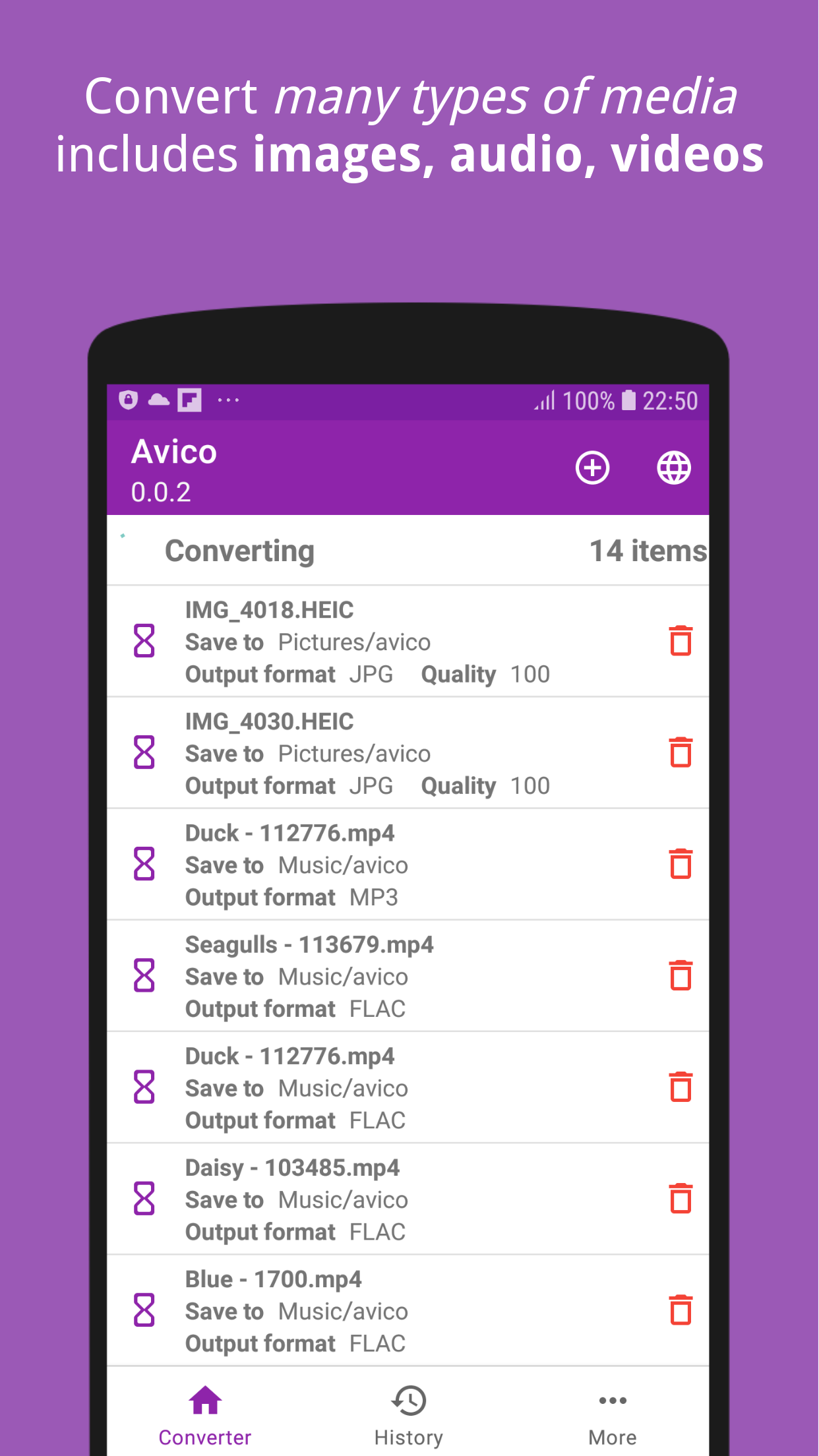
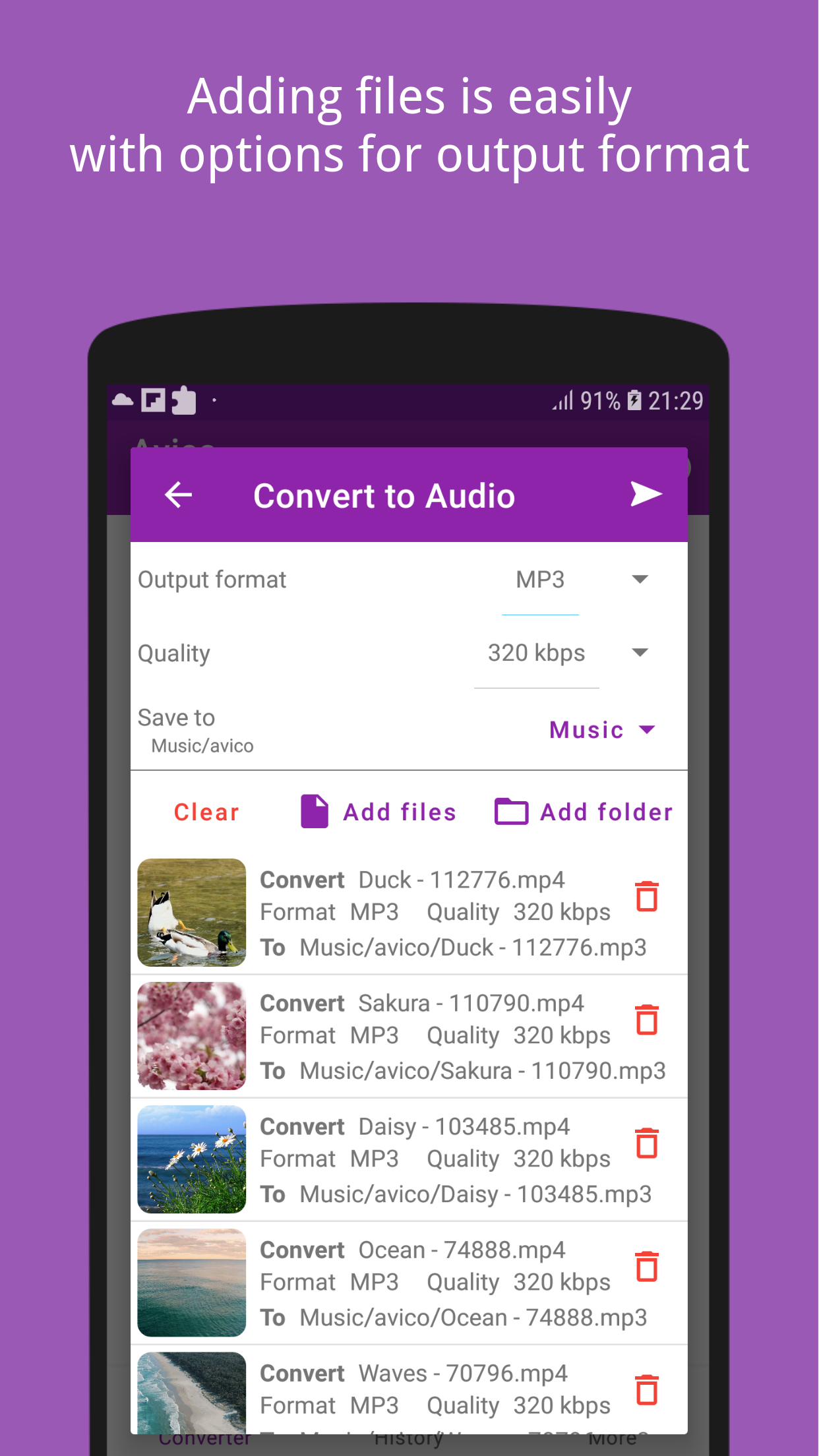
Convert audio and video files to MP3, FLAC, AAC, M4A, ALAC, and more formats.
Video converter
Convert videos between MP4, OGV, FLV, WEBM, MOV, and other formats.
Image converter
Convert HEIF/HEIC/AVIF images to JPEG, PNG, WebP and vice versa while preserving metadata.
Background conversion
Continue converting files even when the app is not in the foreground.
Offline operation
Works without an internet connection, unlike many other media converters.
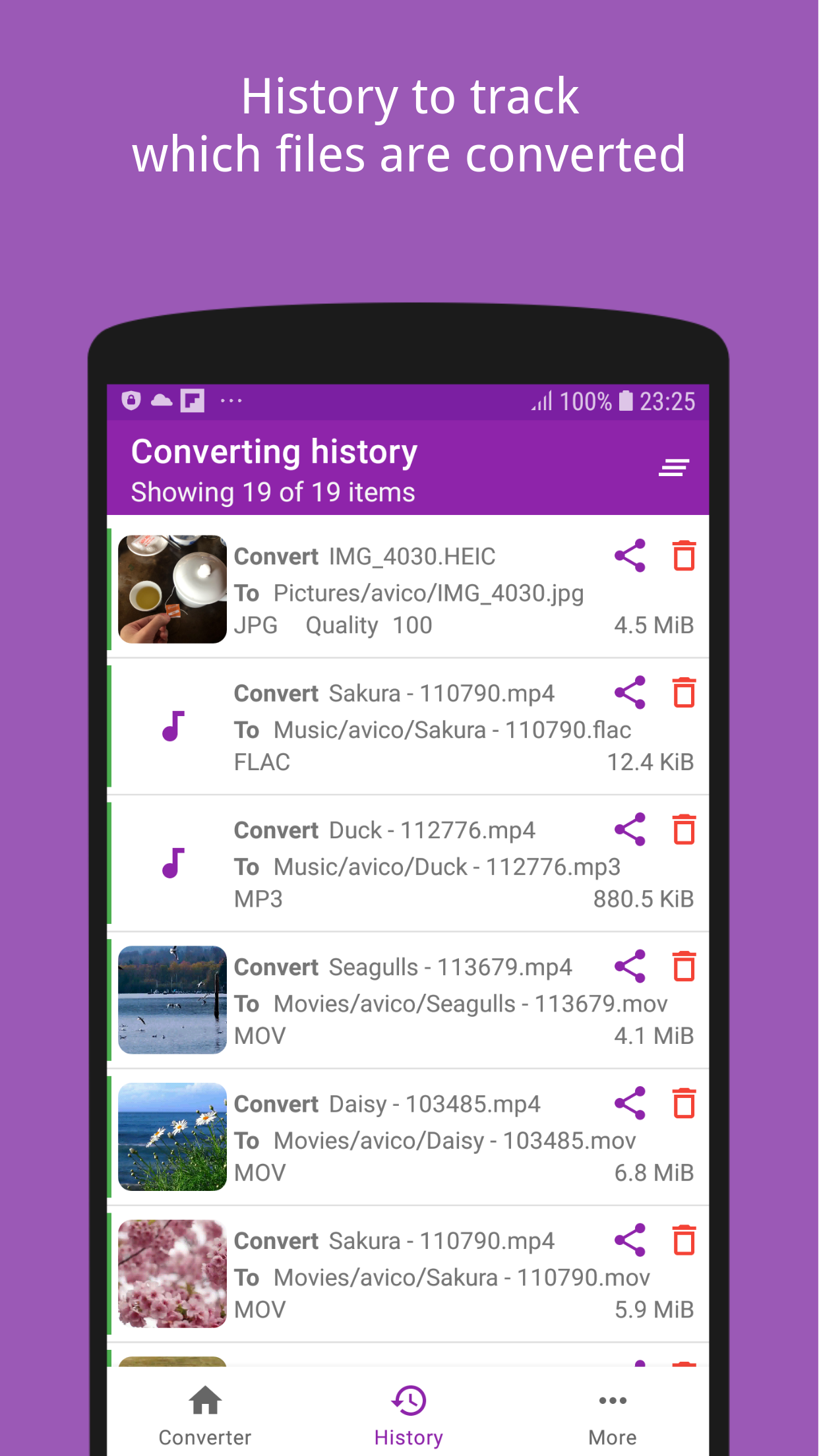
Conversion history
Track which files have been converted in a history list.
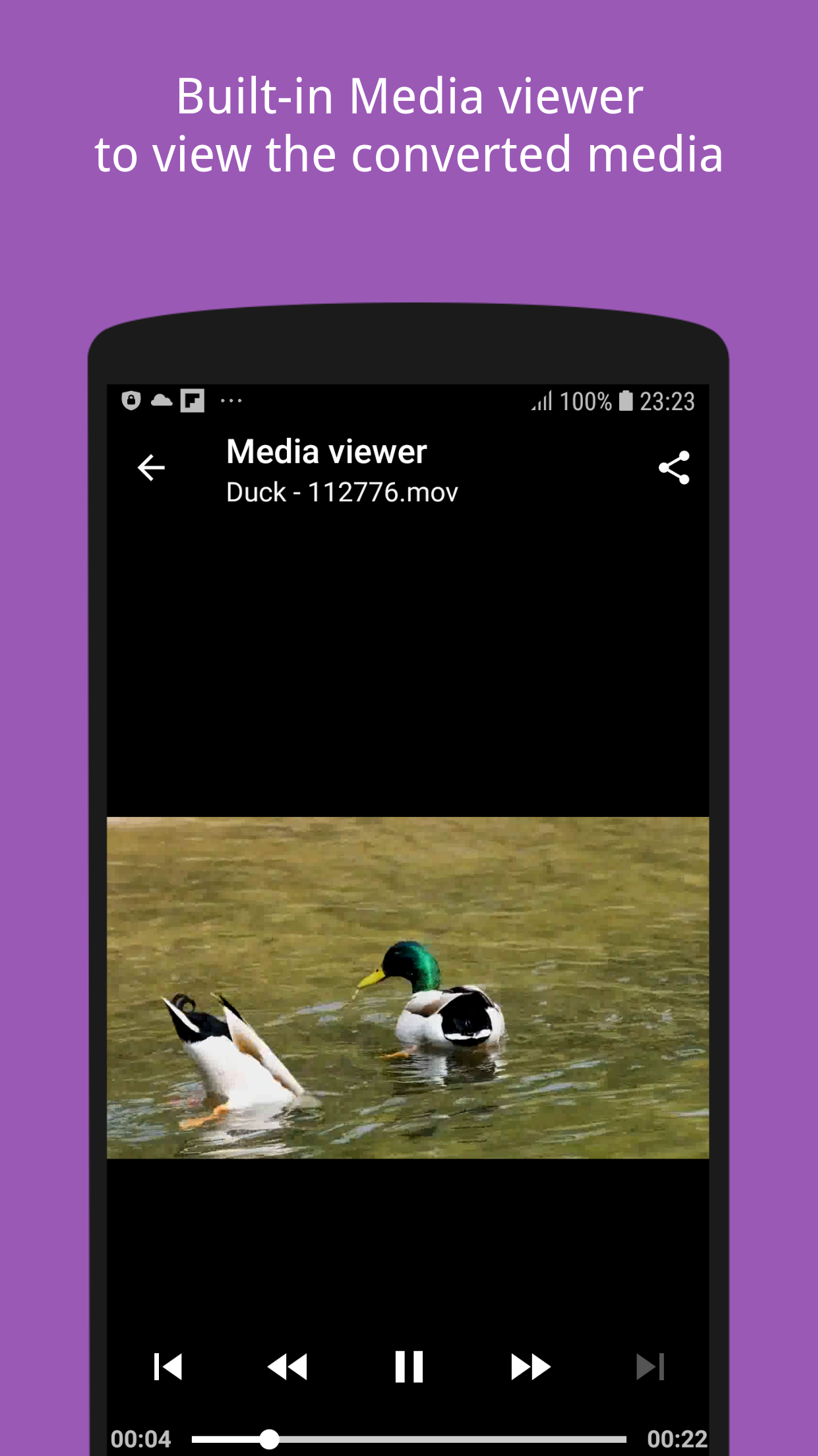
Built-in media viewer
Open and preview converted files directly within the app.
Share from other apps
Receive files from gallery, file managers, and other apps for conversion.
Screenshots
About this app
Avico helps you to convert various types of media files include images, audio, videos. The most used function is extract (convert) video to mp3 or flac.
Features
- Audio converter
- Support convert media (audio, video) to MP3, FLAC, AAC, M4A, ALAC and more
- Common use-cases: Convert or extract MP4 to MP3, FLAC; FLV to MP3; WEBM to MP3...
- Video converter
- Support convert video to MP4, OGV, FLV, WEBM, MOV and more
- Common use-cases: Convert MP4 to FLV, WEBM; FLV to MP4; WEBM to MP4...
- Image converter
- Convert HEIF/AVIF (.heif, .heic, .avif) images to JPEG (.jpeg, .jpg...) or PNG (.png) and WebP
- Convert JPEG (.jpeg, .jpg...) or PNG (.png) images to HEIF/AVIF (.heif, .heic)
- All metadata information of HEIF images is kept and transformed to the target image
- Keep converting even if you open another application on top
- History to track which files had been converted
- Widely supported devices: Android Lollipop+ and newer
- Built-in media viewer to open the converted files
- Work offline: Unlike other Media Converter, Avico works without the need of the Internet
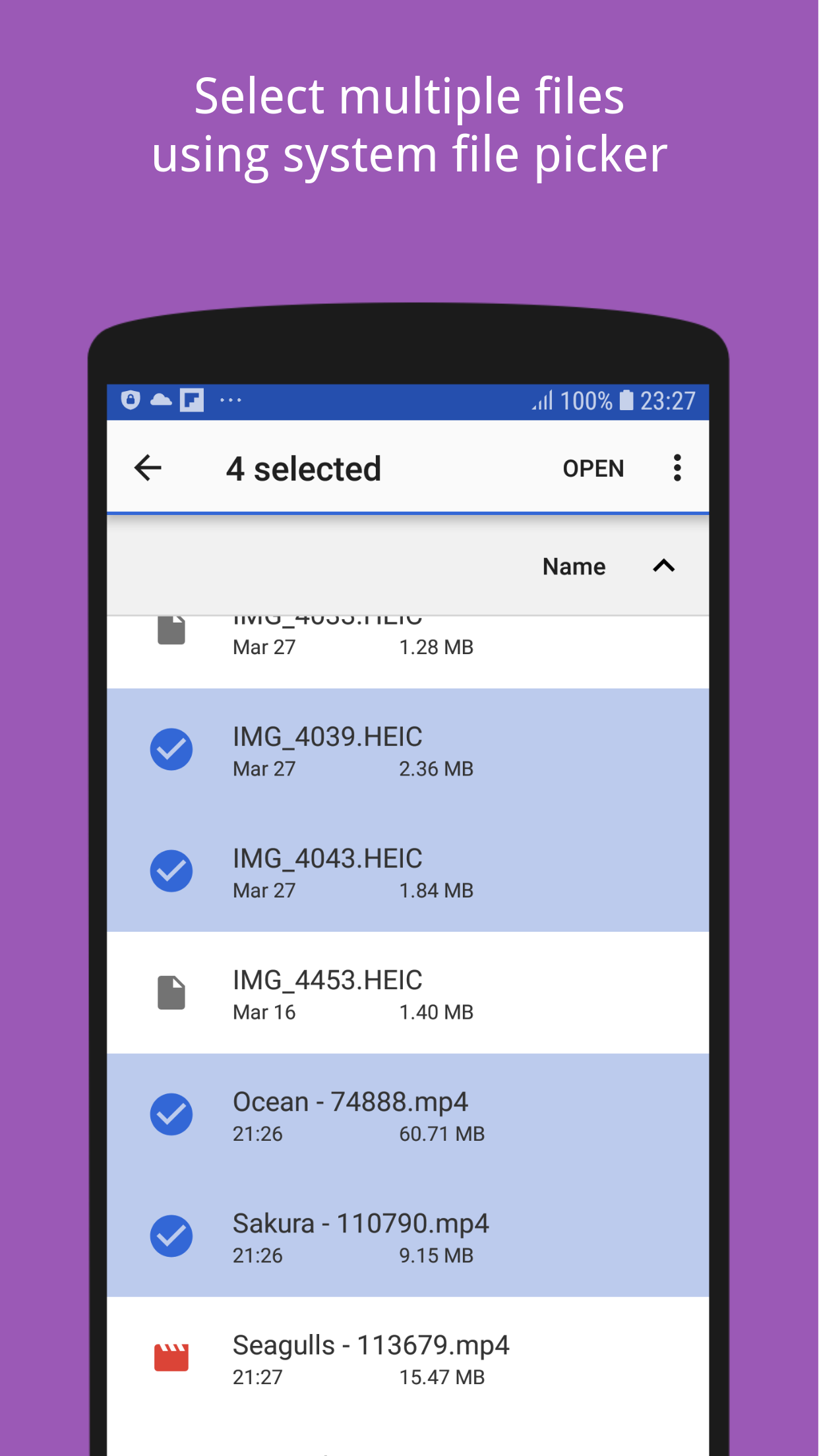
- Able to share file from other apps (gallery, file manager...) to this application for converting
- Easy to use User Interface
Supported input file type: Various based on the function
Supported output file type
- Audio: MP3, FLAC, ALAC, M4A, AAC, AC3, OGG, WMA, WEBM, AIFF, WAV
- Video: MP4, FLV, WEBM, OGV, AVI, MOV, WMV, MPG, 3GP
- Image: HEIF, AVIF, JPEG, PNG, WEBP
What's next
- Convert between heif and avif
- And more ffmpeg commands
Feedback Feedback is welcome as it helps the application more better day by day. Please don't hesitate to contact [email protected], I will try to reply as soon as possible!
Convert image, video, audio to many file types such as HEIC, MP4, MP3, FLAC, JPG
Requirements
- Minimum Android
- 5.0 (Lollipop)
Privacy & permissions
No data shared with third parties. Collects app info and performance and device or other IDs. Data encrypted in transit. Data can't be deleted.
Frequently asked questions
Yes, Avico is free to download but contains ads and offers in-app purchases.
Yes, Avico works without the need for an internet connection.
Android Lollipop (5.0) and newer.
The app may collect app info, performance data, and device IDs. Data is encrypted in transit and not shared with third parties, but cannot be deleted.