UniversalPrint Is Now on Google Play: Print From Any Android App, With Nothing in Between
UniversalPrint is one free print service for the printers you already have. It finds them on your network, plugs into Android's own Print dialog, and sends your documents nowhere else.
On this page
Printing from an Android phone usually means installing one app per printer brand. Each of them wants an account, shows a shop for ink, and stops working when you replace the printer. Underneath, most of those printers speak the same open standard.
UniversalPrint is one print service for all of them. It is free, with no ads, no purchases, no subscription and no hidden fees, and it does one thing: it gets a document from your phone to your printer.
UniversalPrint is now available on Google Play.

What it does
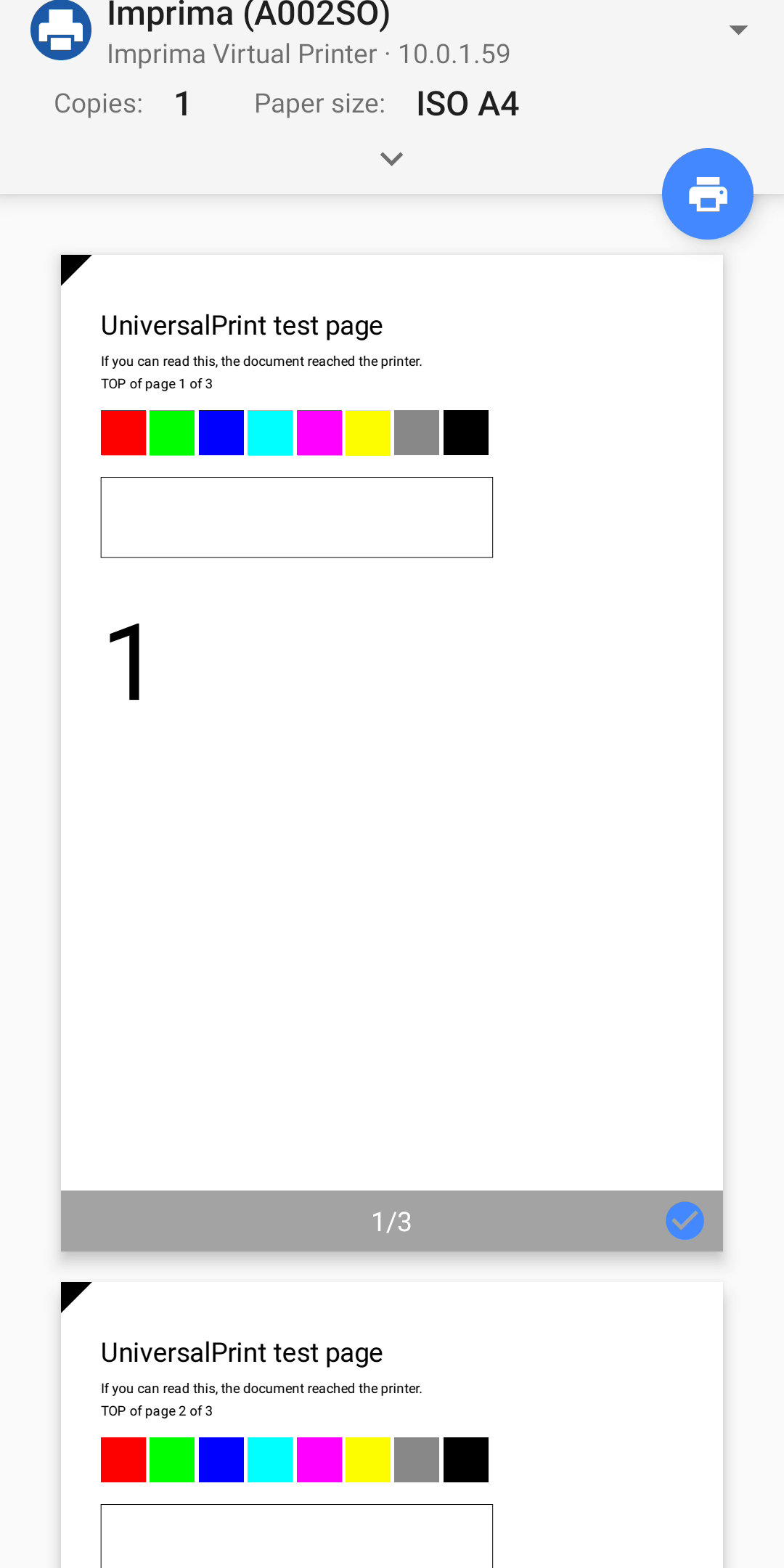
UniversalPrint plugs into the Print dialog that Android already has. You do not print "from UniversalPrint"; you print from your browser, your mail app or your gallery, and your printer is in the list.
Printers are found automatically. Any printer on your Wi-Fi network that supports driverless printing shows up on its own. That means IPP Everywhere™, AirPrint® and Mopria® models, which is most network printers sold in the last decade, and any printer shared by a computer running CUPS.
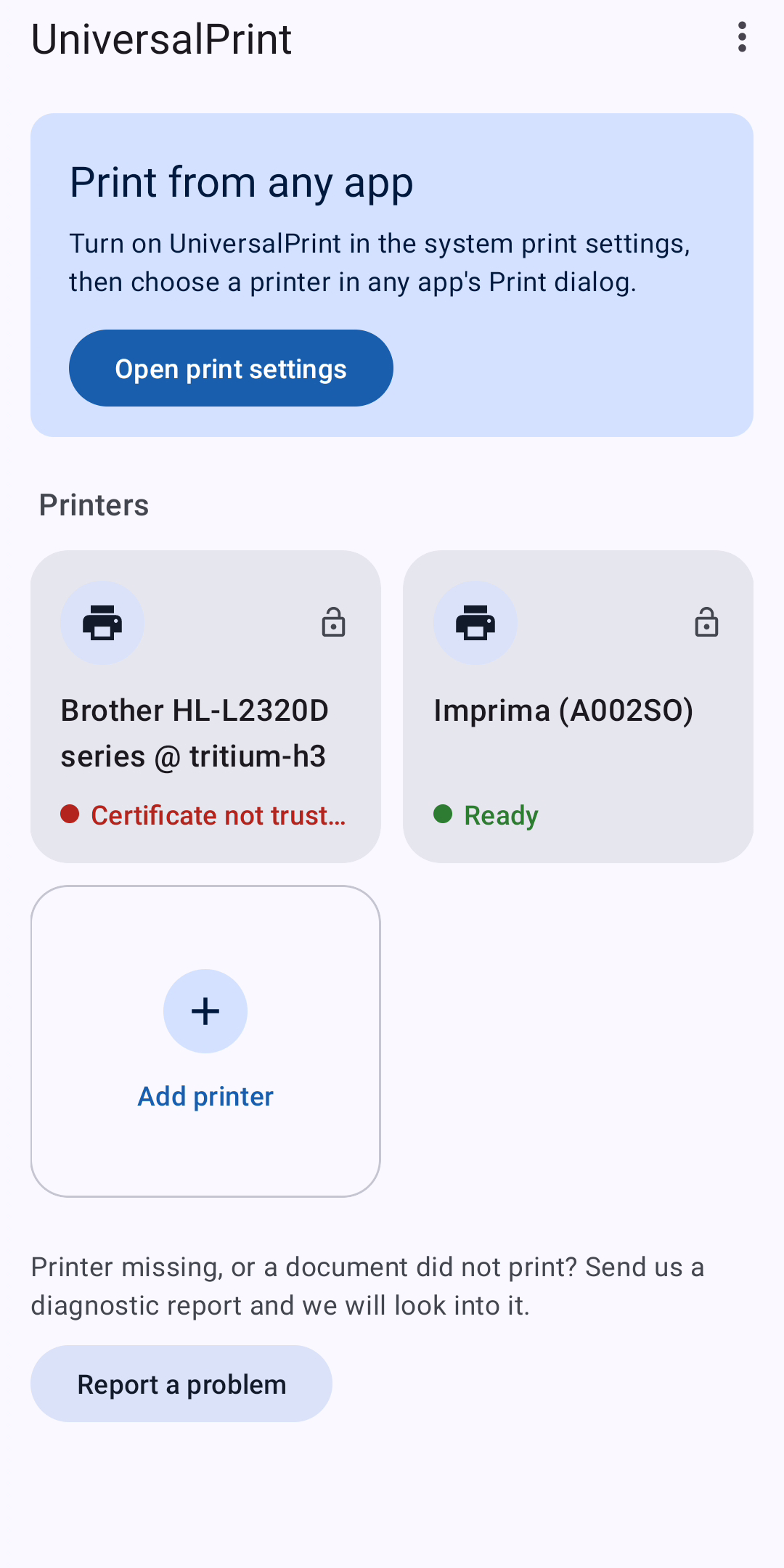
Older printers can be added by address. UniversalPrint speaks IPP, IPPS, RAW (JetDirect, port 9100) and LPR/LPD. For printers that cannot describe themselves, you pick the language they understand: PDF, PostScript or PCL 5.
Receipt printers, experimentally. ESC/POS printers with 58 mm or 80 mm paper can be added over classic Bluetooth, a USB OTG cable or the network.
The usual options. Paper size, copies, two-sided printing, colour mode and page ranges. Only the options your printer actually offers are shown.
How to start
- Install UniversalPrint from Google Play and open it.
- Tap Open print settings and turn on UniversalPrint.
- In any app, choose Print and pick your printer.
What it does not do
It does not send your documents anywhere except to your printer. There is no cloud relay, no account, no analytics and no advertising, and nothing to buy later.
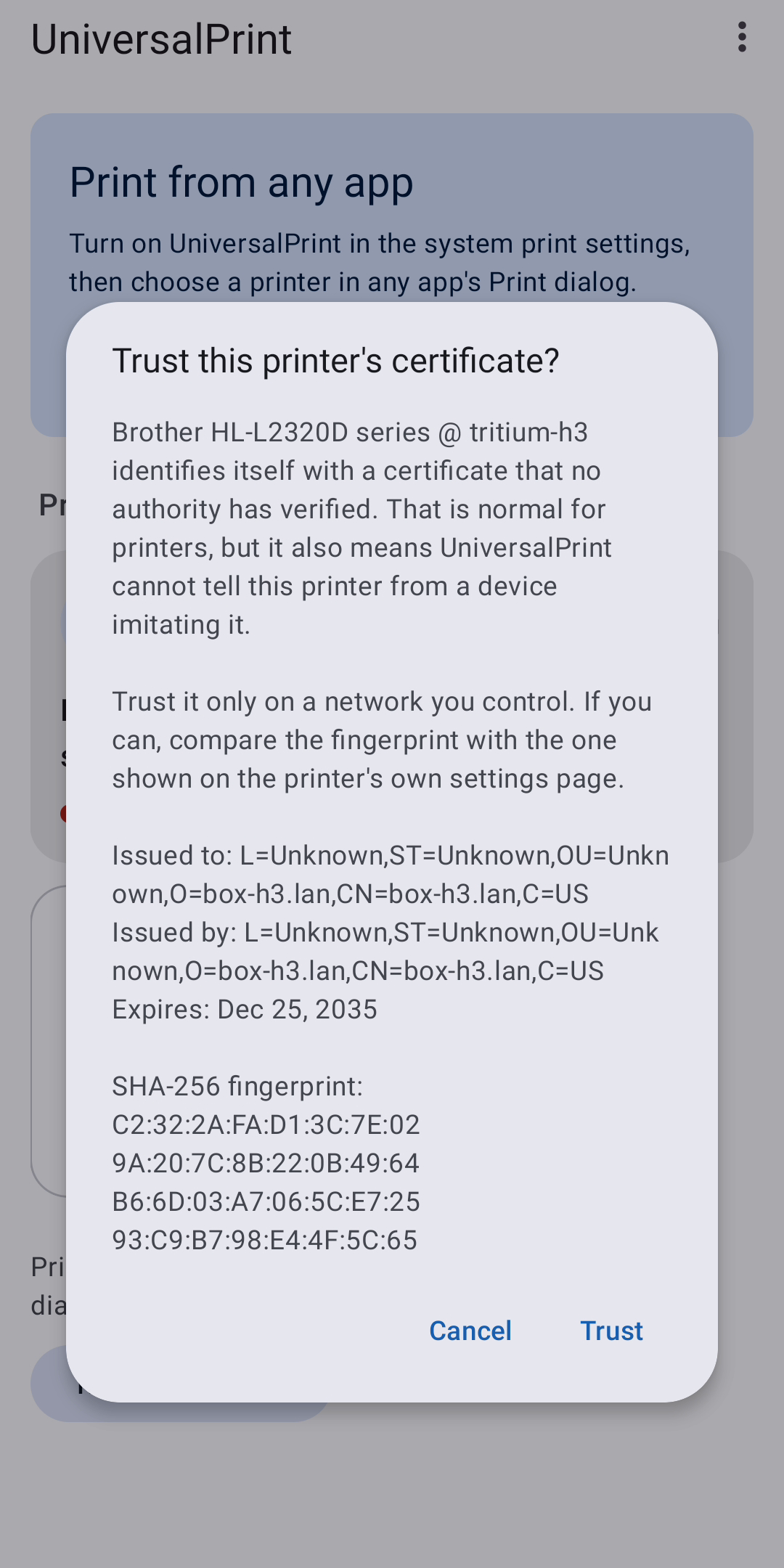
That also shapes how it treats security. Encrypted printing is used whenever the printer's certificate can be verified. Most printers have a self-signed certificate, so UniversalPrint shows you the fingerprint and asks, once, whether you trust it. It does not quietly accept whatever answers. Printers that require a user name and password are supported; the password is stored encrypted on the device and never sent in readable form over an unencrypted connection.
An honest status report
UniversalPrint was developed without a shelf of printers. So far it has printed on one real device, a Brother laser printer shared through CUPS. Everything else was verified against software: the Printer Working Group's reference IPP printer, and independent decoders for each format the app produces (Ghostscript for PostScript, GhostPCL for PCL 5, the CUPS filters for PWG Raster and Apple Raster, and escpos-tools for ESC/POS). Where two independent implementations of a standard agree, a real printer usually agrees too. Usually is not always.
The Bluetooth and USB transports have not met a physical printer yet. They follow the published specifications and are labelled experimental for that reason.
Help us find out
If your printer is missing or a document did not print, tap Report a problem in the app. It opens your mail app with a diagnostic report attached, addressed to [email protected]: what was found on the network, what each printer says about itself, which format UniversalPrint chose and why, and what went wrong. Printer names, addresses and serial numbers can be hidden first, and nothing is sent until you send it.
If your printer works, tell us the model too. Either way, the next release gets better for everyone with the same printer.
Details
- Android 8.0 or later
- About 2 MB to download
- 28 languages
- Price: free. No ads, no in-app purchases, no subscription
Get UniversalPrint on Google Play
AirPrint is a trademark of Apple Inc. Mopria is a trademark of the Mopria Alliance. IPP Everywhere is a trademark of the IEEE-ISTO. UniversalPrint is not affiliated with any of them.
Related app
UniversalPrint: Print Service
Print from any Android app to the printers you already have. Free, no ads, no hidden fees.