UniversalPrint adds your printers to the Print dialog Android already has, so you can print from any app that can print: documents, photos, web pages, email, tickets. It talks to the printer directly over your own network, Bluetooth or a USB cable.
FINDS PRINTERS ON ITS OWN
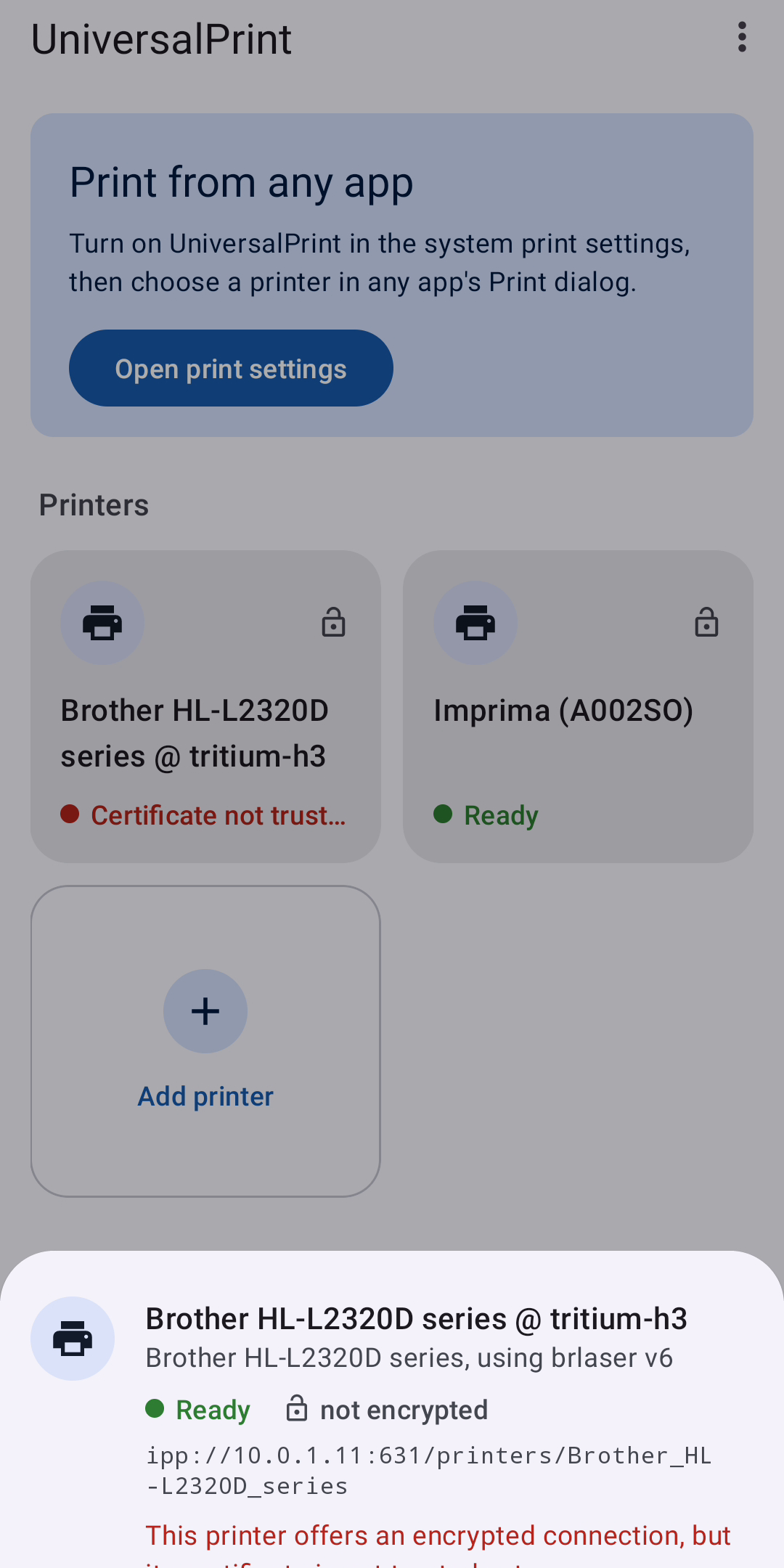
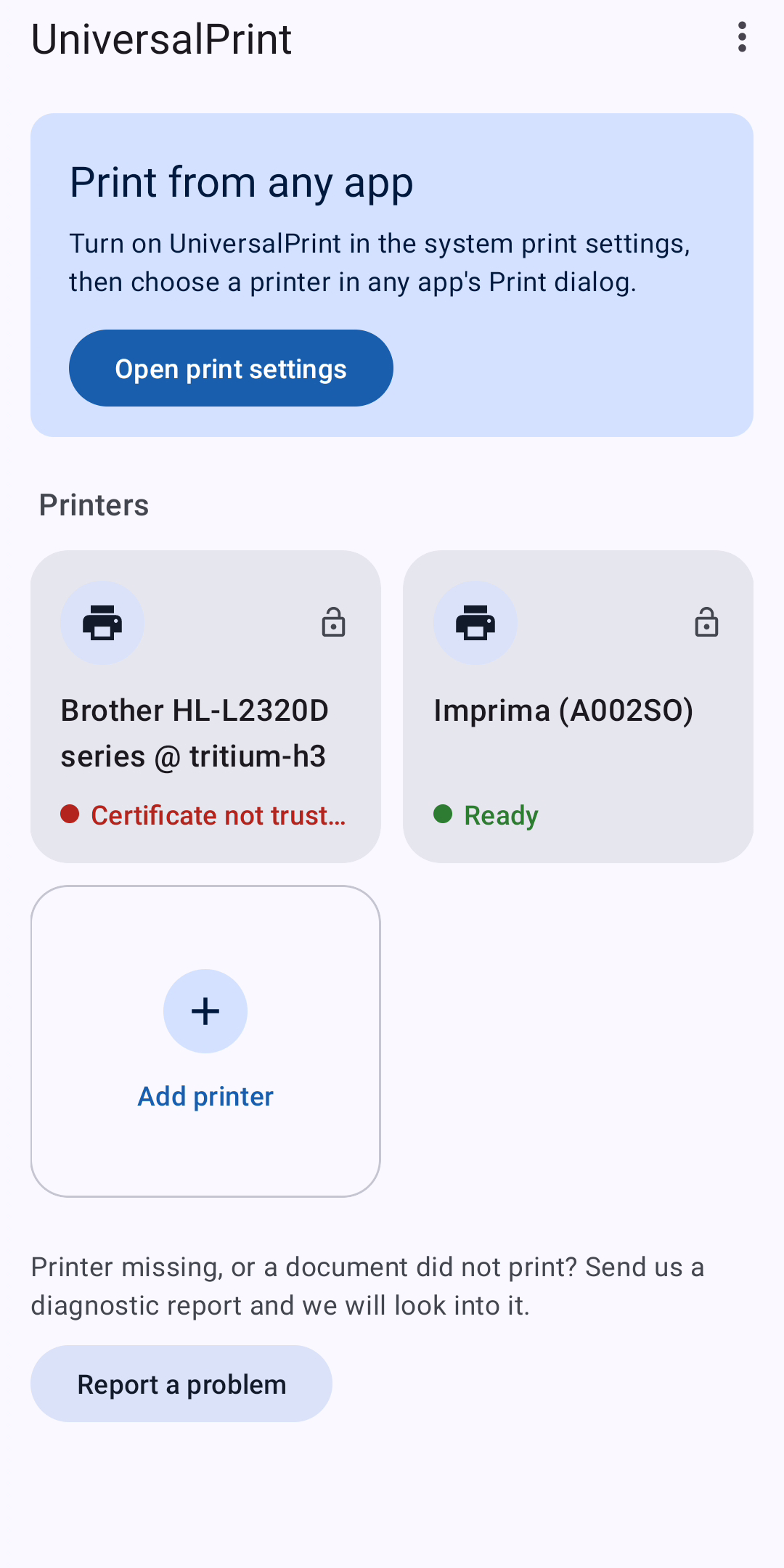
Printers on your Wi-Fi network that support driverless printing appear without any setup. That covers most network printers sold in the last ten years: models that support IPP Everywhere™, AirPrint® or Mopria®, and printers shared by a computer running CUPS.
OLDER PRINTERS TOO
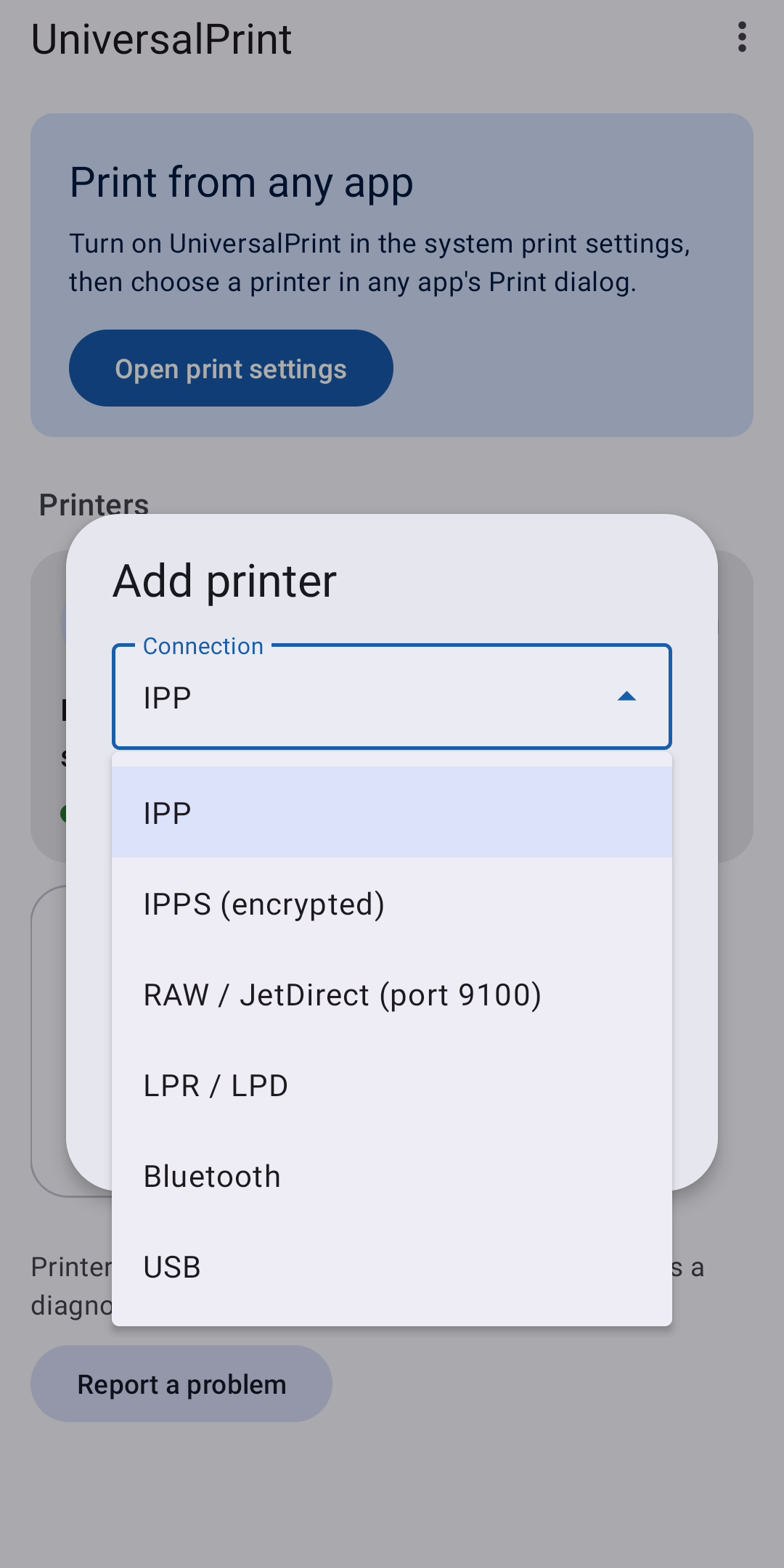
A printer that is not found automatically can be added by its address:
- IPP and IPPS (encrypted)
- RAW / JetDirect, port 9100
- LPR / LPD
For RAW and LPR you choose the language the printer understands: PDF, PostScript or PCL 5 (black and white).
RECEIPT PRINTERS (EXPERIMENTAL)
ESC/POS receipt printers with 58 mm or 80 mm paper can be added over Bluetooth (classic, already paired), over a USB OTG cable, or over the network. This part was built from the published specifications and checked with software decoders only. Please tell us how it works with your printer.
PRINT OPTIONS
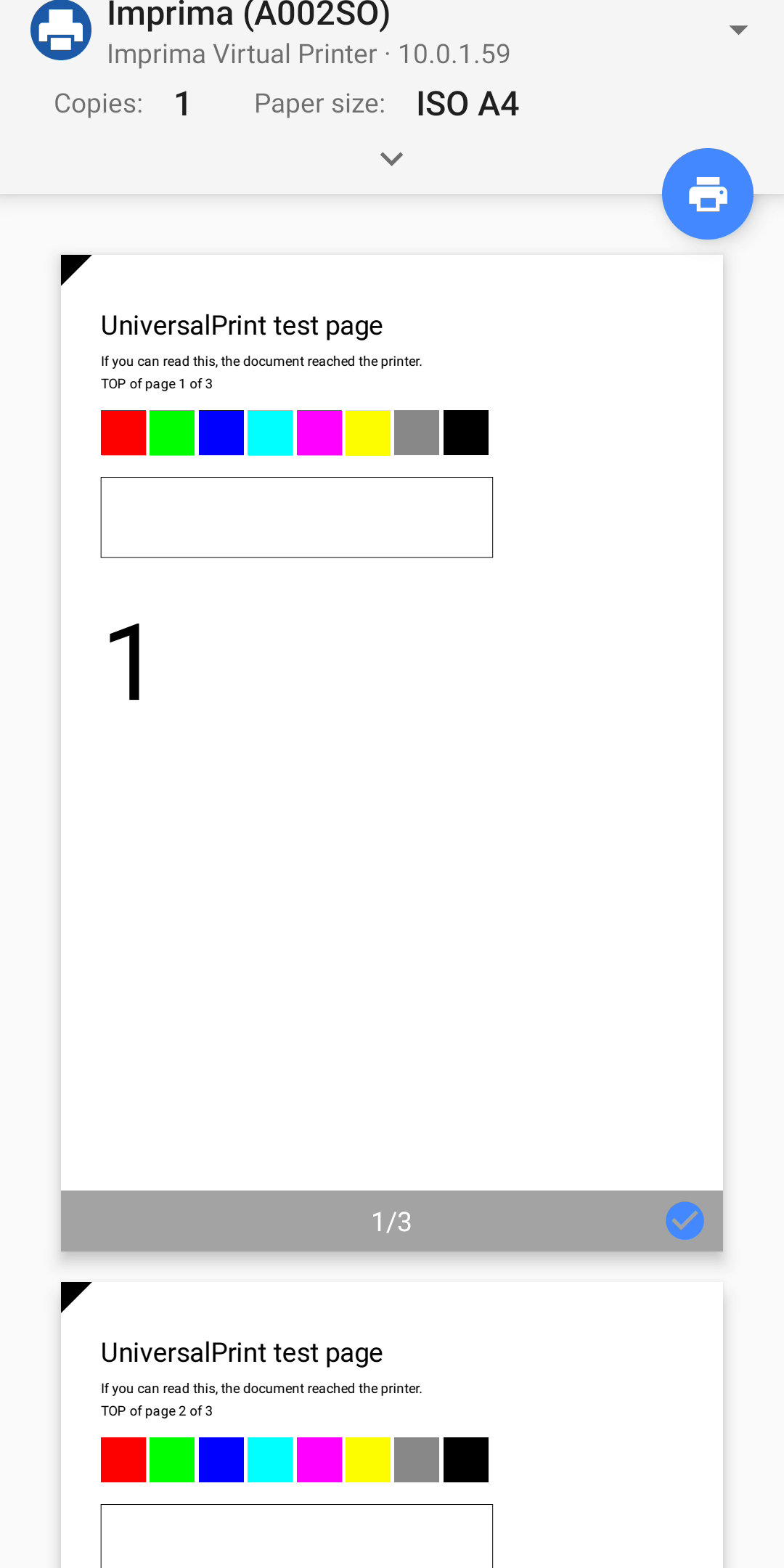
- Paper size, as reported by the printer
- Copies
- Two-sided printing, long edge or short edge
- Colour or black and white
- Page ranges
Options a printer does not offer are not shown.
SECURITY
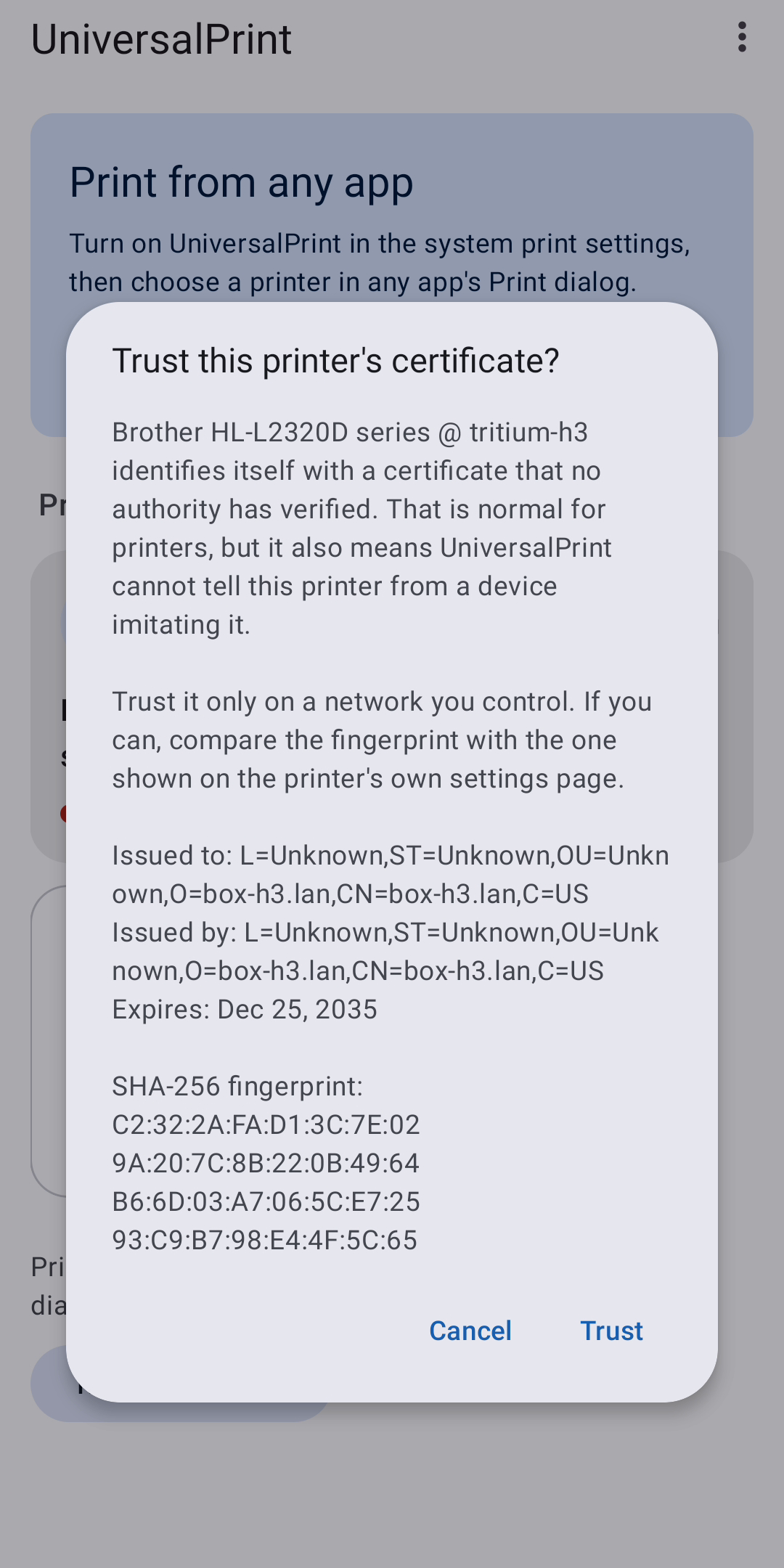
- Encrypted printing (IPPS) is used whenever the printer's certificate can be verified.
- Most printers have a self-signed certificate. UniversalPrint shows you its fingerprint and lets you decide whether to trust it; it never trusts one silently.
- Printers that ask for a user name and password are supported. The password is stored encrypted on your device and is sent only to that printer.
PRIVACY
UniversalPrint collects nothing. Documents go from your phone to your printer and nowhere else. The app contacts only the printers on your network.
WHEN SOMETHING DOES NOT WORK
There are thousands of printer models. If yours is missing or a document did not print, tap Report a problem: the app opens your mail app with a diagnostic report attached, addressed to [email protected]. Names, addresses and serial numbers can be hidden first, and nothing is sent until you send it.
FREE, WITH NO CATCH
No ads, no in-app purchases, no subscription, no paid version and no hidden fees.
GOOD TO KNOW
- Android 8.0 or later. Available in 28 languages.
- Tested so far with a Brother laser printer shared through CUPS, with the reference IPP printer software from the Printer Working Group, and with independent decoders for PCL 5, PostScript, PWG Raster, Apple Raster and ESC/POS.
- Bluetooth Low Energy printers and USB printers that need a manufacturer driver are not supported.
AirPrint is a trademark of Apple Inc. Mopria is a trademark of the Mopria Alliance. IPP Everywhere is a trademark of the IEEE-ISTO. UniversalPrint is not affiliated with or endorsed by any of them, or by any printer manufacturer.