Introducing Audio Relay: Turn Spare Phones into Speakers That Play in Sync
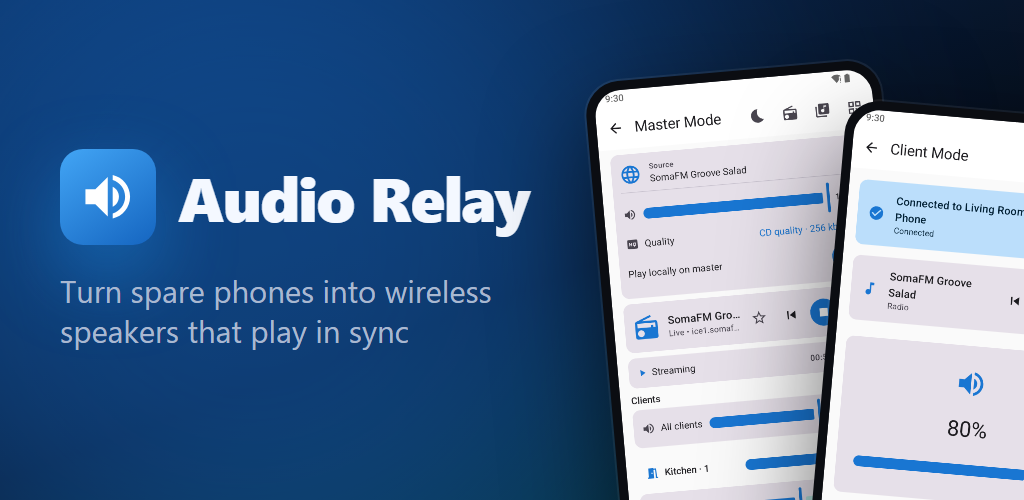
Audio Relay turns the Android phones and tablets you already own into wireless speakers. One device plays radio, your music or any app's sound, and every other device plays it at the same moment.
On this page
Most of us have an old phone or tablet in a drawer. It still has a speaker, it still connects to Wi-Fi, and it is doing nothing. Audio Relay puts those devices to work as wireless speakers. One device plays, the others join over Wi-Fi, and they all play the same sound at the same moment: the kitchen, the bathroom and the living room hear one song, not three slightly different ones.
Audio Relay is free for Android phones and tablets running Android 8.0 or later.
How it works
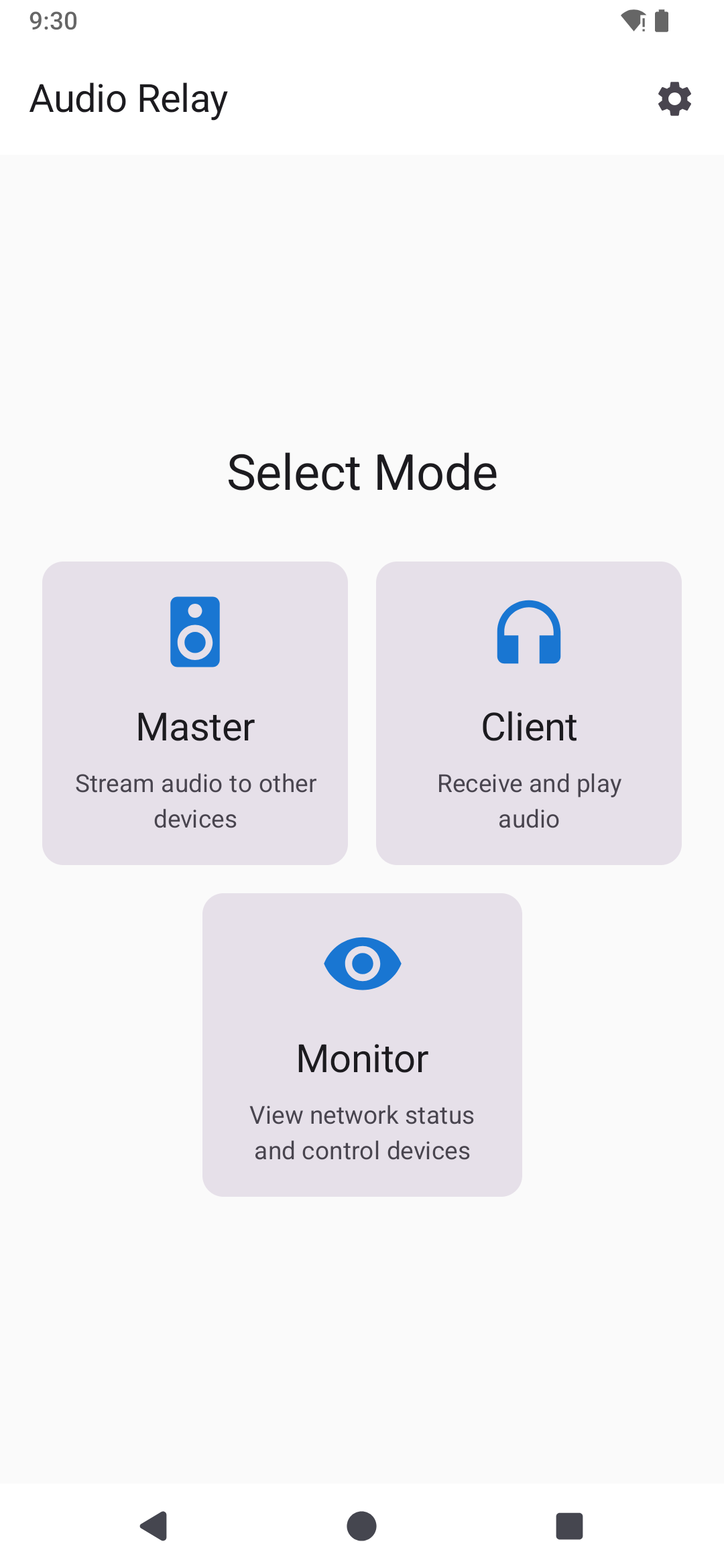
Every device running Audio Relay has one of two roles:
- The master plays the music and sends it to the others.
- Each client is a speaker. It receives the sound and plays it in step with the master.
Setting up takes a minute:
- On the device that will play, tap Master and choose what to play.
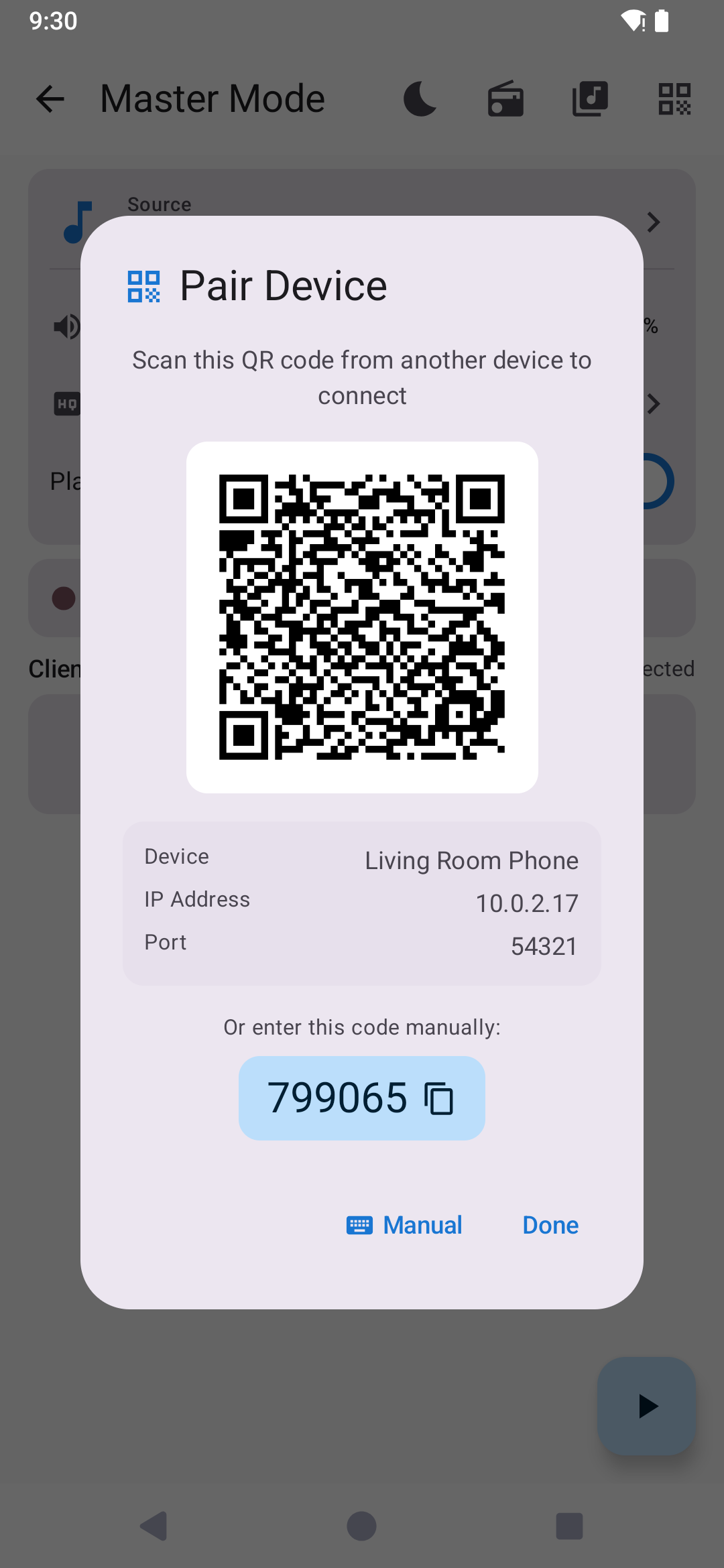
- On each speaker, tap Client and scan the QR code the master shows. You can also type its six-digit code instead.
- Done. Paired speakers find the master by themselves the next time, and can even reconnect after the phone restarts.
Play anything
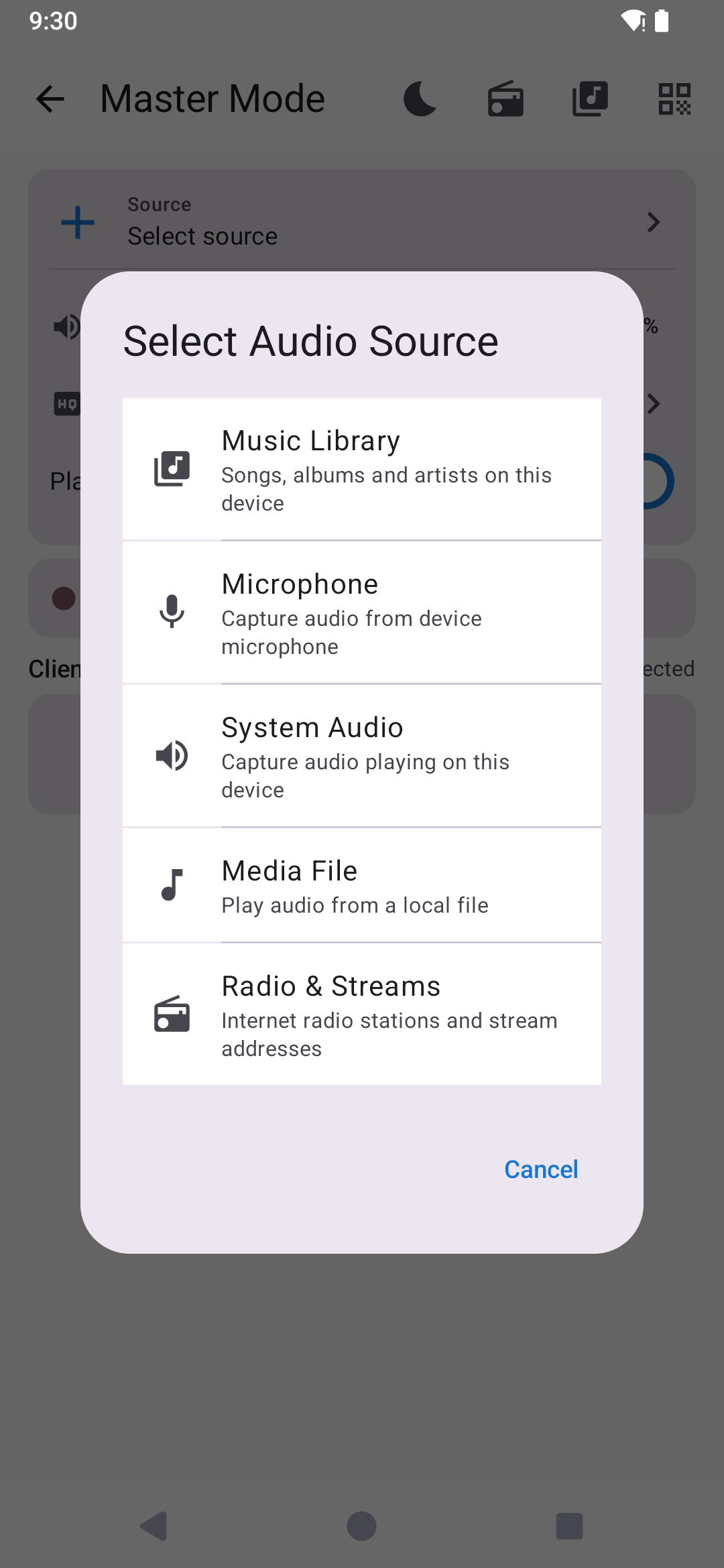
The master can send almost any sound to your speakers:
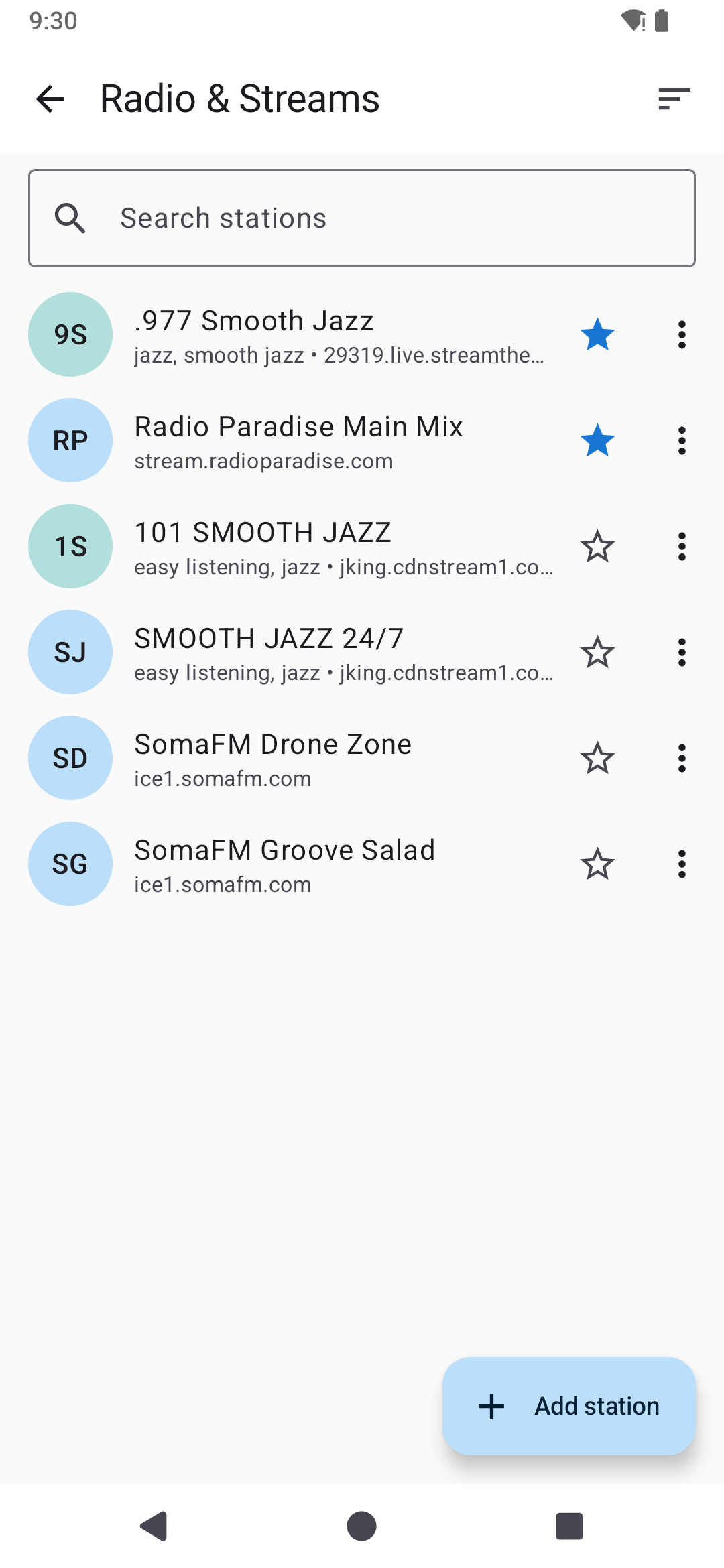
- Internet radio. Search tens of thousands of stations by name, country or genre, save your favourites, or add your own stream address. MP3, AAC, Ogg and HLS streams work, as do .m3u and .pls playlist links.
- Your music. Songs, albums and artists stored on the master, with shuffle and repeat.
- Files and links from other apps. Share an audio file or a stream link to Audio Relay and it starts playing.
- The sound of other apps on the master, on Android 10 and later. Whatever plays on the master plays everywhere.
- The microphone, to talk to the whole house or relay a live instrument.
Made for a house full of speakers
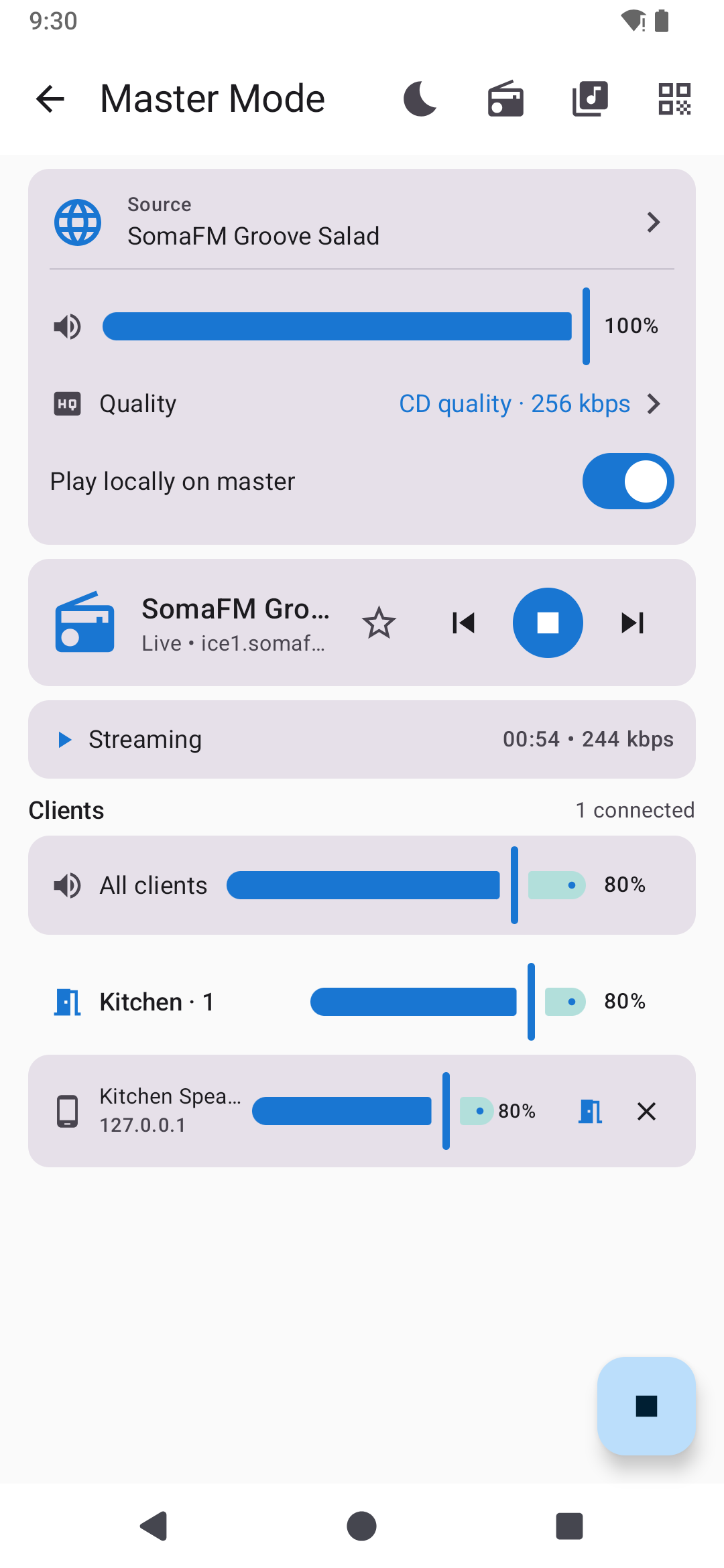
The master screen shows every connected speaker with its own volume slider. Put speakers into rooms, such as Kitchen or Bedroom, and one slider sets the whole room. Each speaker can also be adjusted on the speaker itself.
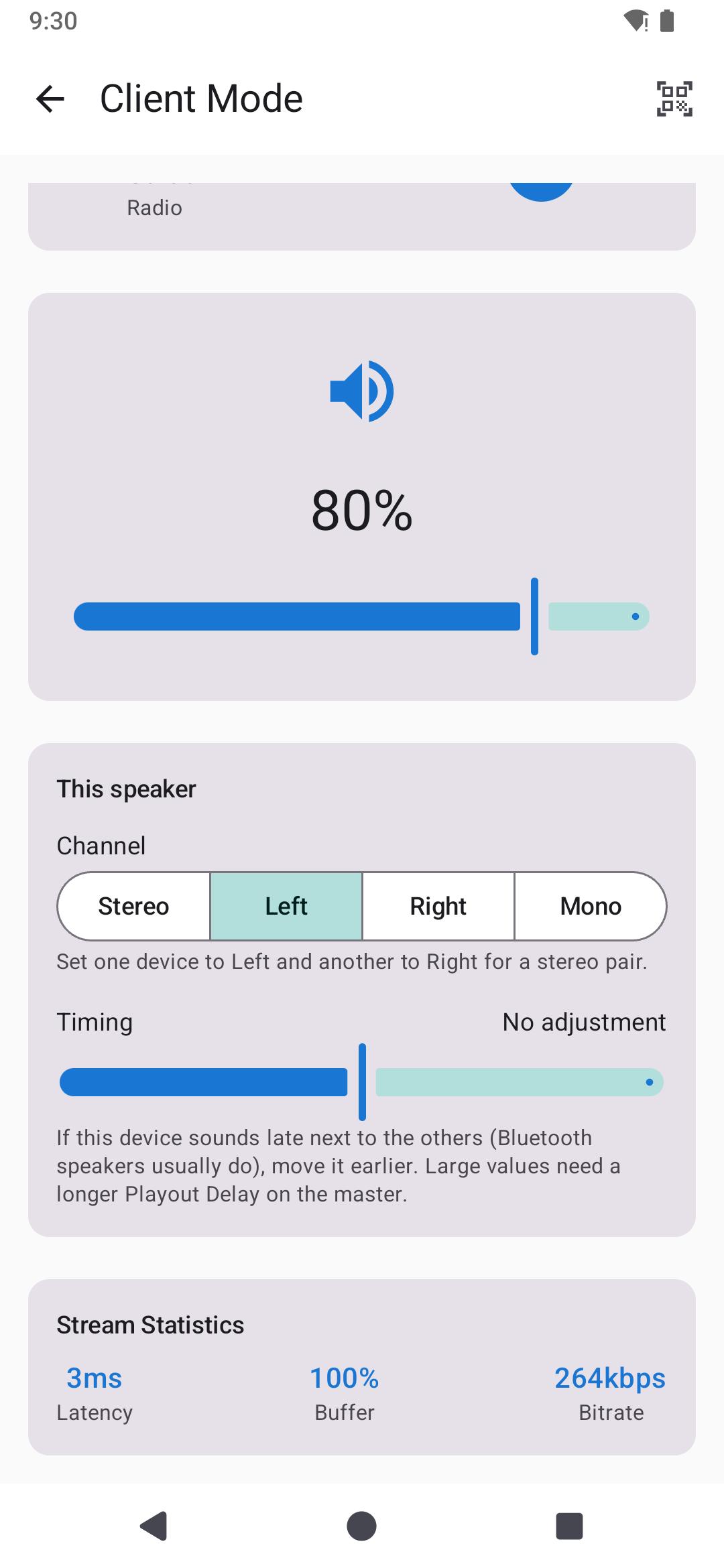
On each speaker you choose how it plays:
- Stereo pair. Set one phone to Left and another to Right, put them a metre apart, and you have a stereo system.
- Timing. A phone connected to a Bluetooth speaker usually sounds a little late. Move it earlier until it lines up with the others.
- Bass and treble, to make a small phone speaker sound fuller or a boomy one clearer.
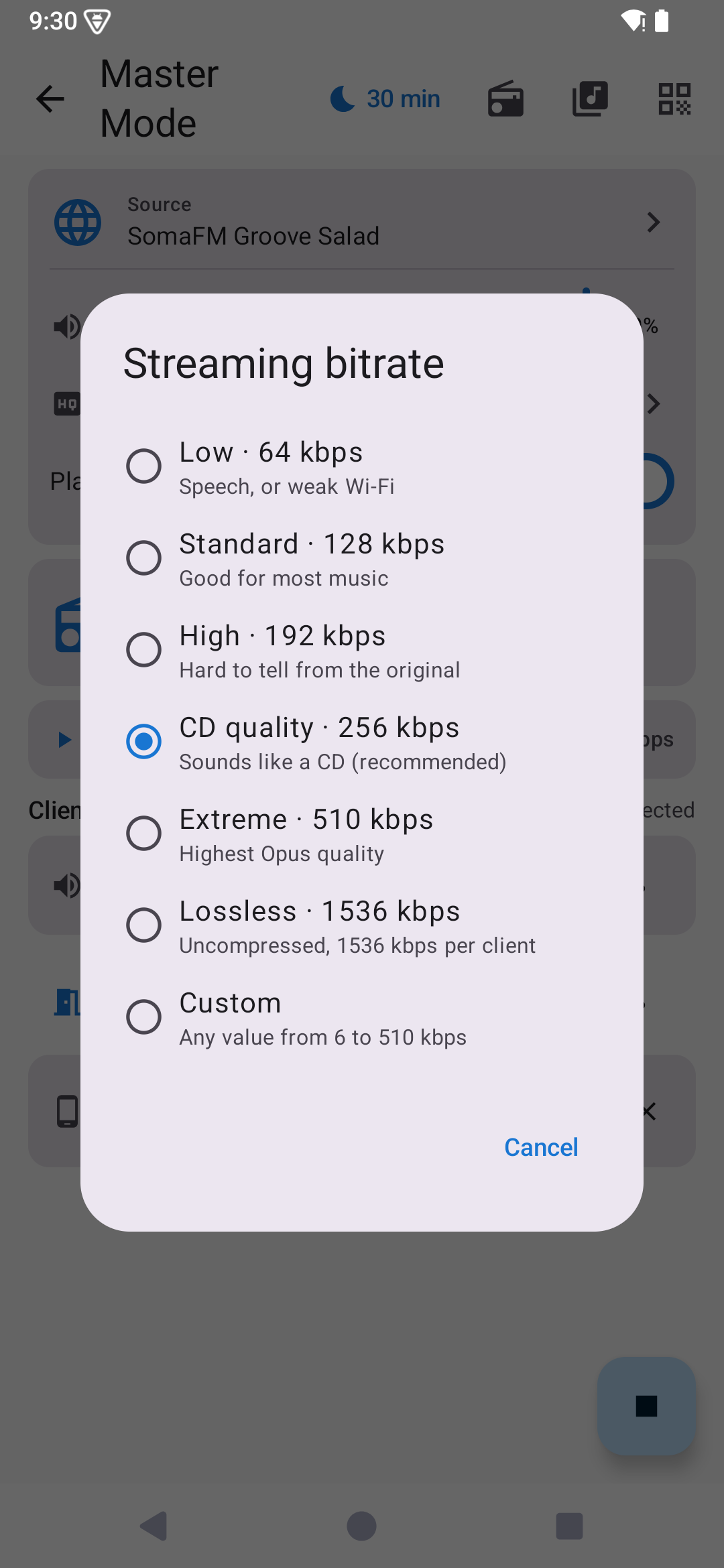
Pick the streaming quality to suit your Wi-Fi: from 64 kbps for a weak signal, through CD quality (the default), up to uncompressed lossless audio.
Always in control
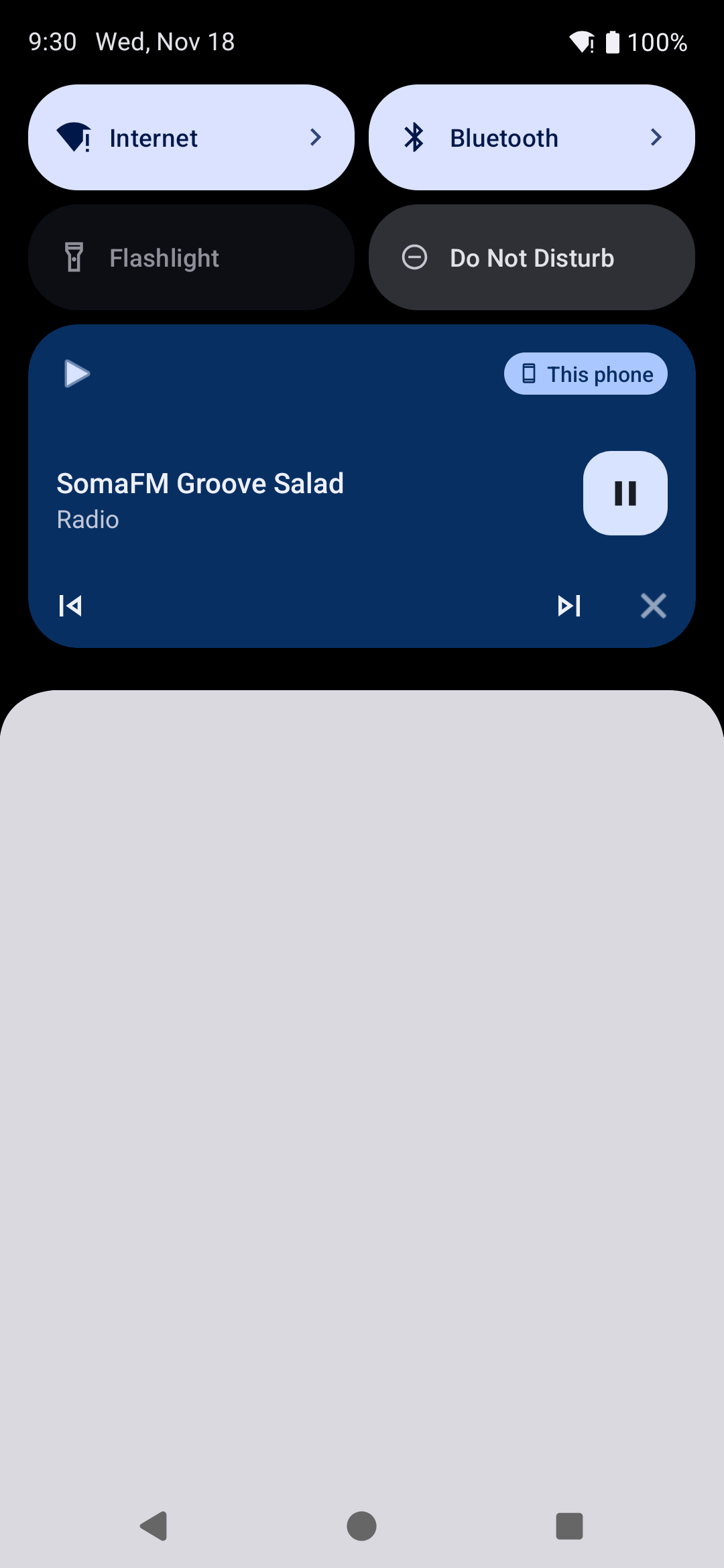
- Play, pause and skip from the master or from any connected speaker.
- Use the controls in the notification and on the lock screen, or the buttons on your headset, Bluetooth speaker or car.
- If a phone call comes in on a speaker, that speaker goes quiet and picks up again after the call.
Sleep and wake-up timers
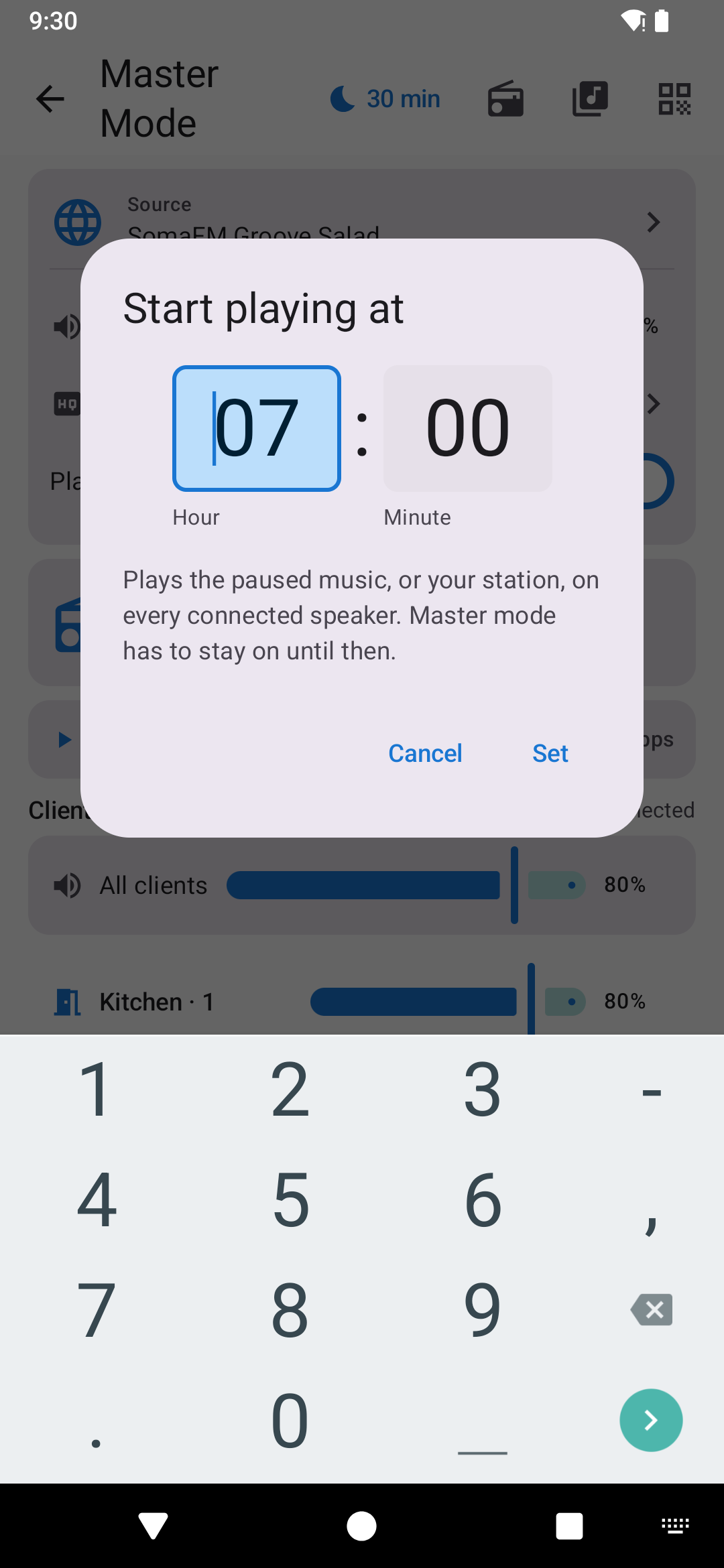
Fall asleep to the radio with the sleep timer: the music fades out and stops after 15, 30, 45, 60 or 120 minutes. The wake-up timer does the opposite: pick a time, and your last station starts playing on every speaker in the morning, even if the app was closed.
Private by design
- No account and no sign-up.
- The audio stays on your own network. It goes only to the speakers you have paired and is encrypted between them.
- Nothing you play is sent to us.
You can read the details in our privacy policy.
Free, with one small ad
Every feature of Audio Relay is free. The app shows one small banner ad. If you would rather not see it, a one-time purchase, Remove ads, takes it away for good on your Google account. There is no subscription.
Audio Relay is available in 36 languages, including English, Vietnamese, German, French, Spanish, Japanese, Korean and Chinese.
Good to know
- Every device needs Android 8.0 or later, and all of them must be on the same Wi-Fi network.
- Relaying the sound of other apps needs Android 10 or later on the master, and some apps do not allow their sound to be captured.
- A phone's own speaker is small. For a room, a phone connected to a Bluetooth or wired speaker works best; use Timing to line it up.
Get Audio Relay
Get Audio Relay on Google Play
We would like to hear how it works in your home. Tell us in a review on Google Play.
Videos
Related app
Audio Relay: Multi-Room Sound
Turn spare phones into wireless speakers that play together, in sync.