FTP Server 0.16: Ready for Android 17 and Much Easier on Your Battery
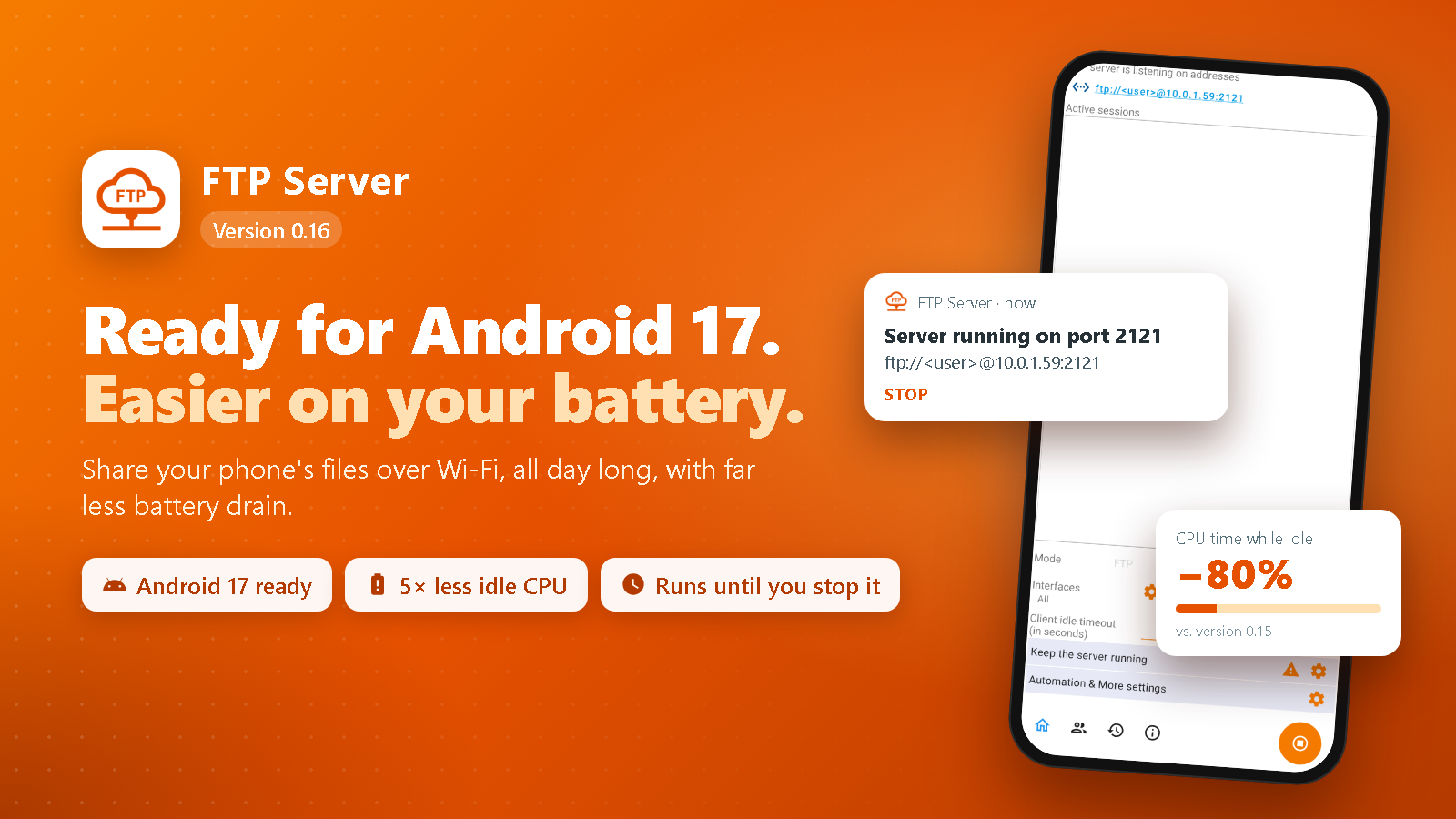
FTP Server 0.16 is ready for Android 17, keeps running as long as you want on the newest Android versions, and uses far less battery while the server waits for connections.
On this page
FTP Server 0.16 is now available on Google Play. This is one of the biggest updates in a while: the app is ready for Android 17, it keeps running as long as you want on the newest Android versions, and it uses far less battery while the server is waiting for connections.
Much easier on your battery
Many of you leave FTP Server running all day, so a phone or TV can be reached at any time. Some of you told us that this drained the battery more than it should, even when nobody was connected. We tracked it down, and it was not the FTP server itself: a few helpers kept waking the phone up in the background.
In 0.16:
- The router feature only runs when you use it. The components behind Automatically open port on router were started with every server, even with the option turned off, and they woke the phone several times per second. Now they only start when the option is on, and they stop together with the server.
- The ad pauses when you leave the app. The ad banner on the app's screen used to keep working in the background as long as the server was running. Now it pauses as soon as you switch to another app.
- Fewer wake-ups when your Wi-Fi signal changes. Small changes in signal strength used to make the app rebuild its notification and settings each time. Now it only reacts when your network really changes.
- Background checks stop with the server. When you stop the server, the app also stops checking your public IP address.
In our tests, with the server running and nobody connected, the app used about five times less CPU time than before. The FTP server works exactly as before: same speed, same settings, same users.
Keeps running as long as you want
To support the newest Android versions, an app must follow their latest rules for work in the background. Under those rules, the way FTP Server used to run would be limited to about six hours a day, and it could no longer start by itself after a reboot.
So FTP Server now tells Android exactly what it does: it keeps an FTP server running that you started yourself, and you can see it in the notification at all times. With that, the server keeps running until you stop it, from the app, the notification, the Quick Settings tile or the widget, and Automatically start on boot keeps working on the newest Android versions.
Ready for Android 17
Android 17 adds a new privacy permission, local network access, that apps need before they can talk to other devices on your Wi-Fi. Android lists it under Nearby devices. FTP Server is a server: your computer, your TV or your file manager app connect to the phone. Without this permission, Android silently blocks all of them, and FTP clients only report a timeout.
FTP Server 0.16 asks for this permission when you start the server. If you choose Don't allow, the app explains that devices on your network will not be able to connect, and you can turn it on later in App info → Permissions → Nearby devices.
FTP Server only uses this permission to answer the devices that connect to it. It does not scan your network or collect anything about your other devices.
Is your phone on Android 16 or older? Then nothing changes for you. There is no new prompt.
Other improvements
- Looks right on modern phones. The app now uses the whole screen on recent Android versions, while keeping its content clear of the status bar, the navigation bar and camera cutouts.
- The back button works as expected on Android 16 and newer: it takes you back to the home screen of the app instead of closing it.
- Easier recovery when a port is in use. If another app already uses your FTP port, you can now pick another port and start again right away. Before, the app kept trying the old port until you closed it.
- More efficient code. The app's code is now fully optimized when we build it, so it does the same work with less effort.
- Google TV. The TV app's icon now fills the round tile on the Google TV home screen, and its banner is sized correctly for TVs.
Supported devices
FTP Server 0.16 needs Android 6.0 (Marshmallow) or newer. Google's current billing and ads libraries no longer support older versions, so the app had to move up with them.
| Before 0.16 | From 0.16 | |
|---|---|---|
| Oldest supported Android (phones) | 4.4 (KitKat) | 6.0 (Marshmallow) |
| Oldest supported Android (TV) | 5.0 (Lollipop) | 6.0 (Marshmallow) |
| Android 17 | Not ready | Supported |
If your device runs an older Android version, the version you have keeps working, but Google Play will not offer it this update. Your users, folders and settings are kept when you update.
How to update
Open Google Play, go to Manage apps & device, and update FTP Server. If automatic updates are on, the new version arrives on its own over the next few days.
- Phones and tablets: FTP Server on Google Play
- Android TV and Google TV: FTP Server for TV on Google Play
Found a problem or have an idea? Tap Feedback in the app's About screen, or leave a review on Google Play. Thanks for using FTP Server.
Videos
Related app
FTP Server
Share and manage files from your Android device over FTP